







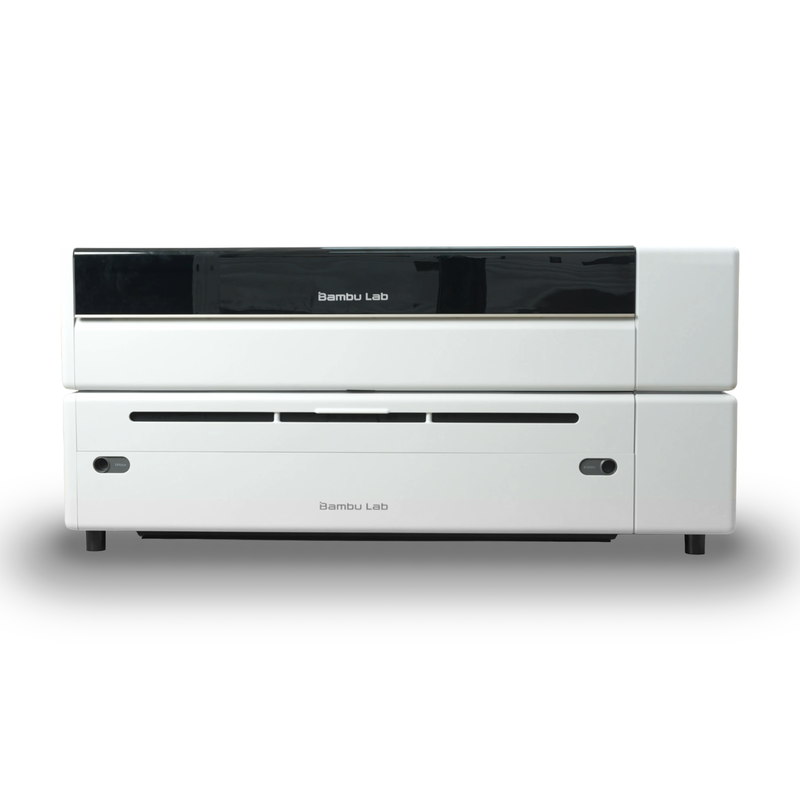



































Bambu Lab R1 55W CO2 Laser Cutter & Engraver with Riser & Conveyor
$3,299.00$4,009.00
$3,299.00
New Product Launch, Estimated Shipping Nov/Dec 2026
Bambu Lab R1 55W CO2 Laser Cutter & Engraving Machine – Desktop Laser for Wood, Clear Acrylic, Leather, Glass & Home Workshop Use
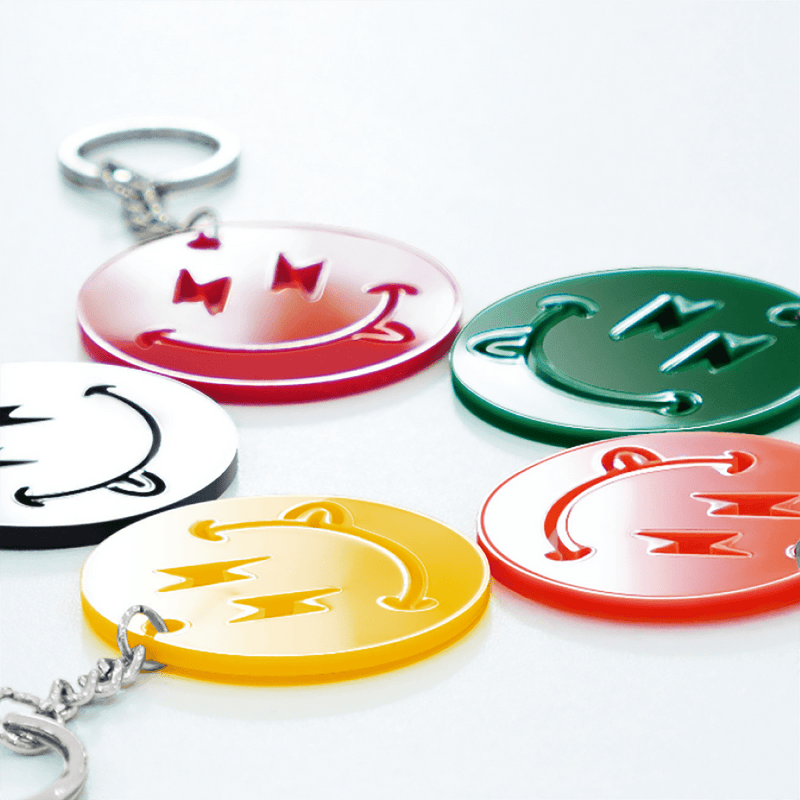
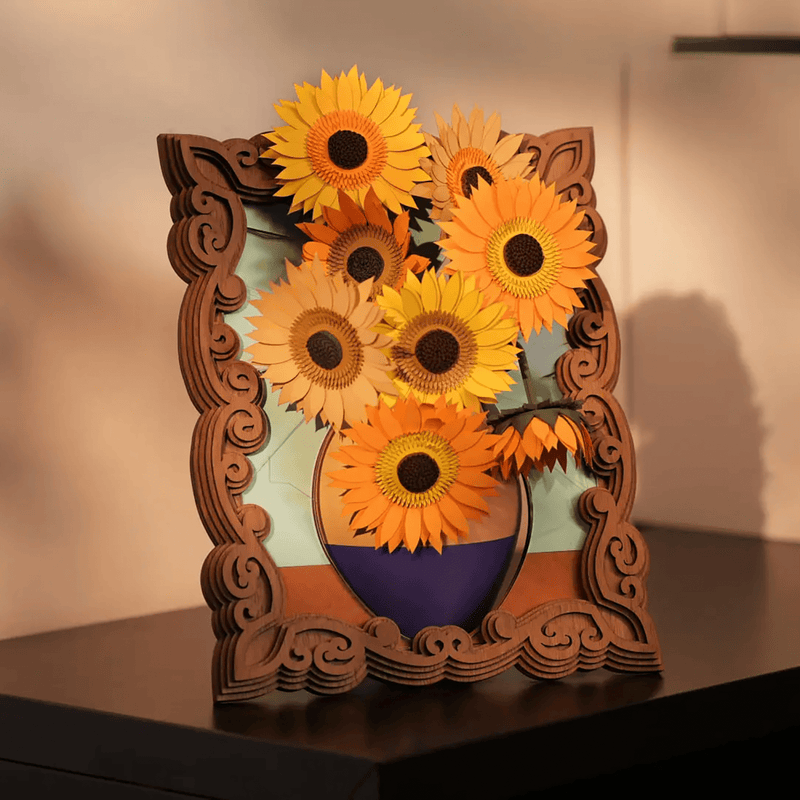
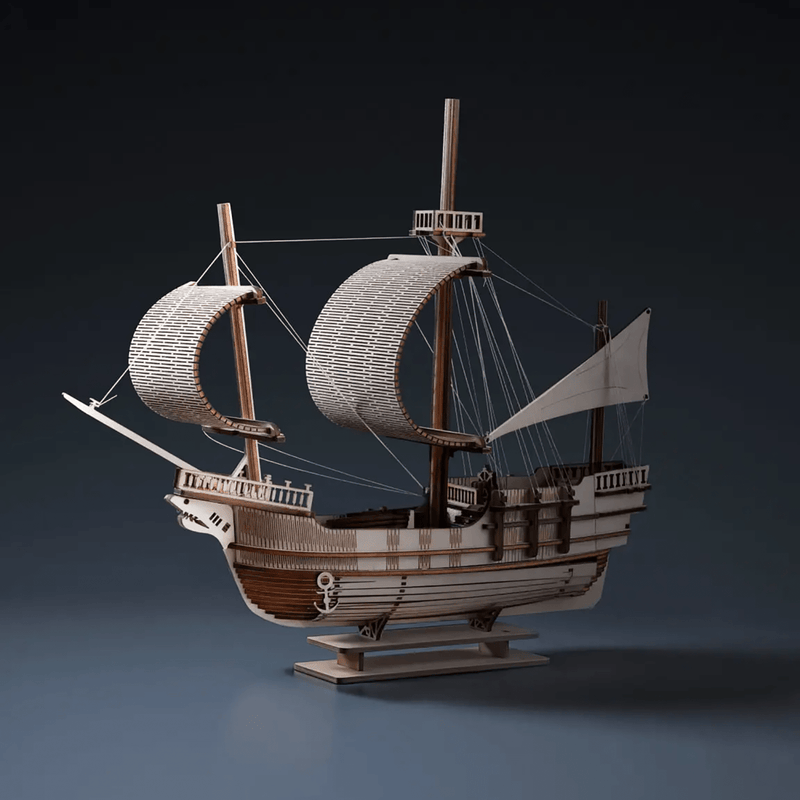
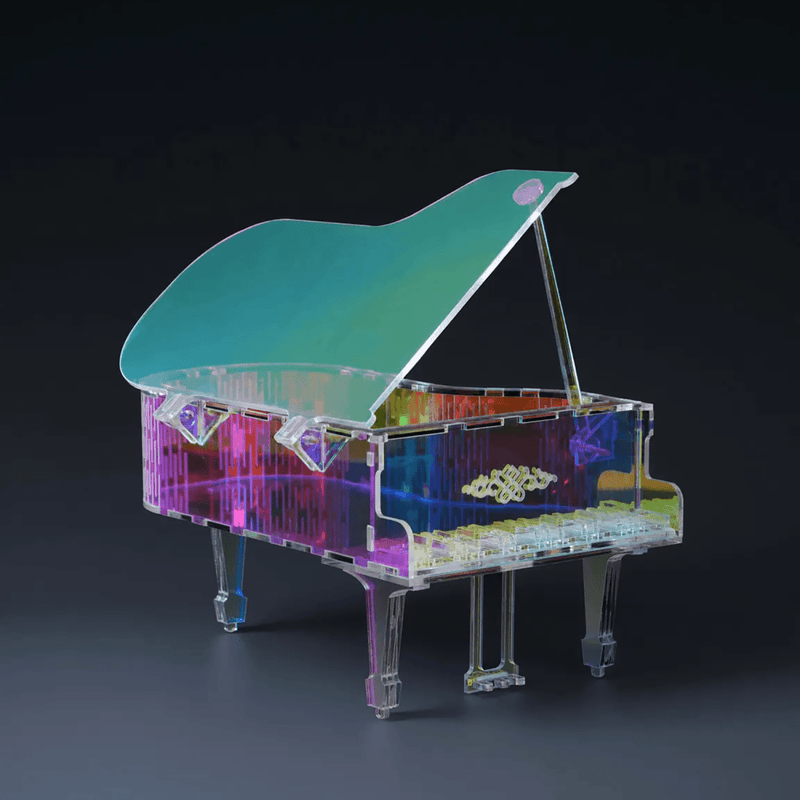
Discover the Bambu Lab R1 55W CO2 laser cutter and engraving machine, a dedicated desktop CO2 laser built for makers, small businesses, classrooms, and home workshops that need more than a diode laser can deliver. Cut wood, clear acrylic, leather, fabric, and paper. Engrave glass, ceramic, and coated metal. Finish thicker stock in a single pass, place every cut within 0.2 mm, and run the machine in a normal studio without giving up a room to an industrial cabinet.
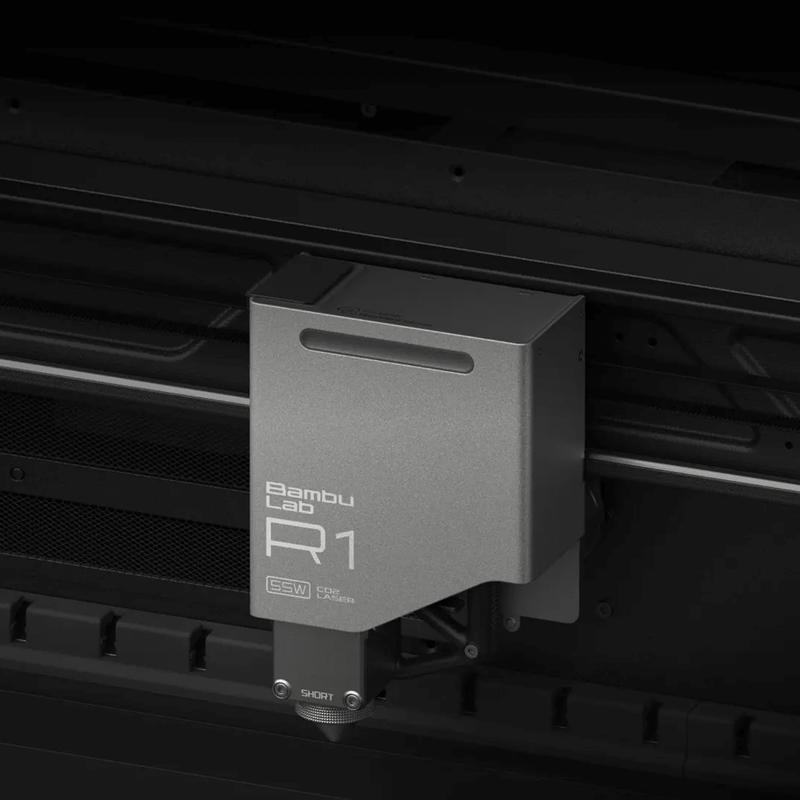
The R1 is Bambu Lab’s first standalone laser — not a printer add-on. A 55W CO2 source, automatic optical-path alignment, a 600 × 300 mm work area, and the same motion control Bambu Lab uses on its 3D printers make large, clean jobs feel like everyday work. Shop the Bambu Lab R1 at Swing Design with personal and business financing on Bambu Lab machines.
Key Features & Benefits
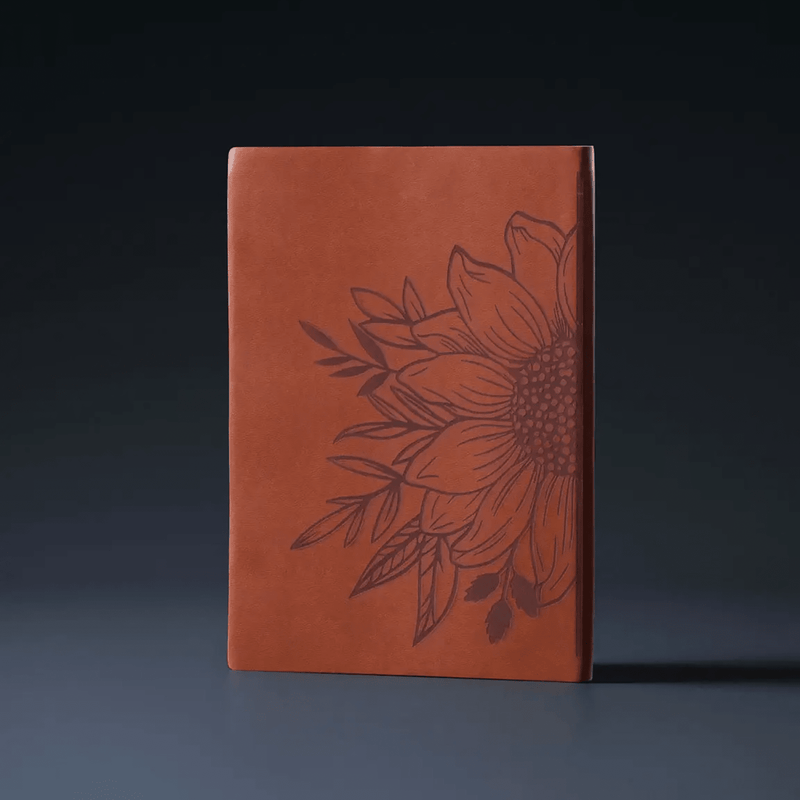
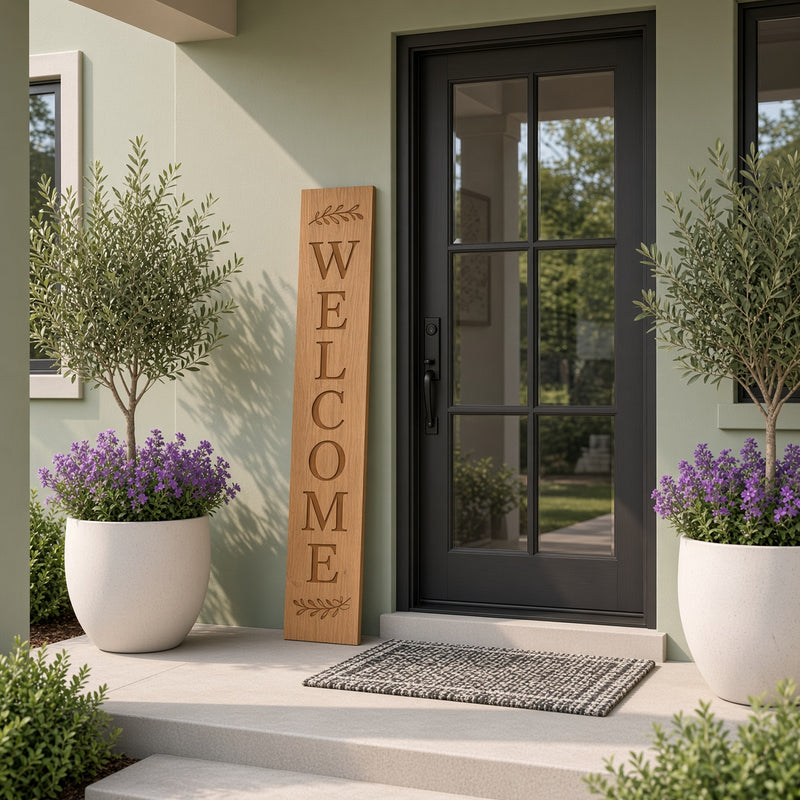
- Cut Wood and Clear Acrylic in One Pass — The 55W CO2 laser cuts up to 15 mm black walnut plywood and 20 mm acrylic with the included short-focus lens. Optional medium- and long-focus lenses take walnut plywood to 18 mm. Edges stay cleaner, with less charring, than on typical desktop diode lasers, so signs, boxes, displays, and furniture parts move from cut to assembly faster.
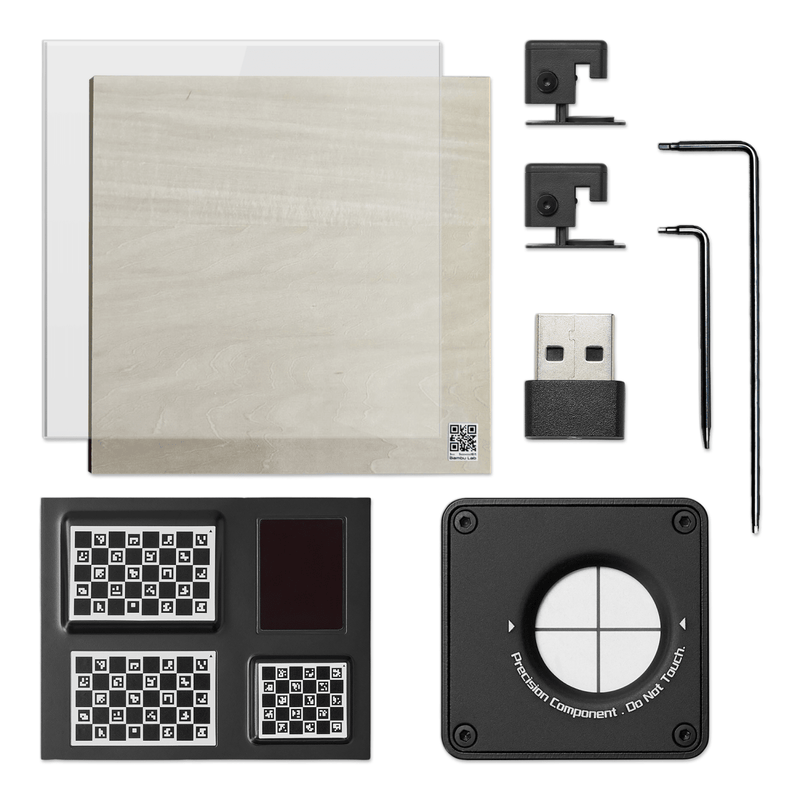
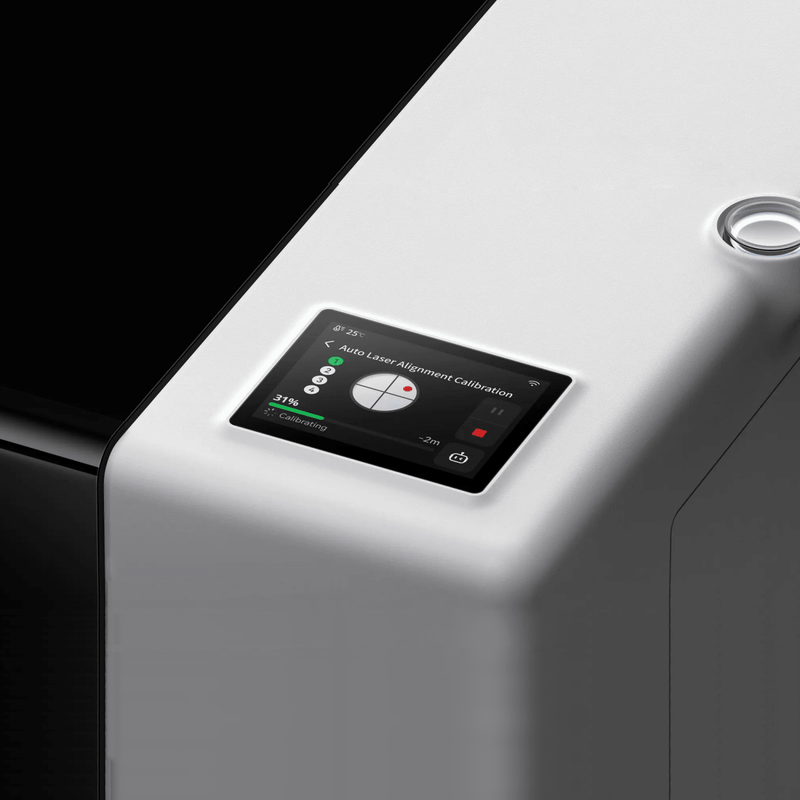
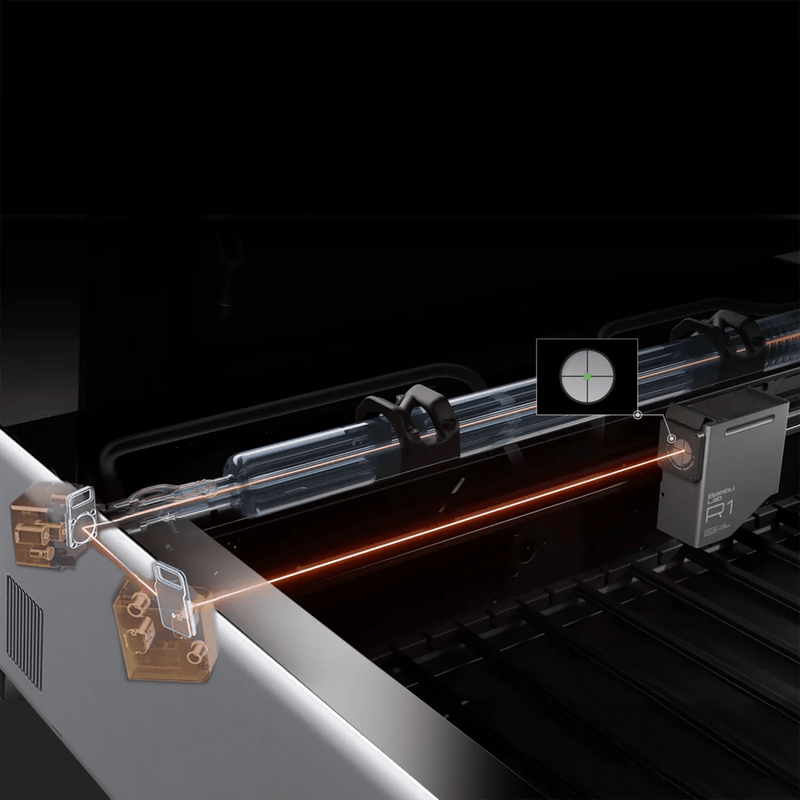
- Auto Laser Alignment in About a Minute — Traditional CO2 lasers ask you to walk the mirrors in with thermal paper and test shots. The R1 measures the beam and corrects the optical path with motorized mirrors. Clip on the alignment sensor, run the routine, and start the job. No guesswork before every serious cut.
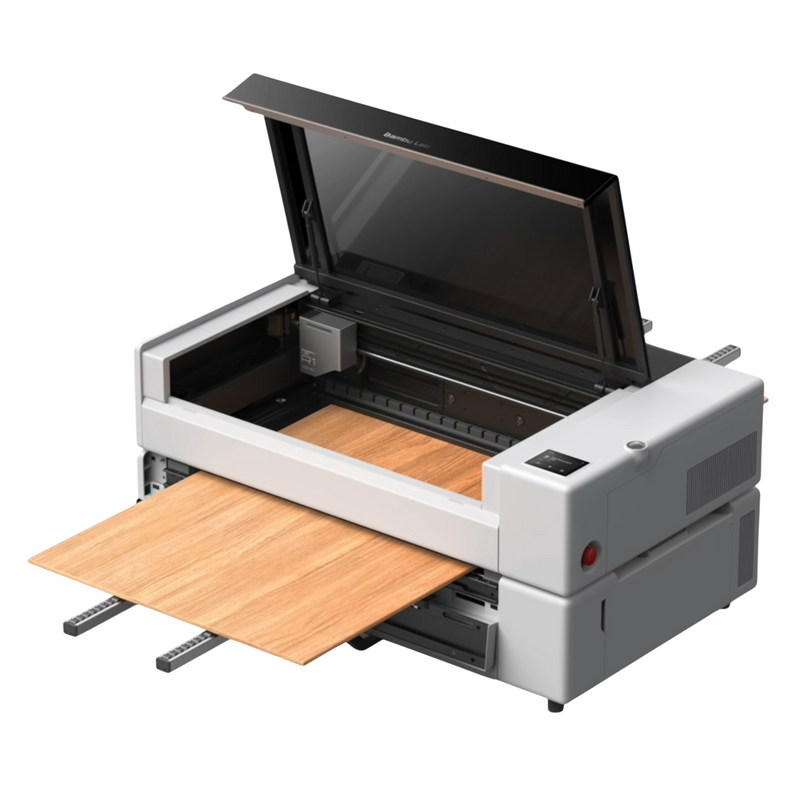
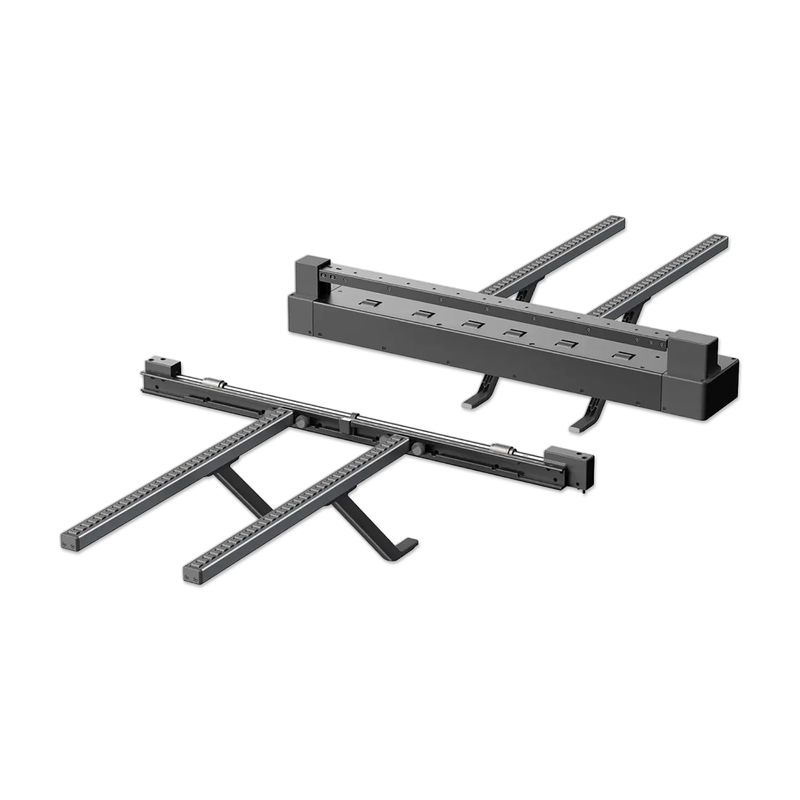
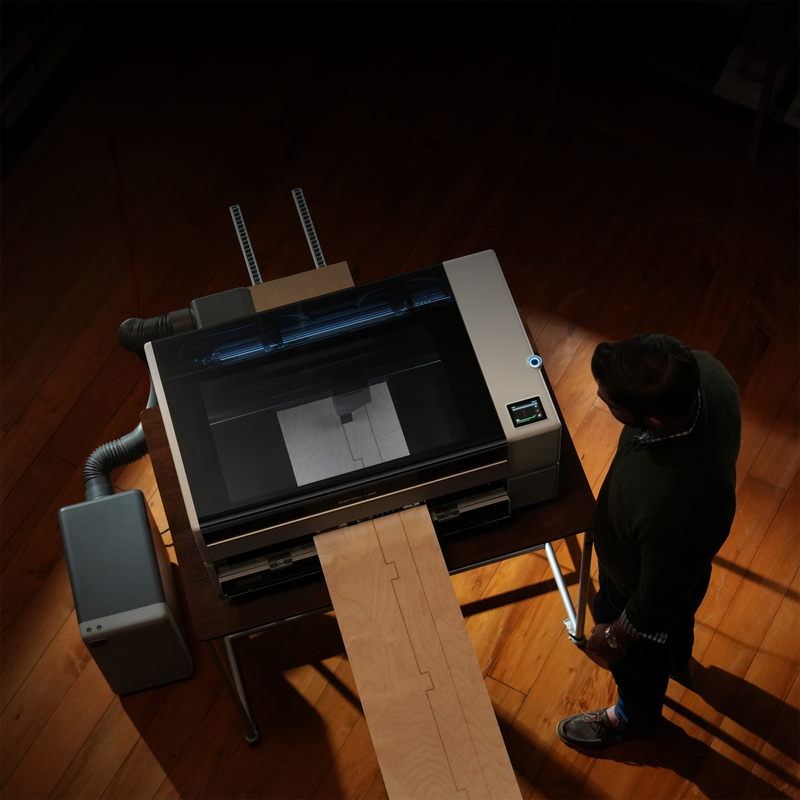
- 600 × 300 mm Bed, Up to 3 Meters with Conveyor — The standalone work area is 600 × 300 mm — large enough for two sheets of basswood side by side on many jobs. Add the optional conveyor and the R1 feeds stock up to 600 × 3000 mm, so full-length panels, shelving, and furniture-scale pieces stay on one machine.
- 0.2 mm Placement with the TriSense System — Dual cameras, dual lasers, and XY encoders work together to find the material, measure height, and track the toolhead. Place a design on scrap, trace a printed outline, locate a small part, or work a curved surface and stay within 0.2 mm. What you mark is what you cut.
- Class 1 Enclosed Design for Home and Studio Use — In standard enclosed use the R1 is Class 1 under IEC 60825-1. The beam stays inside the cabinet. Lid-stop, flame detection, a safety key, and an emergency stop are built in. No dedicated laser room is required for normal closed-lid work. You still need ventilation.
- High-Speed Engraving Without Soft Corners — Travel up to 1000 mm/s with 20,000 mm/s² acceleration. Vibration compensation cancels the shake after a turn so engraved lines stay crisp. Speed-synced laser power keeps tone even when the head slows at corners, so photos and fills do not go dark at the edges.
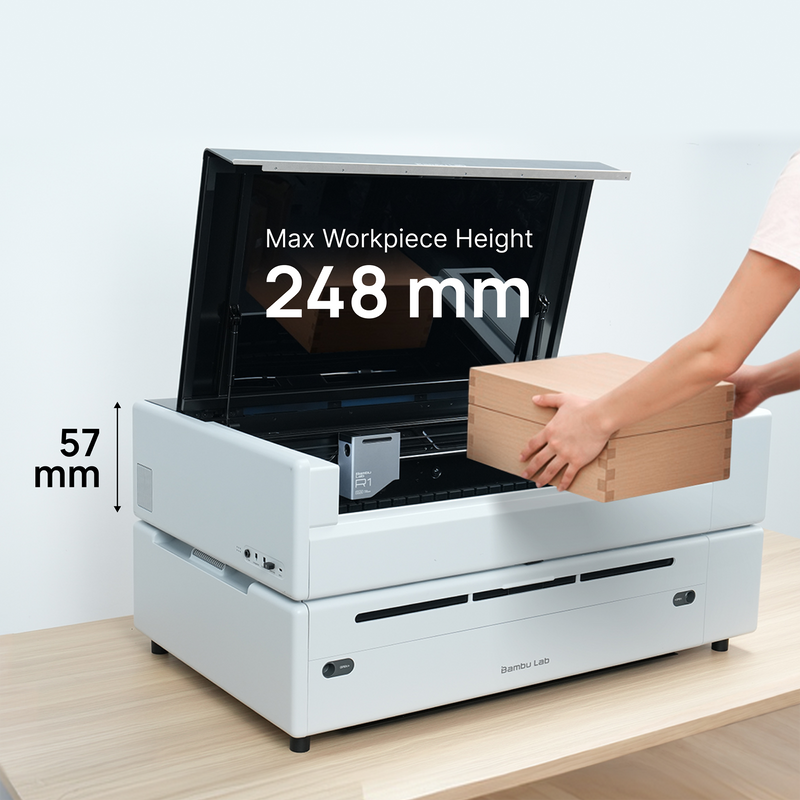
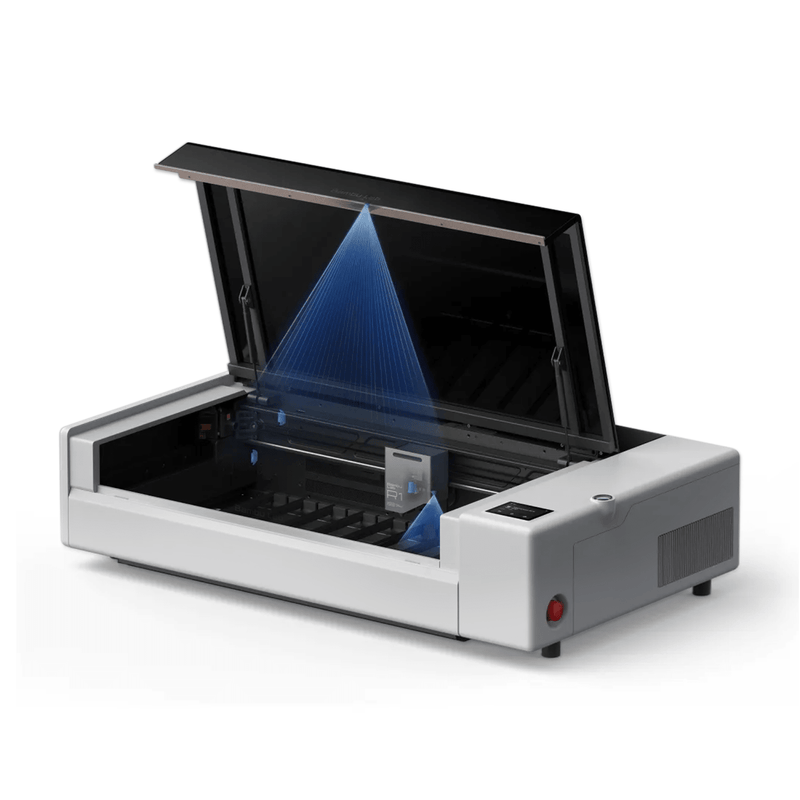
- Swing-Up Lid with Full Bed Access — The entire top lifts on gas struts, holds where you set it, and stops the laser the instant it opens. Load material, capture the bed with the BirdsEye camera, then close the lid and run the job.
Who the R1 Is For
Hobbyists making signs, jewelry, gifts, and home décor. Small businesses doing personalized glassware, leather goods, acrylic displays, and short-run wood products. Workshops that want furniture-scale panels without a full-size CO2 cabinet. Anyone who has outgrown a diode laser and needs clear acrylic, glass, and thicker plywood on a machine that still fits a serious desktop footprint.
What a 55W CO2 Laser Changes
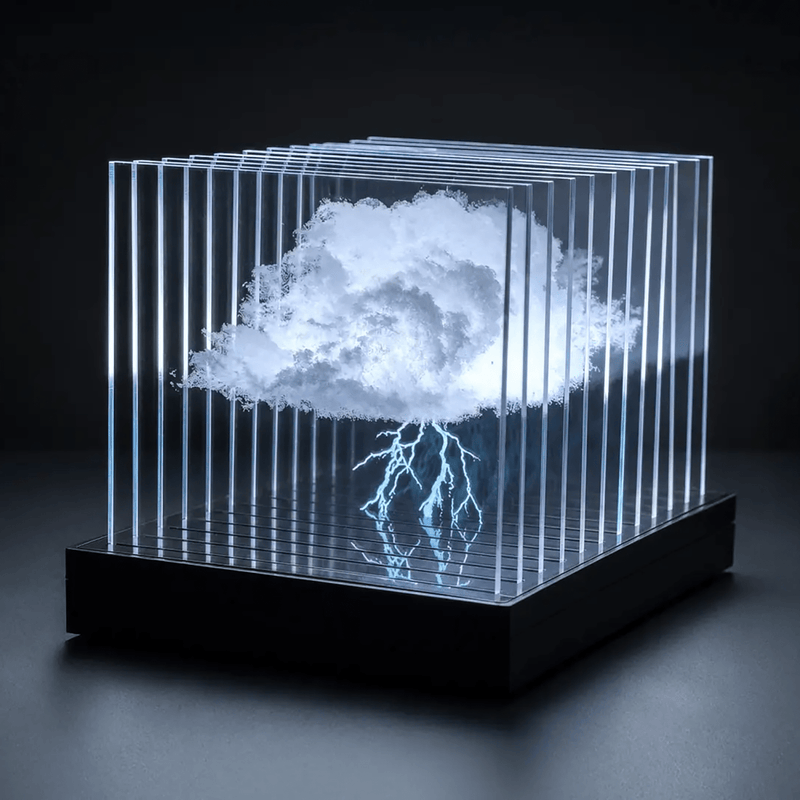
Diode lasers pass straight through clear acrylic and glass. A CO2 beam is absorbed by those materials, so the R1 can cut transparent acrylic and engrave glass and ceramic. CO2 also cuts thicker plywood faster, with less edge burn, than most desktop diode machines. That is the difference between a hobby diode and a shop-capable cutter: one machine for wood, clear acrylic, leather, fabric, paper, glass, ceramic, and coated metal.
Supported Materials
- Cut and engrave: wood and plywood, acrylic including clear acrylic, leather, fabric, paper, EVA foam, and shell
- Engrave only: glass, ceramic, and coated metal
- Bare metal cannot be engraved. Do not process PVC or other chlorine-releasing plastics.
Work Area, Height, and Accessories
The base machine handles everyday signs, boxes, ornaments, and décor on a 600 × 300 mm bed. When the project grows, the R1 grows with it:
- Riser base — more clearance for taller objects
- Conveyor — boards up to 3 meters long
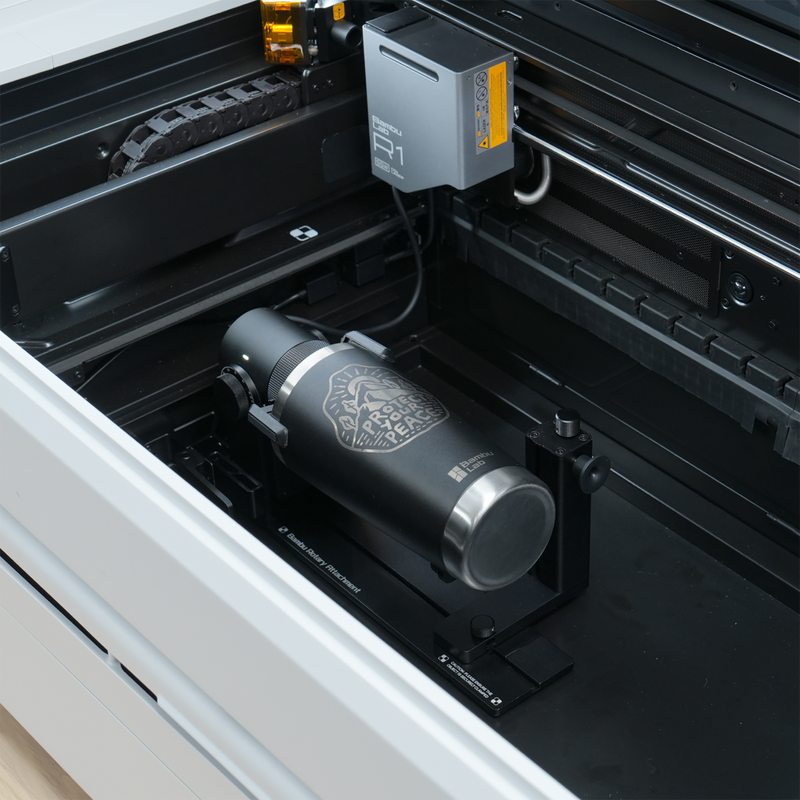
- Rotary — bottles, tumblers, cups, and other round work
- Medium- and long-focus lenses — thicker stock and faster cuts at the same thickness
- Vision Encoder — absolute motion accuracy under 0.1 mm across 600 mm
- E1 Pro air purifier — extra filtration at the exhaust
- Auto fire extinguishing system — optional added protection
Opening passthrough accessories changes the safety class from enclosed Class 1 to Class 4. Follow Bambu Lab’s eyewear and workspace guidance for those setups.
Setup, Cameras, and Software
Automatic laser ranging sets focus. The BirdsEye camera in the lid gives an overhead view of the bed. The toolhead camera handles close placement and outline tracing. Bambu Suite on Windows and macOS imports designs, applies material presets, and monitors the job over dual-band Wi-Fi or USB. Official Bambu materials can skip test grids through automatic material recognition, so the first cut on supported stock starts sooner.
Safety, Airflow, and Footprint
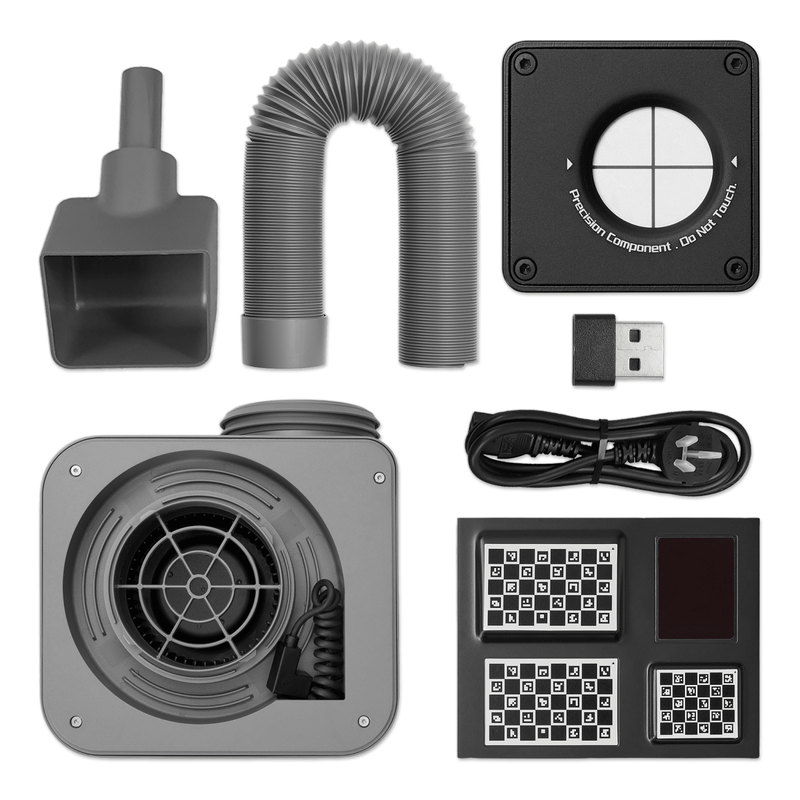
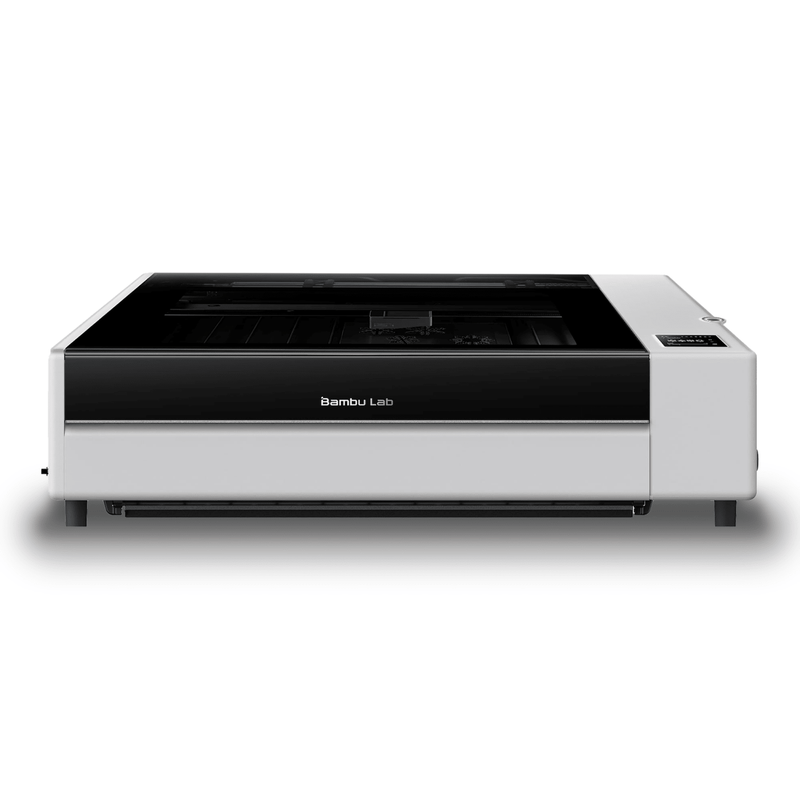
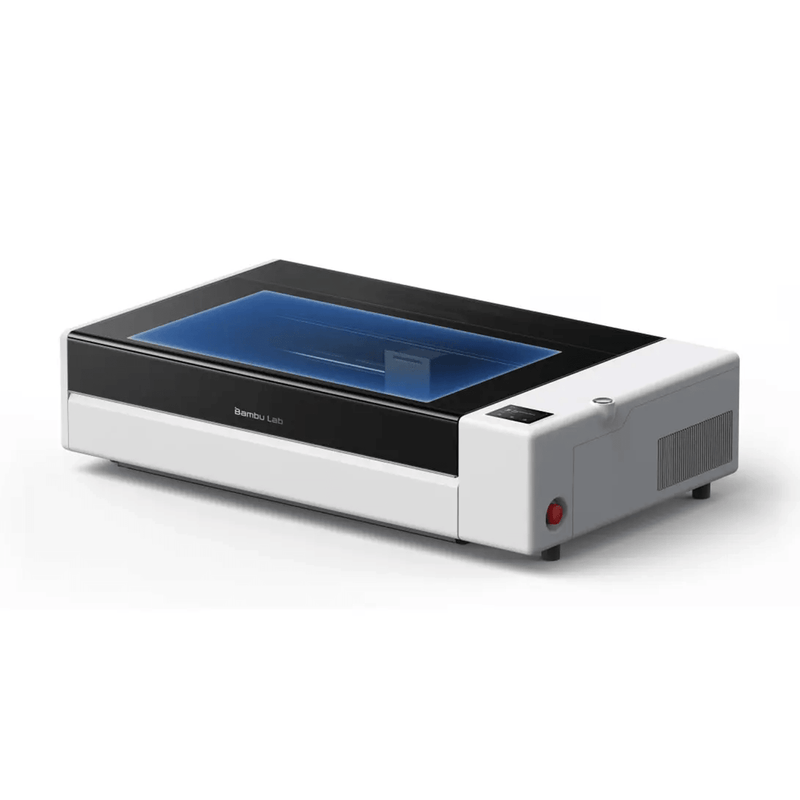
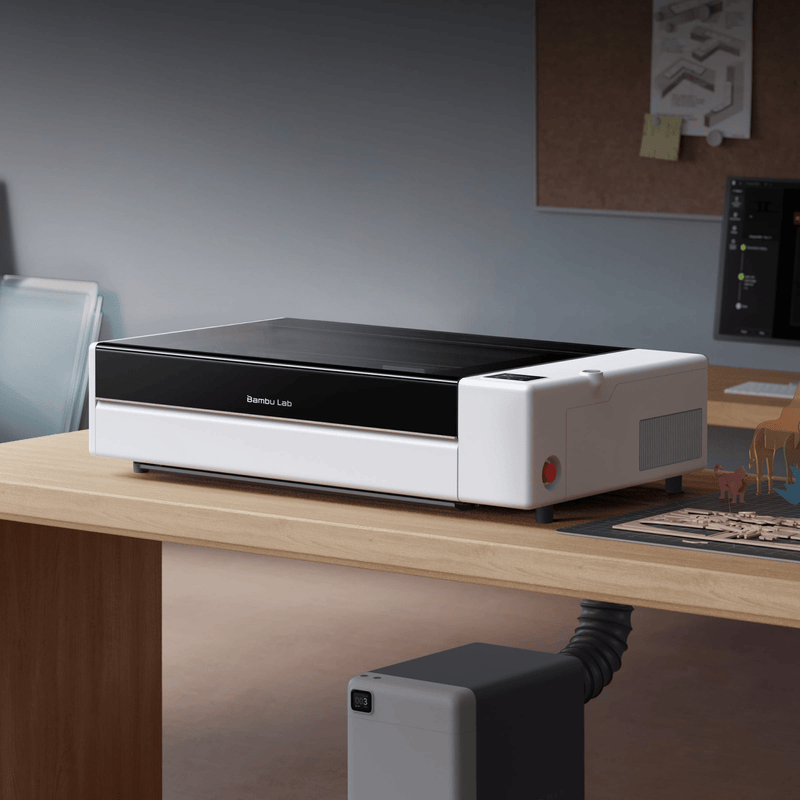
Machine size is 940 × 560 × 200 mm, with about 650 mm of height needed for the lid fully open. Weight is 33.5 kg. In closed-lid use it is Class 1. Crossflow ventilation pulls fresh air in one side and smoke out the other. A smoke hose and fan ship in the box; route them to an exhaust or add the optional E1 Pro purifier. Keep the lid closed after a job so the chamber can clear. The R1 delivers a full 600 × 300 mm work area in about a third less space than a typical consumer CO2 laser with the same bed.
Specifications
- Laser: 55W CO2
- Work area: 600 × 300 mm standalone; 600 × 3000 mm with conveyor
- Max cut, included short-focus lens: 15 mm black walnut plywood / 20 mm acrylic
- Max cut, optional medium or long-focus lens: 18 mm black walnut plywood / 20 mm acrylic
- Max speed / acceleration: 1000 mm/s / 20,000 mm/s²
- Positioning accuracy: < 0.2 mm
- Motion accuracy with Vision Encoder: < 0.1 mm @ 600 mm
- Spot size: Ø0.11 mm short / Ø0.17 mm medium / Ø0.19 mm long
- Air assist: 30 L/min @ 30 kPa
- Safety (enclosed): Class 1, IEC 60825-1
- Dimensions / weight: 940 × 560 × 200 mm / 33.5 kg
- Connectivity: dual-band Wi-Fi, USB
- Software: Bambu Suite (Windows, macOS)
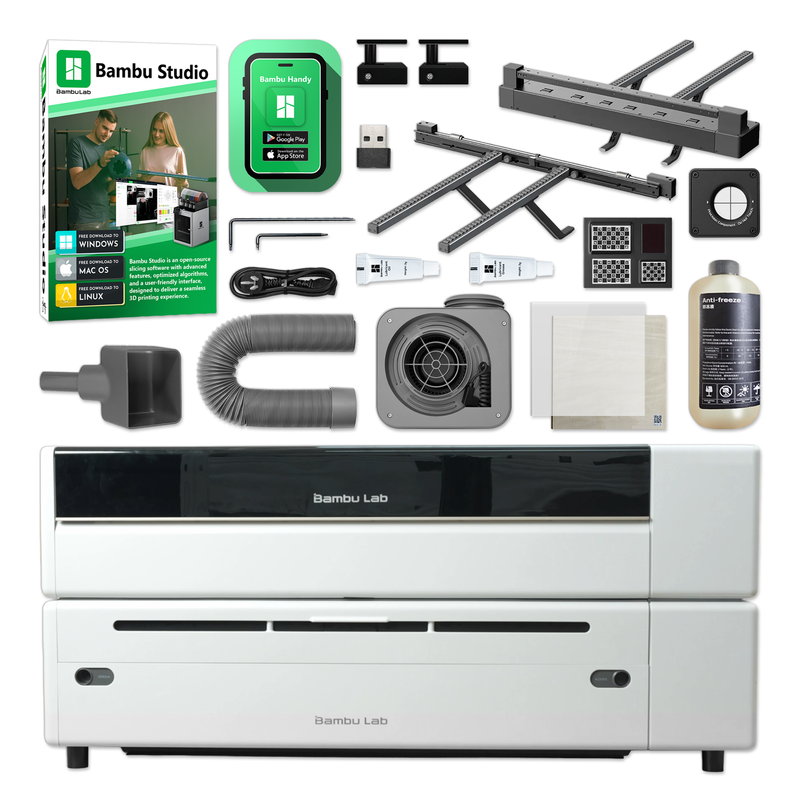
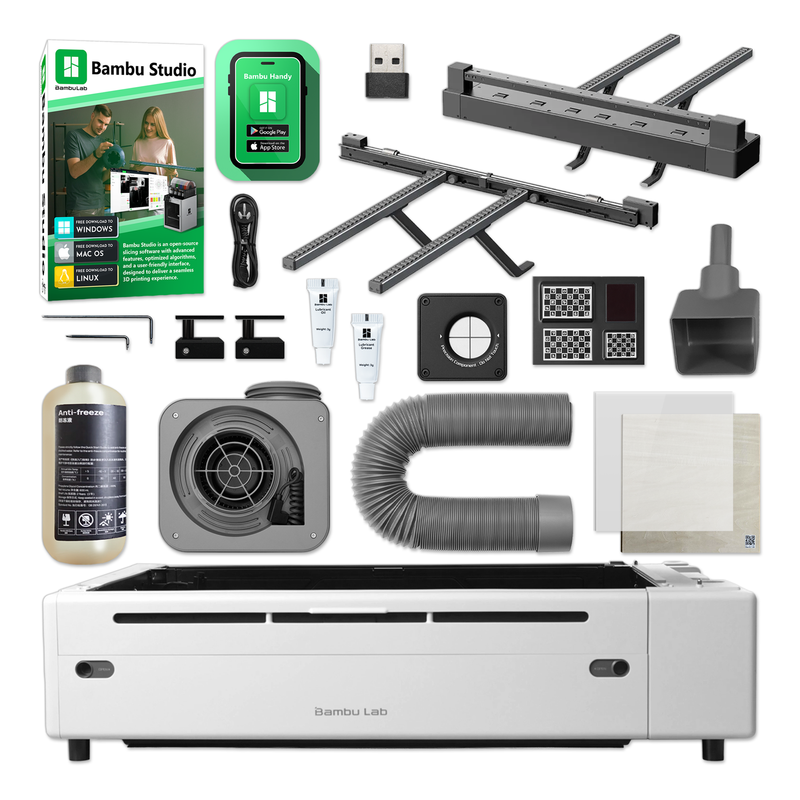
Bambu Lab R1 Laser Bundle Includes
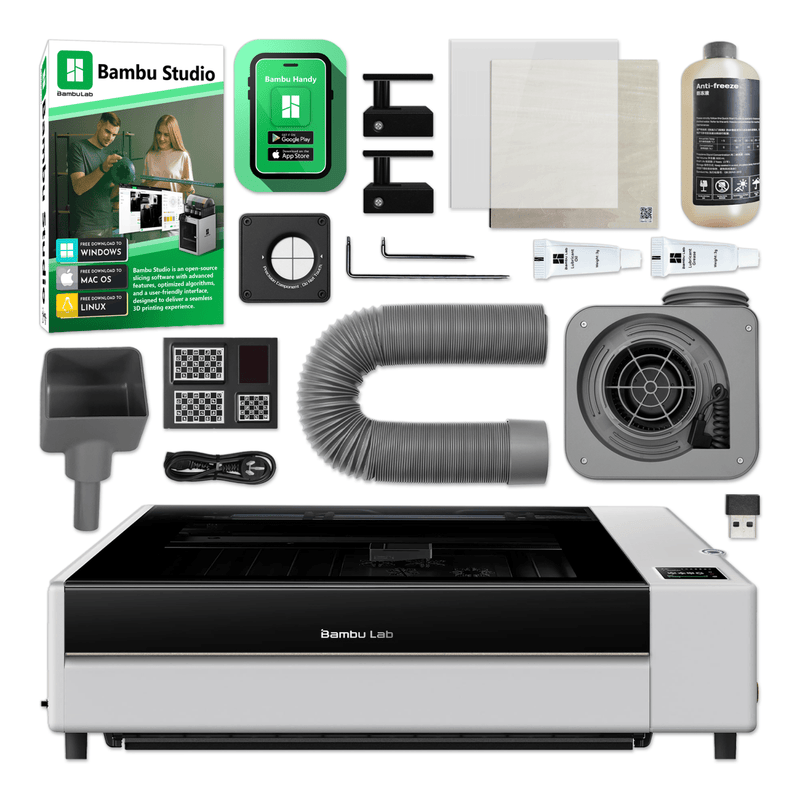
- R1 55W CO2 Laser & Engraving Machine
- 55W Laser
- R1 Riser Base for Long Materials, Rotary Work, and Thicker Objects
-
R1 Automatic Conveyor Feeder - 59in
- Laser Alignment Sensor
- Laser Calibration Board
- Material Pin
- Smoke Ventilation Hose
- Smoke Ventilation Fan
- Anti-Freeze (only required if used in a location that goes below freezing)
- Funnel
- Allen Keys
- Safety Key
- Lubricant Grease
- Lubricant Oil
- Clear Acrylic Sheet
- Basswood Sheet
- Wifi & LAN Connections
- Quickstart Guide
- Bambu Studio & Bambu App
- Bambu Lab 1 Year Warranty
- U.S. Based Lifetime Customer Support
Frequently Asked Questions
What is the Bambu Lab R1?
The Bambu Lab R1 is a 55W CO₂ laser cutter and engraver with a 600 × 300 mm work area, speeds up to 1000 mm/s, dual-camera positioning, and fully automatic autofocus.
How thick can the Bambu Lab R1 cut?
With the standard short-focus lens, it cuts up to 20 mm acrylic and 15 mm black walnut plywood. With the optional medium or long-focus lens, it cuts up to 18 mm black walnut plywood.
Can the R1 cut clear acrylic?
Yes. Because it's a CO₂ laser, the R1 cuts and engraves clear acrylic, which most diode lasers can't do.
What materials can the R1 work with?
It cuts and engraves wood, acrylic, leather, fabric, paper, EVA foam, and shell. It engraves glass, ceramic, and coated metal. It can't mark bare metal, and you should never laser PVC, PTFE, or other chlorine-based plastics.
Is the Bambu Lab R1 safe to use at home?
Used on its own, the R1 is a fully enclosed Class 1 laser with a lid-open stop, flame detection, an emergency stop, and a safety key. Vent the included exhaust hose outdoors, or add the optional E1 Pro purifier for indoor filtration.
Does the R1 have autofocus?
Yes. Laser ranging and autofocus are fully automatic, and laser alignment takes about a minute with the included Laser Alignment Sensor.
What software does the R1 use?
The R1 runs on Bambu Suite for Windows and macOS. It connects over dual-band Wi-Fi or USB and has an on-machine touchscreen.
Can I engrave tumblers or process long boards?
Yes, with optional add-ons. The Riser Base is required for both the Automatic Conveyor Feeder, which handles long material up to 3000 mm with extension kits, and the Rotary Attachment, which fits pieces from 57 to 105 mm in diameter. Once the riser or conveyor is installed, the setup is Class 4 and needs laser safety eyewear.
Where can I buy the Bambu Lab R1 55W CO₂ Laser?
You can order the R1 from Swing Design at www.swingdesign.com, along with R1 accessories, lenses, and materials to build out your setup.
Order the Bambu Lab R1 55W CO₂ Laser Today
Get 55W CO₂ power, 1000 mm/s speed, camera-guided precision, and fully automatic setup in one enclosed machine that's ready to grow with you. Order the Bambu Lab R1 55W CO₂ Laser from Swing Design today.