
















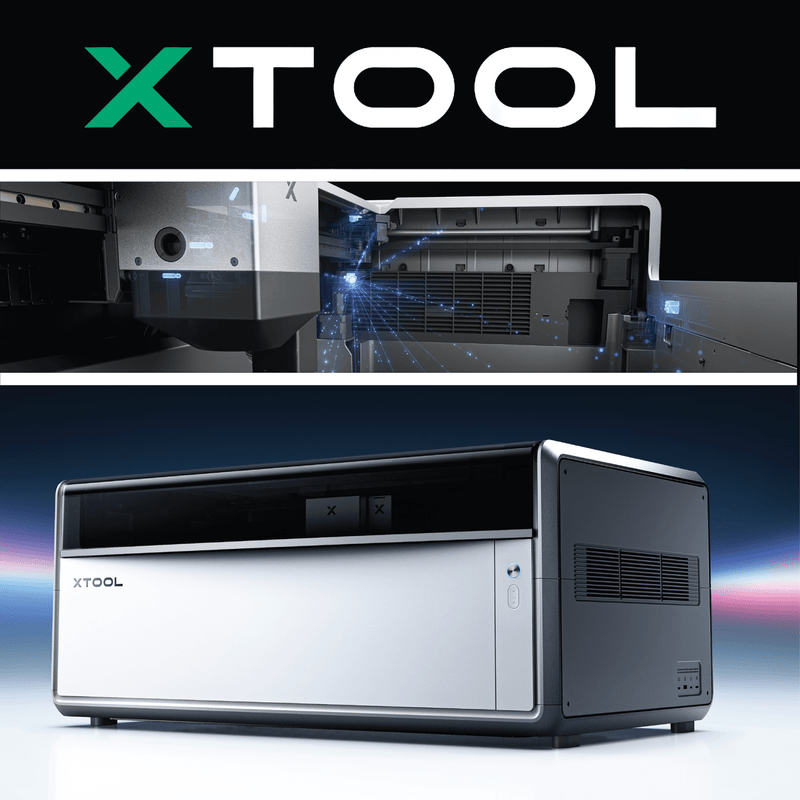

xTool X1 60W MOPA Galvo Laser & 20W Diode Galvo Module Bundle
$3,999.00$4,098.00
$3,999.00
xTool X1 60W MOPA Galvo & 20W Diode Galvo Module Bundle: Upgrade Your 55W X1 for Color Metal and High-Speed Engraving
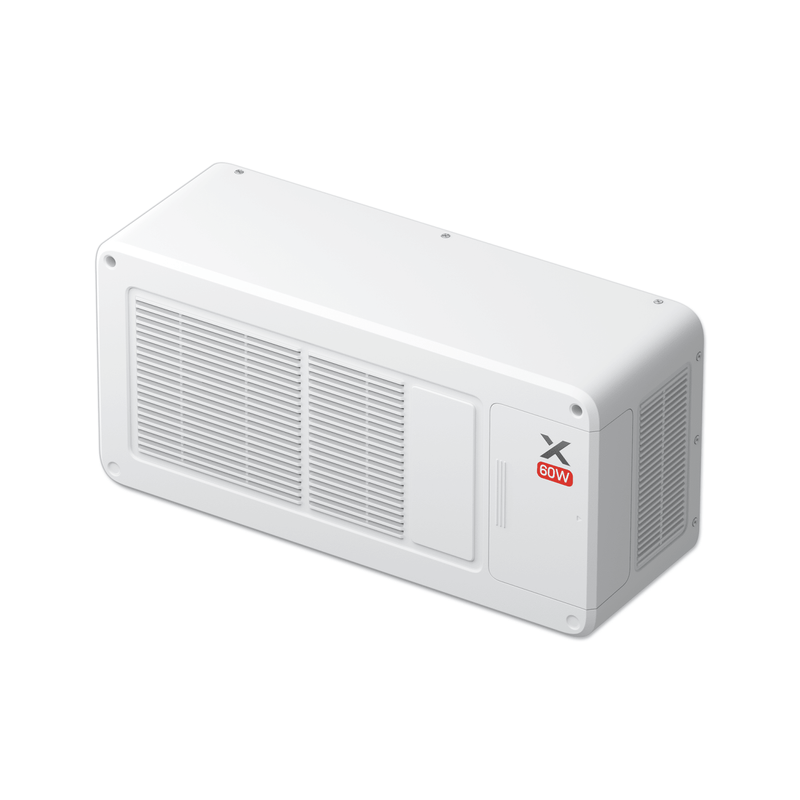
The xTool X1 60W MOPA Galvo & 20W Diode Galvo Module Bundle is the complete MOPA upgrade for anyone who bought the 55W single-laser xTool X1. The 60W MOPA Galvo Source supplies the laser, but it needs the 20W Diode Galvo Module to deliver that beam to your material. This bundle includes both, so your X1 can take on color metal engraving, deep engraving, embossing, and thin-metal cutting, plus galvo-speed engraving on wood and leather. Swing Design is xTool's largest dealer, and this bundle gives 55W owners everything they need in one order.
Key Features
- The Complete Upgrade for 55W Single-Laser X1 Owners: Every X1 comes with a 55W CO2 laser that works on its own, but the 60W MOPA source doesn't. You have to install the 20W Diode Galvo Module first, then add the MOPA source. If you started with the 55W Single CO2 X1, this bundle gives you both required parts at once. If your X1 already has the 20W Diode Galvo Module, you only need the 60W MOPA Galvo Source.
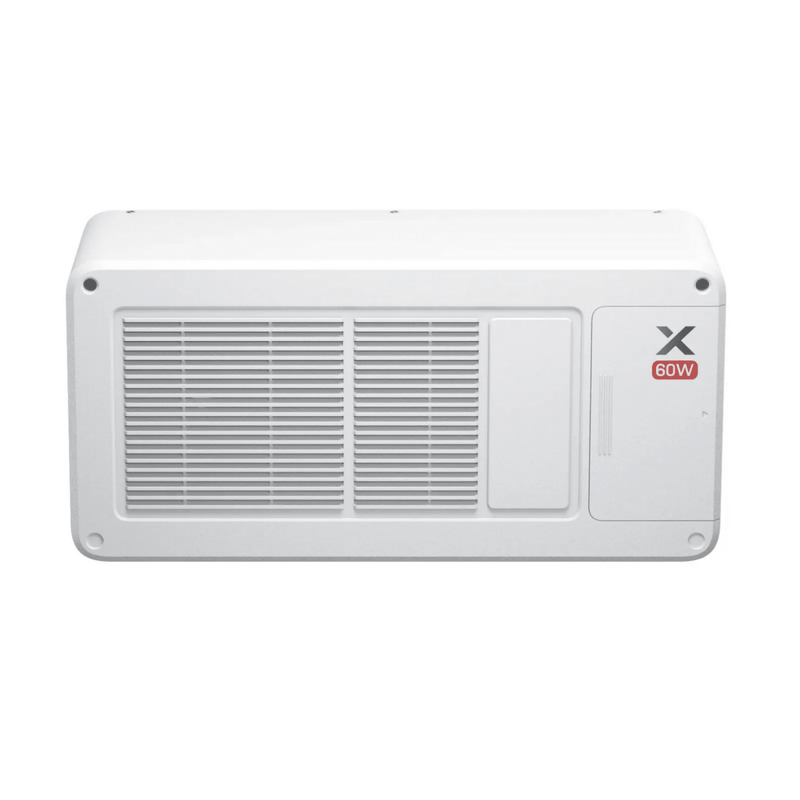
- Why the 20W Diode Galvo Module Is Required: The 60W MOPA Galvo Source mounts on the back of the X1 and supplies the laser only. Its beam travels through the X1's shared flying-galvo optical path to the 20W Diode Galvo Module on the gantry, which directs it onto the material. Without that module, a CO2-only X1 has no way to deliver the MOPA beam.
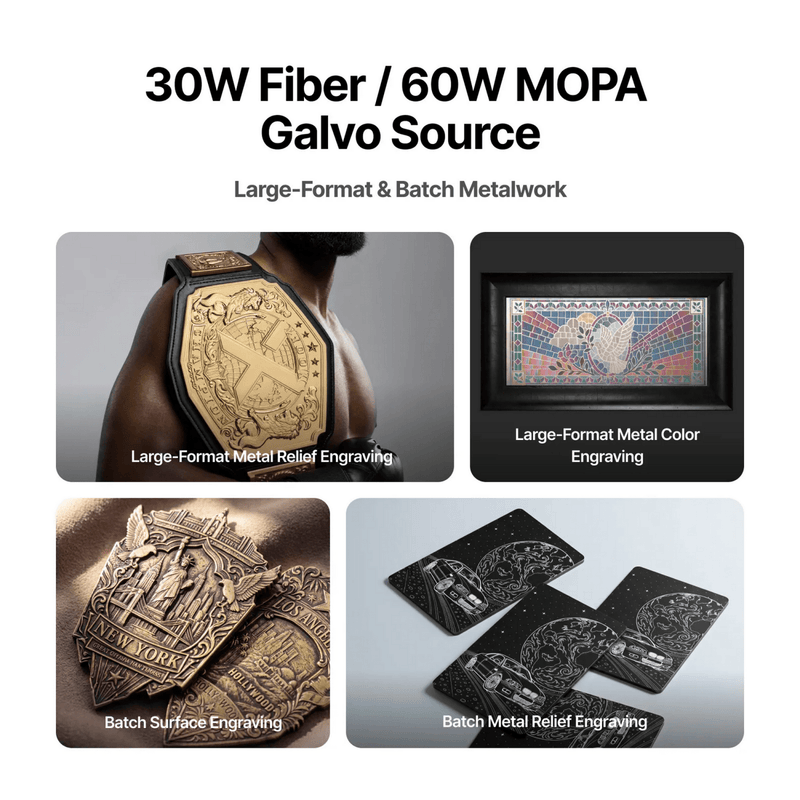
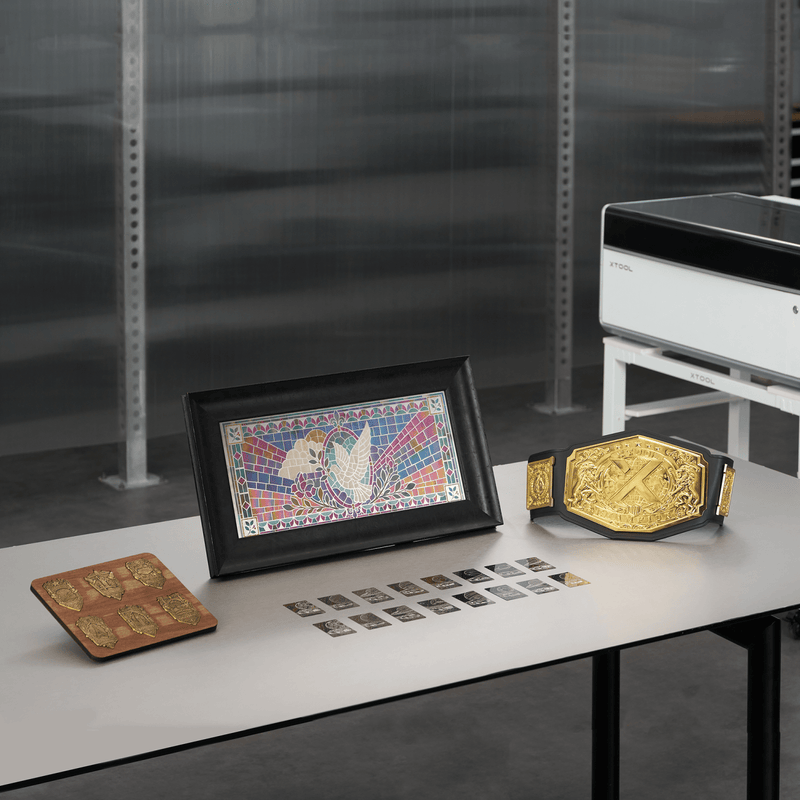
- 60W MOPA Control for Color, Depth, and Metal Finishes: The 60W MOPA source is a 1064 nm infrared fiber laser with adjustable pulse duration from 2 to 500 ns. That control over heat and depth lets you engrave stainless steel in colors like blue, gold, purple, and green, mark black anodized aluminum down to its silver base, and handle deep engraving, 3D embossing, and thin-metal cutting.
- High-Speed Diode Engraving Comes With It: The 20W Diode Galvo Module isn't just a connector. It adds a 20W-class blue diode laser and turns the X1 into a 4-axis flying galvo system that reaches up to 6,000 mm/s. It's great for fast, detailed engraving on wood, leather, paper, dark acrylic, and cardstock.
- Keep Your 55W CO2 and Combine Lasers in One Setup: Your built-in 55W CO2 laser stays in place for cutting wood, acrylic, and other non-metals. In xTool software you can build a single job that uses more than one source, like engraving a metal tag with MOPA and cutting a wood backer with CO2.
What's Included
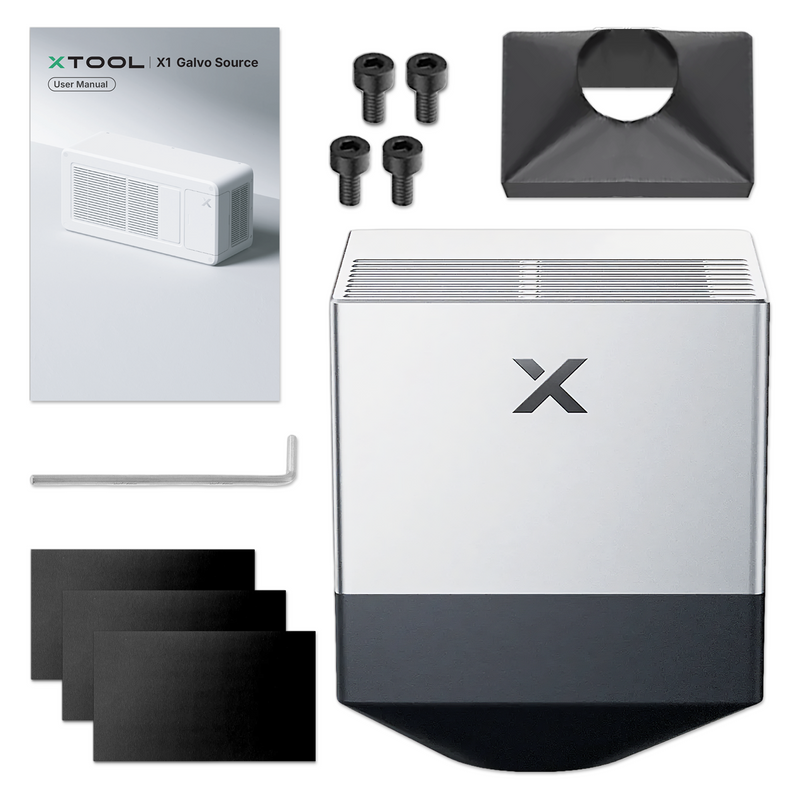
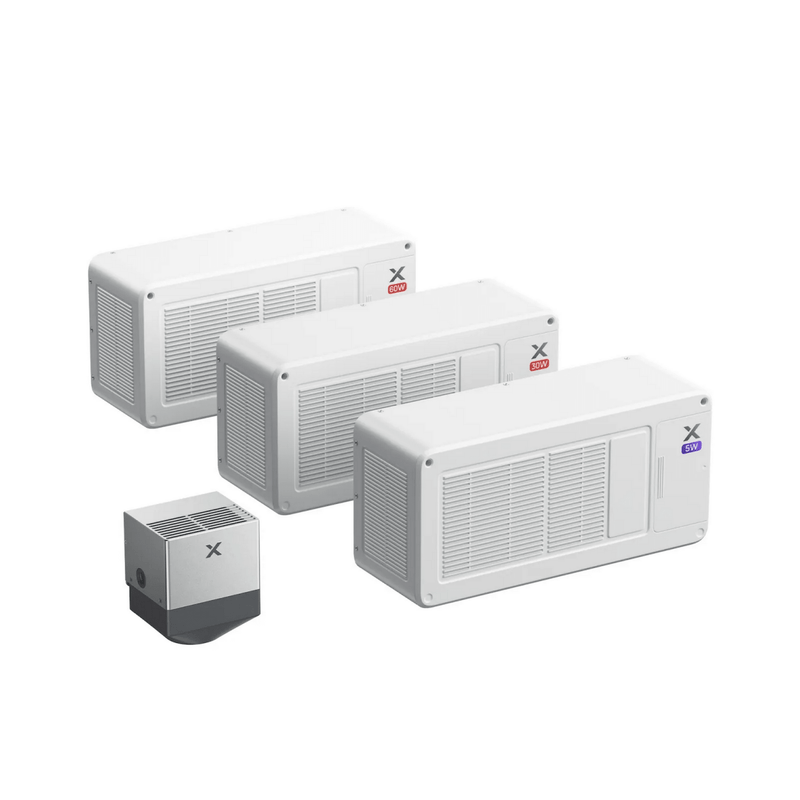
xTool X1 20W Diode Galvo Module
- 20W Diode Galvo Module
- Wide-Aperture Lens Guard
- Hex Key
- Screw
- Calibration Card
- User Manual
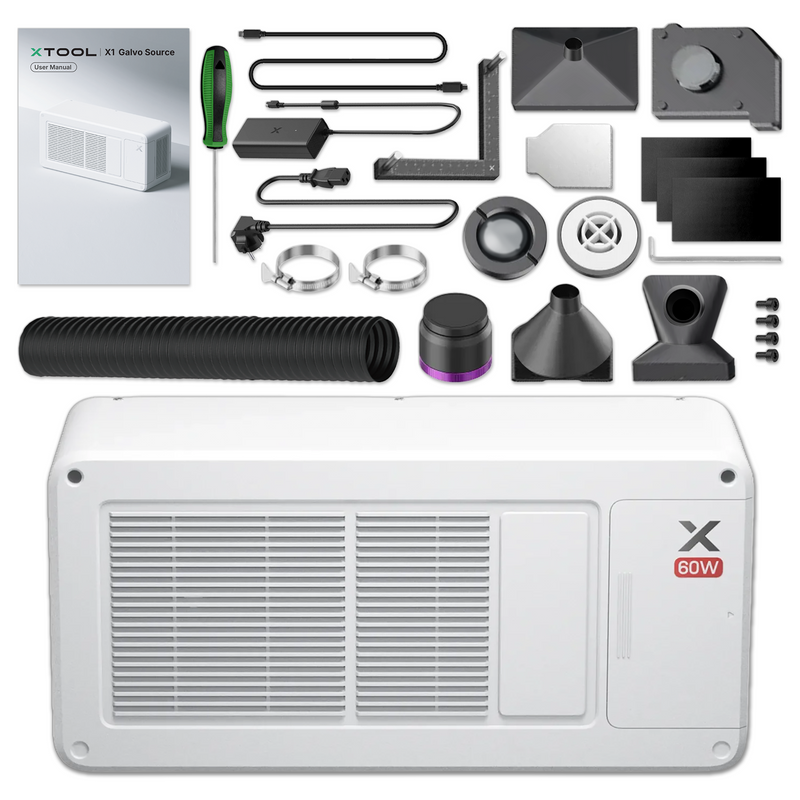
xTool X1 60W MOPA Galvo Source
- 60W MOPA Galvo Source
- Power Adapter (24 V, 14.5 A)
- Power Cable
- Narrow-Aperture Lens Guard
- Exhaust Assembly For Embossing
- Thumb Screw
- Optical Window
- Steering Mirror
- Connection Cable
- Screw
- Screwdriver
- Installation Tool For Optical Window
- Calibration Card
- Laser Calibration Tool
- User Manual
The xTool X1 machine is sold separately. This bundle is for X1 owners who bought the 55W Single CO2 configuration and don't already have the 20W Diode Galvo Module.
Specifications
| Spec | 20W Diode Galvo Module | 60W MOPA Galvo Source |
|---|---|---|
| Official Product Name | xTool X1 20W Diode Galvo Module | xTool X1 60W MOPA Galvo Source |
| Compatible Machine | xTool X1 | xTool X1 with the 20W Diode Galvo Module installed |
| Role | Galvo head and shared optical path, plus a 20W-class blue diode laser | Laser Swap source for metal work |
| Laser Type | Blue light diode | Infrared MOPA fiber |
| Wavelength | 440 to 460 nm | 1064 ± 5 nm |
| Average Output Power | 20W class (under 25 W) | 60W class (under 67 W) |
| Pulse Duration | Not applicable | 2 to 500 ns, adjustable |
| Repetition Rate | Not applicable | 1 to 4000 kHz |
| Max Galvo Speed | Up to 6,000 mm/s | Up to 6,000 mm/s |
| Processing Area | 615 x 320 mm (24.2 x 12.6 in.) | 615 x 320 mm (24.2 x 12.6 in.) |
| Embossing Area | Not applicable | 615 x 320 mm without the exhaust assembly, 415 x 225 mm with it |
| Max Processing Height | 140 mm | 140 mm |
| Best For | Wood, leather, paper, dark acrylic, cardstock | Stainless steel color engraving, anodized aluminum, deep engraving, embossing, thin-metal cutting |
| Not Suited For | Transparent and light-colored materials | Non-metal materials |
| Operating Temperature | 0°C to 35°C | 0°C to 35°C |
55W CO2 vs 20W Diode vs 60W MOPA
| 55W CO2 (Already on Your X1) | 20W Diode Galvo Module | 60W MOPA Galvo Source | |
|---|---|---|---|
| What It Is | The base laser on every X1 | Required galvo head plus a blue diode laser | Infrared source for metal |
| Speed | Up to 600 mm/s | Up to 6,000 mm/s | Up to 6,000 mm/s |
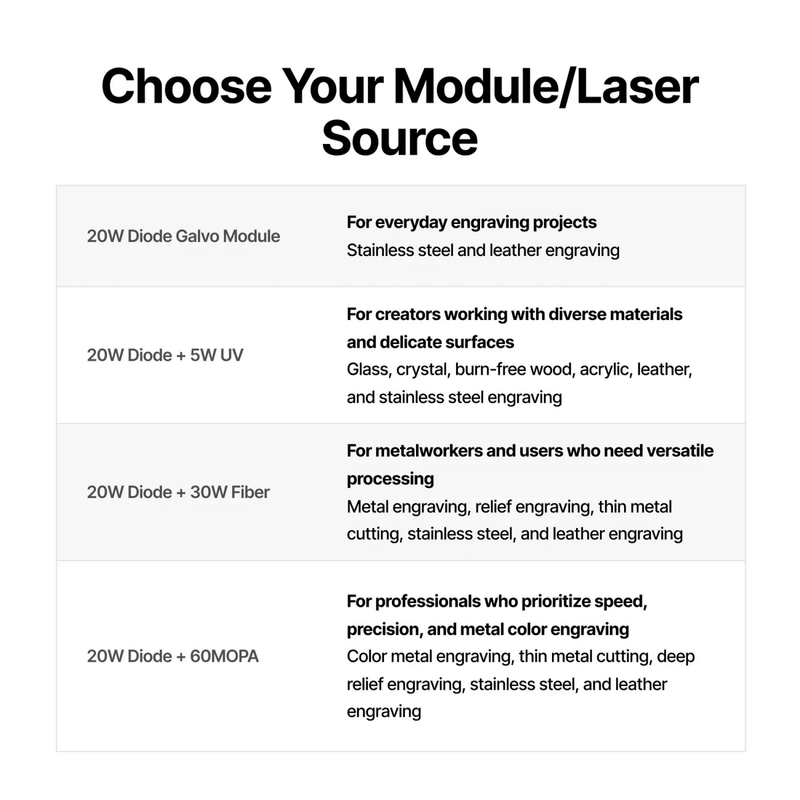
| Best For | Cutting and engraving wood, acrylic, leather, and other non-metals | Fast, fine engraving on wood, leather, paper, and dark acrylic | Color metal marking, deep engraving, embossing, thin-metal cutting |
| Requirement | Included with the X1 | Required for MOPA, Fiber, or UV | Requires the 20W Diode Galvo Module |
How to Get Started
- Power off your X1 and leave room behind the machine for the MOPA source.
- Install the 20W Diode Galvo Module on the X1 gantry first. Mount it on the x-axis rail, secure it, connect its cable, and add the wide-aperture lens guard.
- Install the 60W MOPA Galvo Source on the back of the X1, then fit the optical window and steering mirror and connect the included power adapter.
- Power on, connect to xTool software, and run optical path calibration, focus calibration, and flight galvanometer calibration in that order.
- Choose the right accessory for the job: the wide-aperture lens guard for most engraving, the narrow-aperture lens guard for MOPA metal cutting, and the exhaust assembly for embossing.
- Use MOPA for metal, the 20W diode for fast non-metal engraving, and your 55W CO2 for cutting wood and acrylic.
Who It's For
- 55W Single-Laser X1 Owners: This bundle is made for you. It includes the 20W Diode Galvo Module you need before MOPA will work.
- Shops Adding Color Metal and Premium Finishes: Engrave stainless steel in color, mark anodized aluminum, and add deep engraving and embossing to your product line.
- Makers Who Want Faster Everyday Engraving: The same module that unlocks MOPA adds galvo engraving at up to 6,000 mm/s.
- X1 Users Planning to Grow: With the diode module installed, you can later swap in a 30W Fiber or 5W UV source, one external source at a time.
FAQ
What is the xTool X1 60W MOPA Galvo & 20W Diode Galvo Module Bundle?
It's a two-part X1 upgrade with the xTool X1 20W Diode Galvo Module and the xTool X1 60W MOPA Galvo Source. Together they add 60W MOPA metal processing and high-speed galvo engraving to an xTool X1.
Why does the xTool X1 60W MOPA Galvo & 20W Diode Galvo Module Bundle include the 20W diode module?
The 60W MOPA source only supplies the laser. Its beam runs through the X1's shared galvo optical path to the 20W Diode Galvo Module, which delivers it to the material. MOPA can't work on a CO2-only X1 until that module is installed.
Who is the xTool X1 60W MOPA Galvo & 20W Diode Galvo Module Bundle for?
It's for people who bought the 55W Single CO2 X1 and don't have the 20W Diode Galvo Module yet.
Do I need the xTool X1 60W MOPA Galvo & 20W Diode Galvo Module Bundle if my X1 already has the 20W diode module?
No. If your X1 came with the 20W Diode Galvo Module or you added it later, you only need the 60W MOPA Galvo Source.
What can I make with the xTool X1 60W MOPA Galvo & 20W Diode Galvo Module Bundle?
Color-engraved stainless steel tumblers and tags, marked anodized aluminum, deep-engraved metal parts, embossed designs, and thin-metal cutouts with MOPA. You also get fast engraving on wood, leather, paper, and dark acrylic with the 20W diode.
Can the xTool X1 60W MOPA Galvo & 20W Diode Galvo Module Bundle engrave in color on metal?
Yes. The 60W MOPA source's adjustable pulse duration lets you create colors like blue, gold, purple, and green on stainless steel.
Can I cut metal with the xTool X1 60W MOPA Galvo & 20W Diode Galvo Module Bundle?
Yes, the 60W MOPA source handles thin-metal cutting. Install the included narrow-aperture lens guard for metal cutting to help contain sparks and protect the lens.
Can I use the 60W MOPA source in the xTool X1 60W MOPA Galvo & 20W Diode Galvo Module Bundle on wood or acrylic?
MOPA is made for metal and isn't suited to non-metal materials. Use your 55W CO2 or the 20W diode for wood, acrylic, and similar materials.
What working area does the xTool X1 60W MOPA Galvo & 20W Diode Galvo Module Bundle give me?
The processing area is 615 x 320 mm (24.2 x 12.6 in.). MOPA embossing is 615 x 320 mm without the exhaust assembly and 415 x 225 mm with it. Max processing height is 140 mm.
How do I install the xTool X1 60W MOPA Galvo & 20W Diode Galvo Module Bundle?
Install the 20W Diode Galvo Module on the gantry first, then mount the 60W MOPA source on the back of the X1 with the optical window, steering mirror, and power adapter. Finish with optical path, focus, and flight galvanometer calibration in xTool software.
Does the xTool X1 60W MOPA Galvo & 20W Diode Galvo Module Bundle replace my 55W CO2 laser?
No. Your 55W CO2 stays on the X1, and you can combine it with MOPA or diode work in a single setup.
Should I choose the xTool X1 60W MOPA Galvo & 20W Diode Galvo Module Bundle or a 30W Fiber source?
Choose MOPA for pulse control, color marking, deeper engraving, and embossing. The 30W Fiber source is the everyday option for text, logos, and serial numbers on metal. Both require the 20W Diode Galvo Module.
Why buy the xTool X1 60W MOPA Galvo & 20W Diode Galvo Module Bundle from Swing Design?
Swing Design is xTool's largest dealer, so you get genuine xTool upgrades and knowledgeable help choosing the right setup for your work.
Where can I buy the xTool X1 60W MOPA Galvo & 20W Diode Galvo Module Bundle?
You can order it from Swing Design at www.swingdesign.com.
Order the xTool X1 60W MOPA Galvo & 20W Diode Galvo Module Bundle Today
If you started with the 55W X1, this bundle adds the required 20W Diode Galvo Module and the 60W MOPA Galvo Source so you can engrave at galvo speeds and take on color metal, deep engraving, embossing, and thin-metal cutting. Order the xTool X1 60W MOPA Galvo & 20W Diode Galvo Module Bundle from Swing Design, xTool's largest dealer, today.