






















xTool Omni UV + DT Full UV Ink & 2 Maintenance Tank Refill Set
$245.99$288.99
$245.99
Demand is very high for the O1 Omni. Swing Design will have early access to inventory. Be the first to secure your printer & supplies. Estimated shipping Early October, subject to change.
Official xTool O1 Omni UV + DT Ink & Maintenance Tank Refill Set | UV CMYKWV and DT Fabric Inks
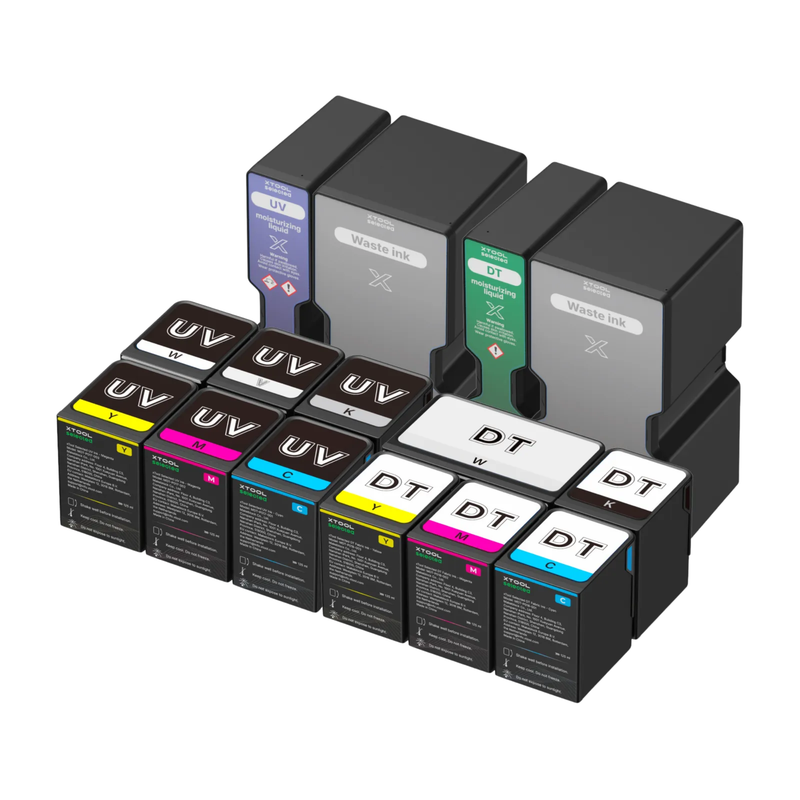
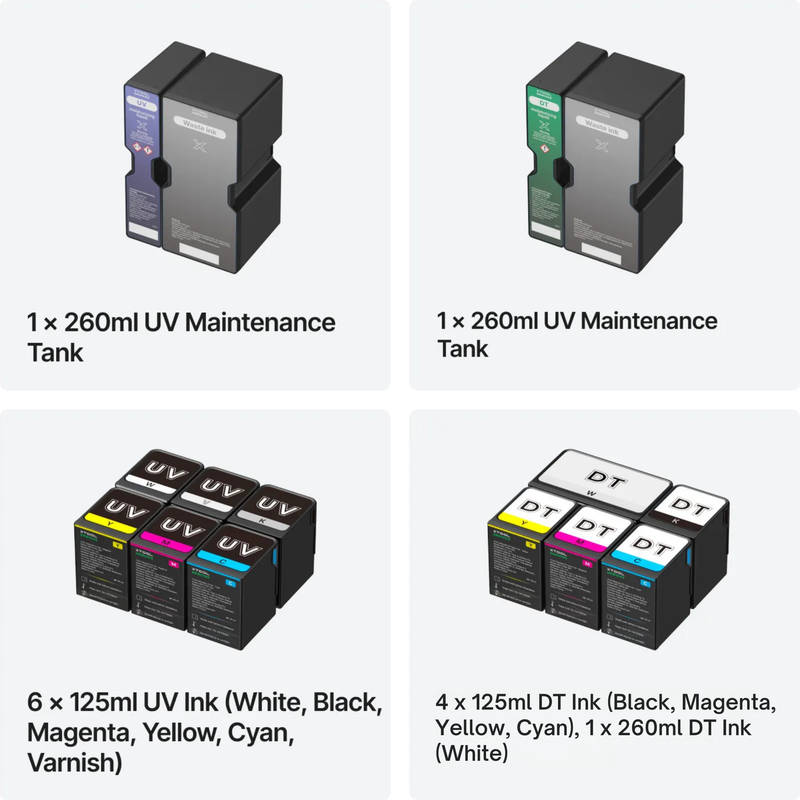
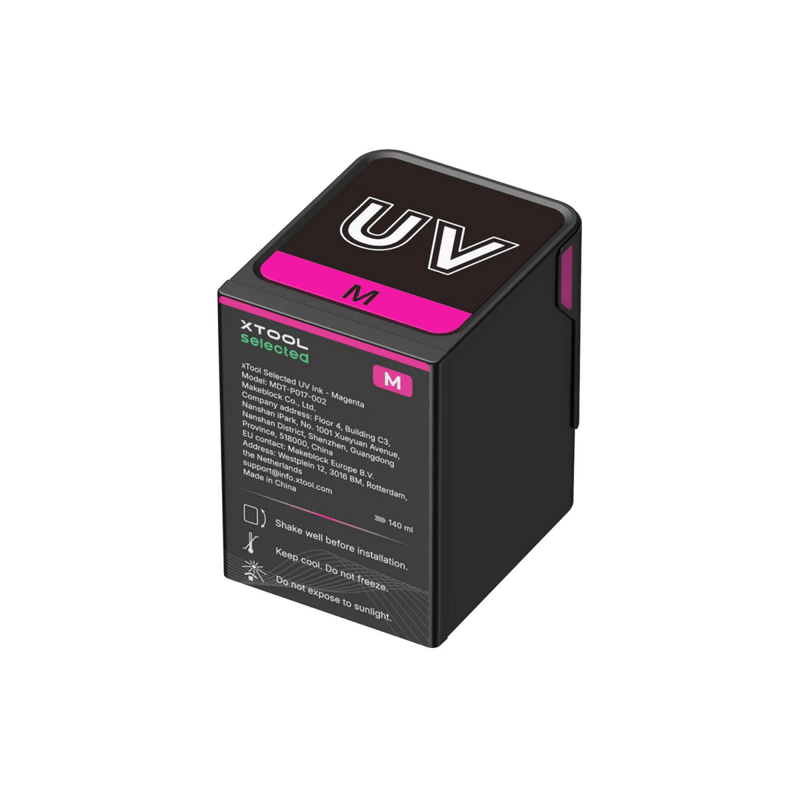
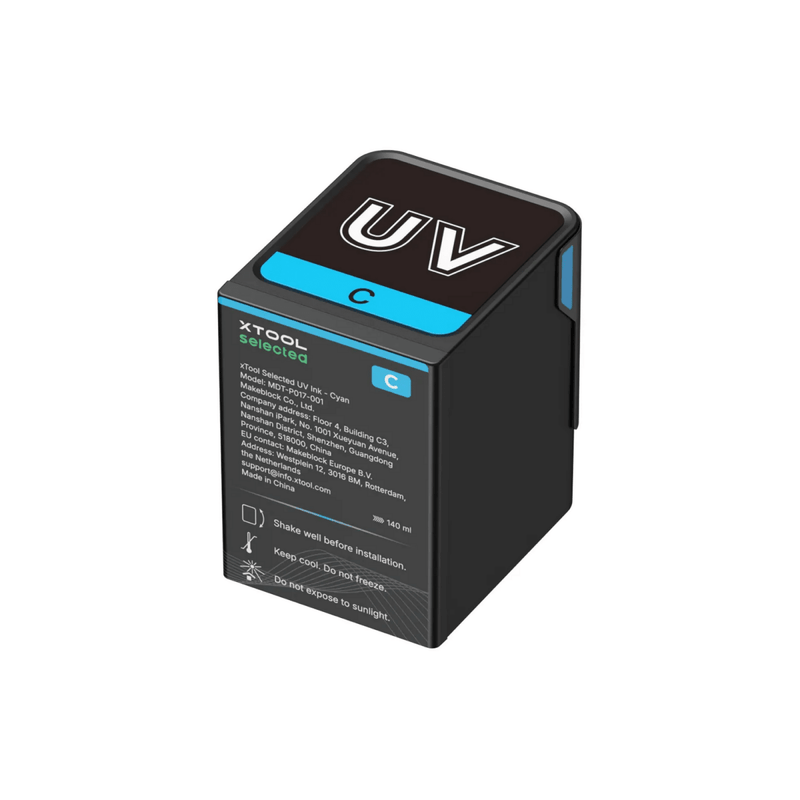
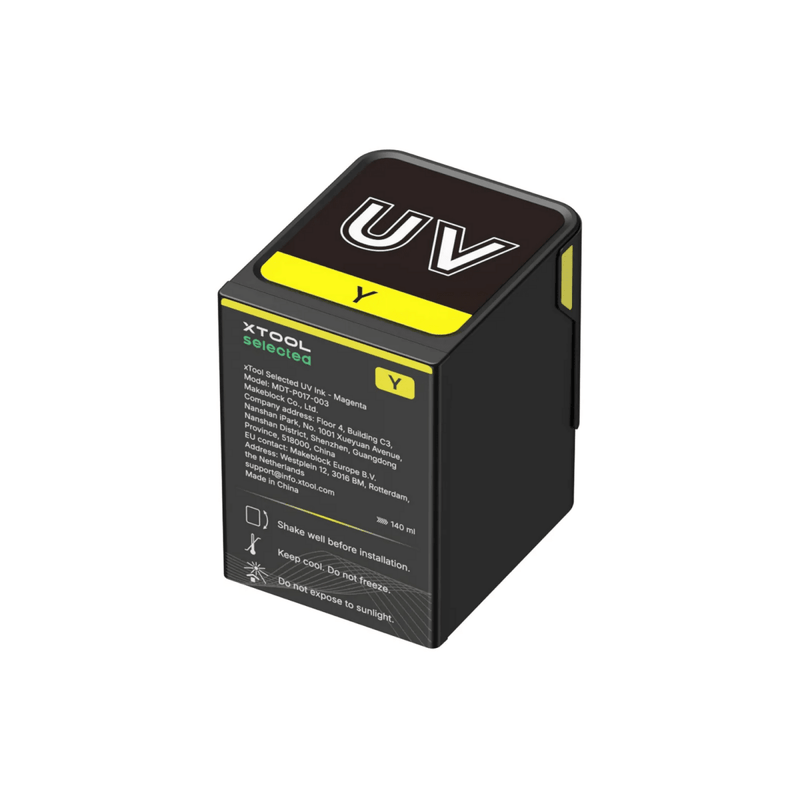
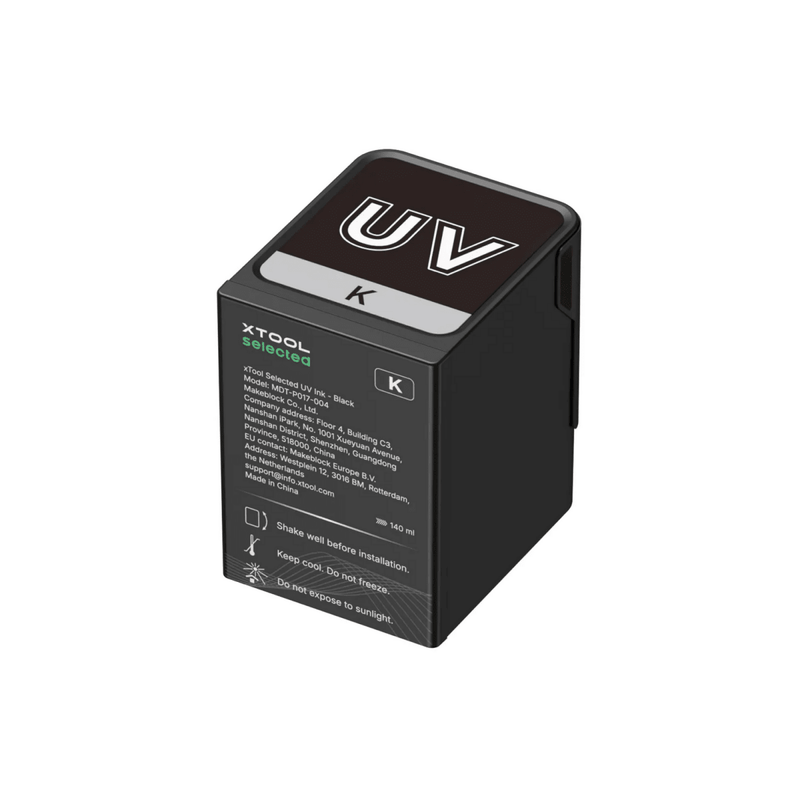
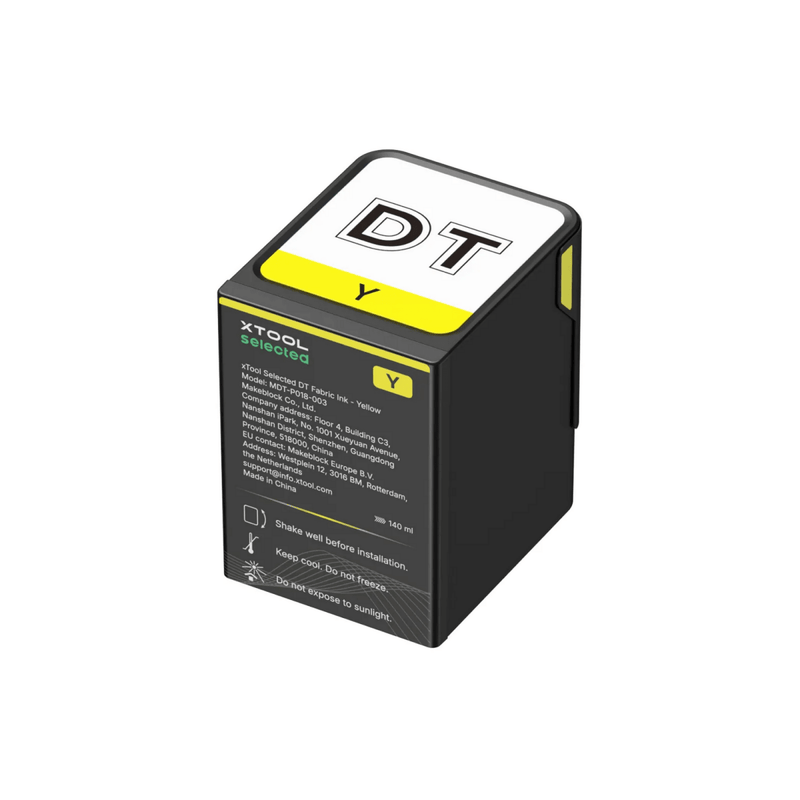
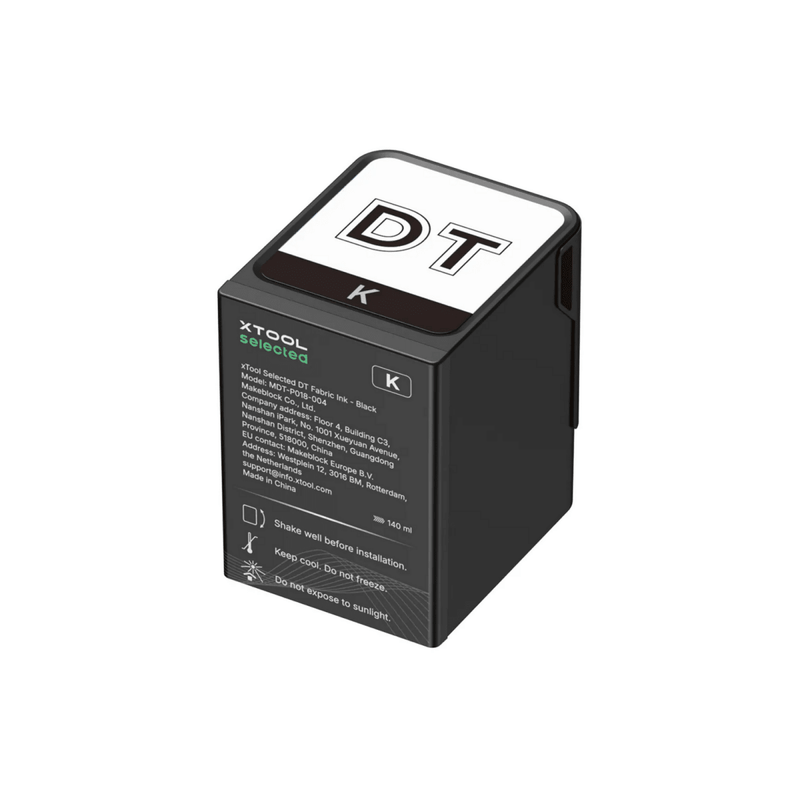
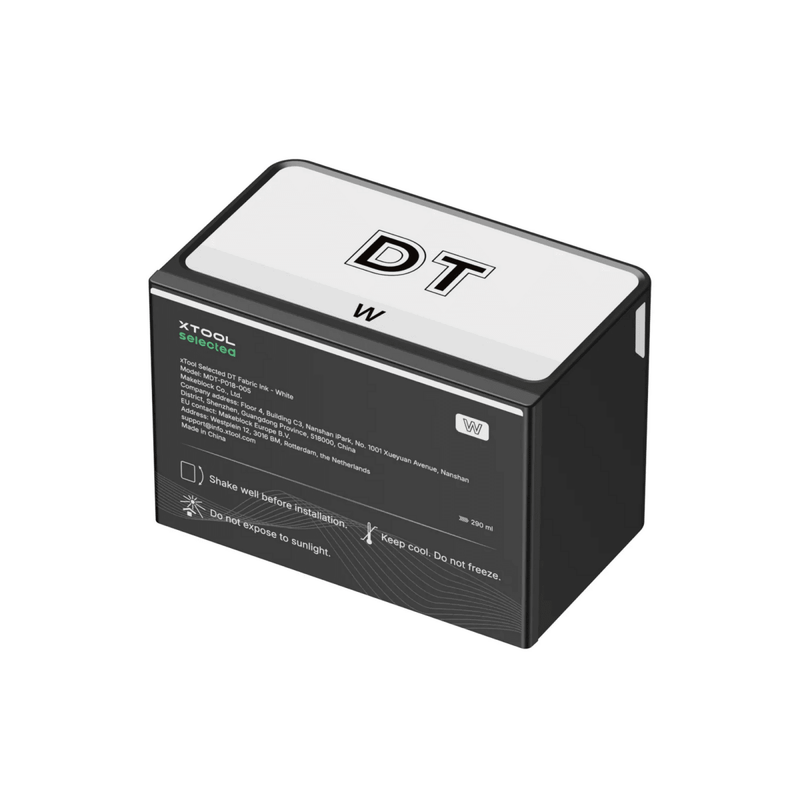
Keep your xTool O1 Omni UV + DT Fabric Edition printing at full quality with the official UV + DT Ink & Maintenance Tank Refill Set. This complete starter-and-refill kit pairs six factory-sealed 125 ml UV cartridges (Cyan, Magenta, Yellow, Black, White, and 3-in-1 Varnish) with the DT fabric set—Cyan, Magenta, Yellow, Black (125 ml) plus high-capacity DT White (290 ml)—and both maintenance tanks: one UV and one DT. Color, white underbase, varnish, garment ink, and Smart Cycle 2.0 care stay in spec on both printheads.
Engineered for the O1 Omni’s Epson F1080 UV head, Epson F1080 DT fabric head, and closed cartridge system, this set is the correct consumable match for the only Omni edition that does all four jobs: direct UV, UV DTF (laminator required), DTG, and DTF. It is not a Dual Head specialty kit. There is no Rigid White, Flexible White, or fluorescent ink in this set.
What’s Included
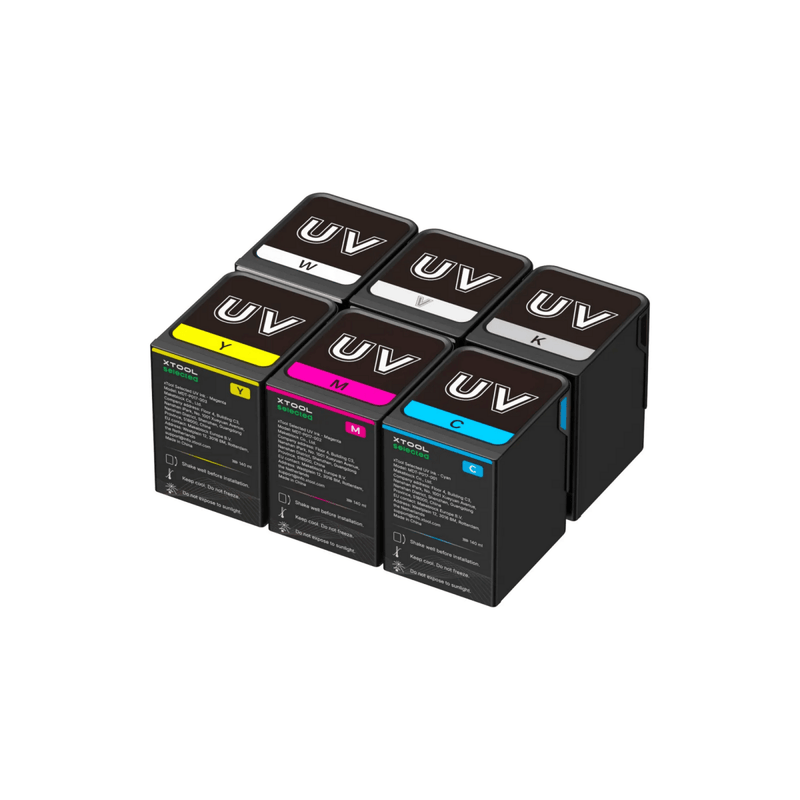
UV ink (hard goods + UV DTF)
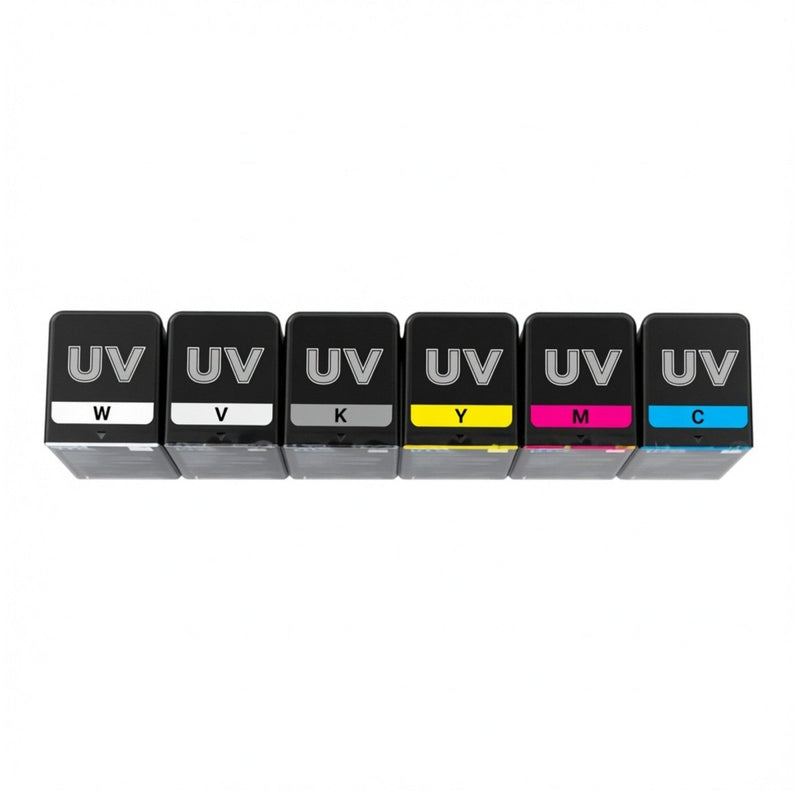
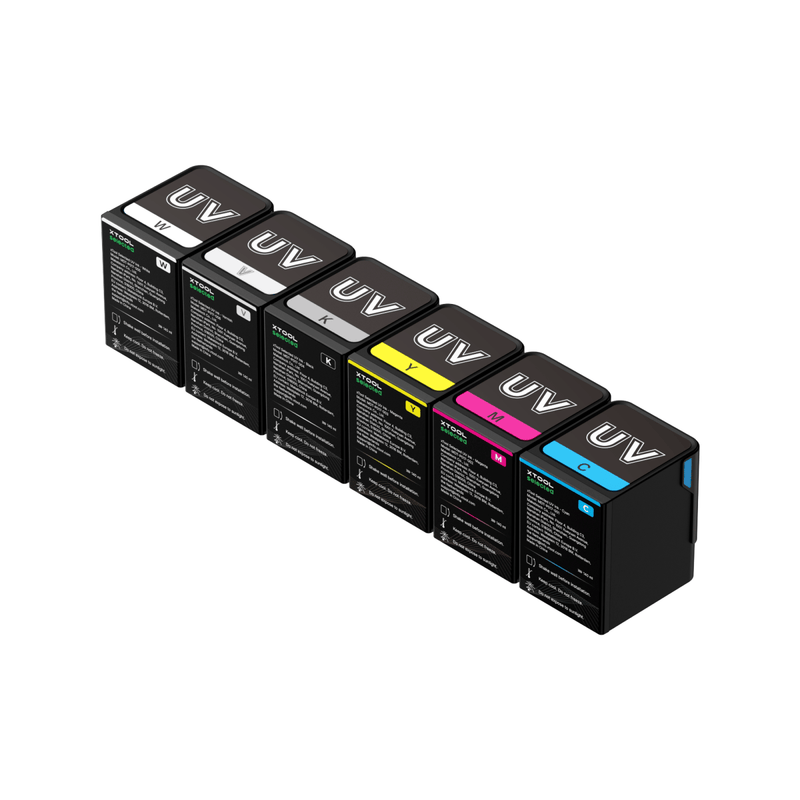
- UV Cyan — 125 ml
- UV Magenta — 125 ml
- UV Yellow — 125 ml
- UV Black — 125 ml
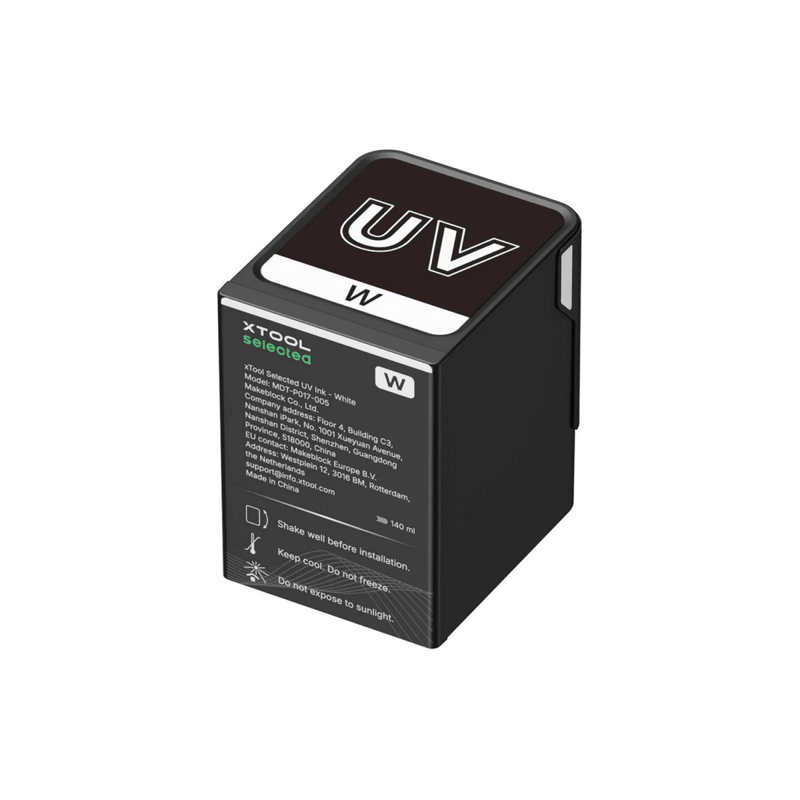
- UV White — 125 ml (high-opacity underbase)
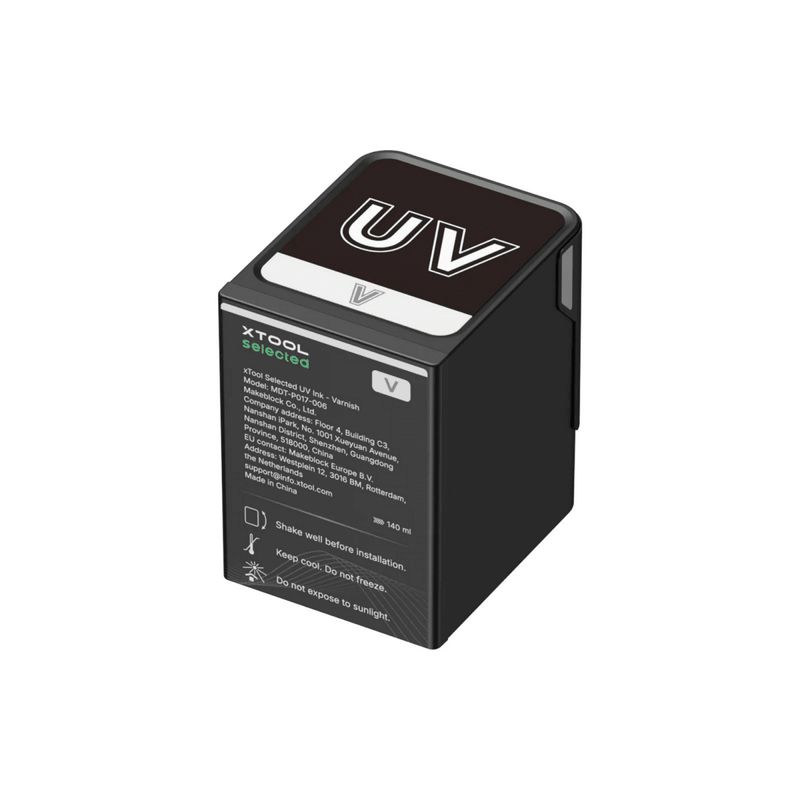
- UV Varnish (3-in-1) — 125 ml (gloss, matte, and foil-prep effects)
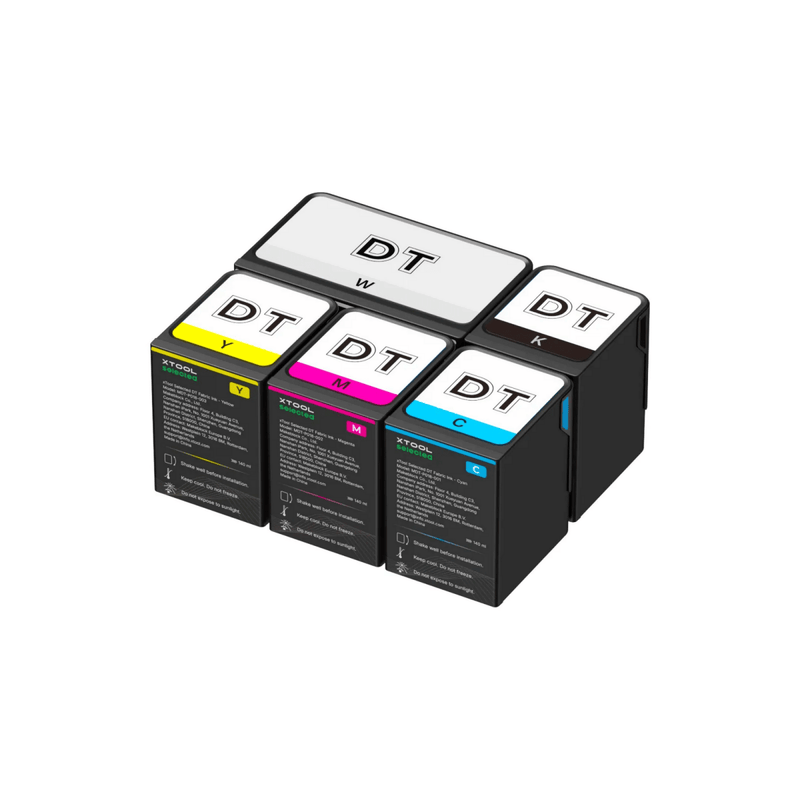
DT fabric ink (DTG + DTF)
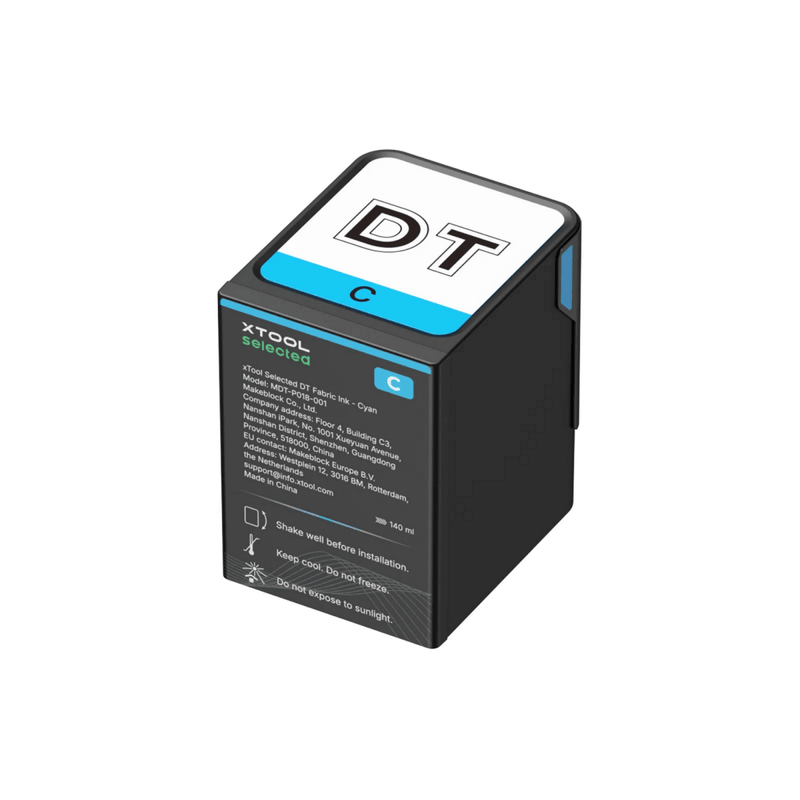
- DT Cyan — 125 ml
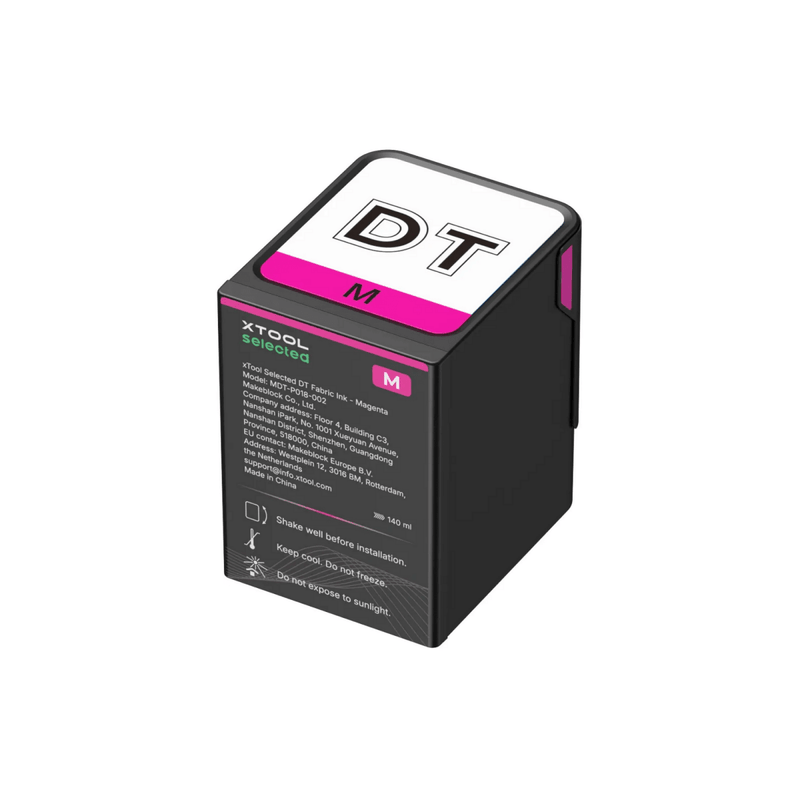
- DT Magenta — 125 ml
- DT Yellow — 125 ml
- DT Black — 125 ml
- DT White — 290 ml high-capacity cartridge
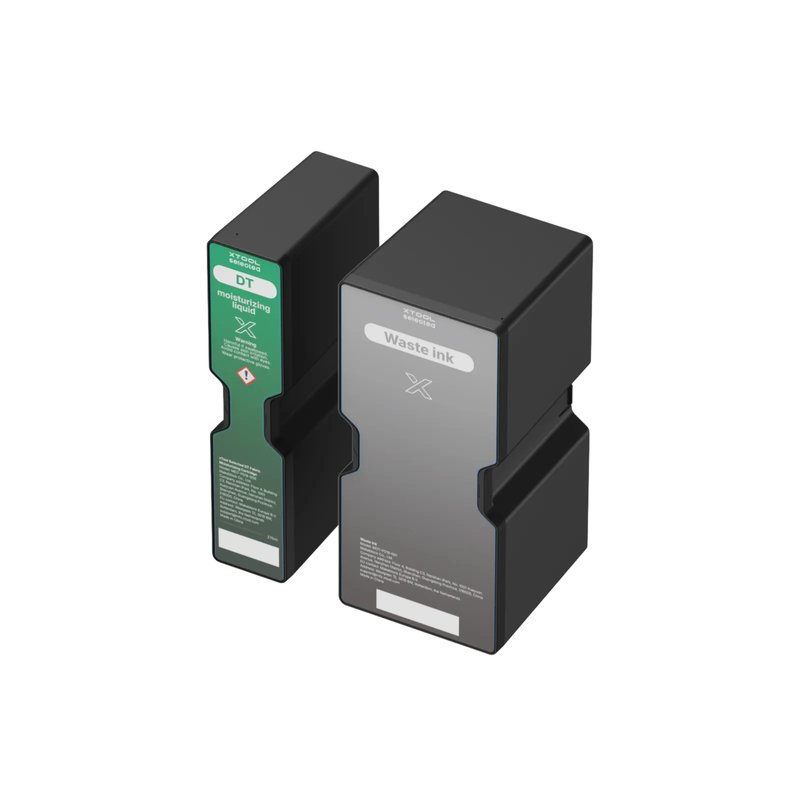
Maintenance tanks
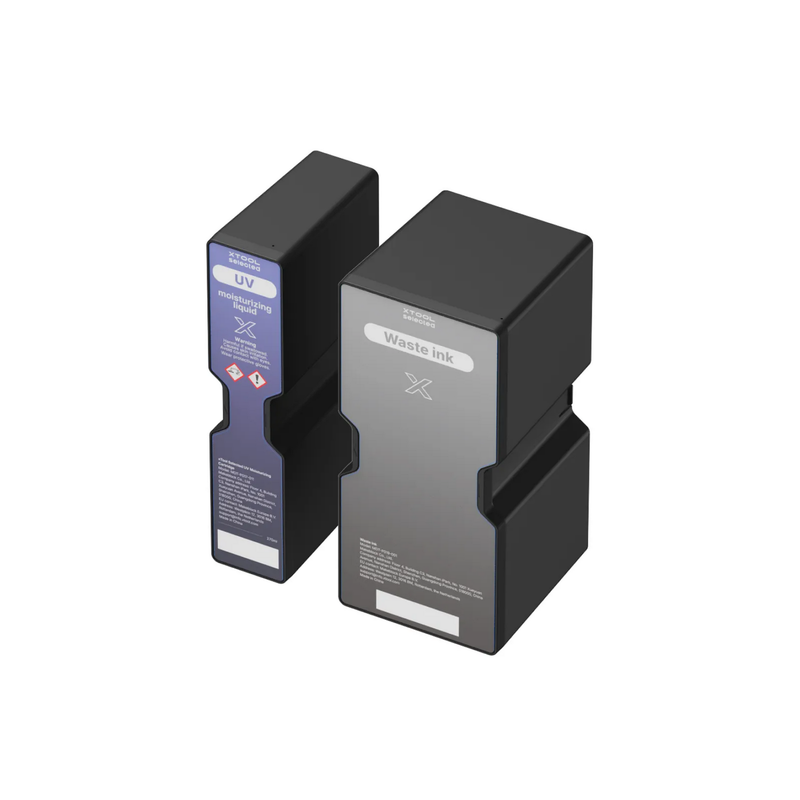
- UV Maintenance Tank — 260 ml UV moisturizing liquid + waste / used ink cartridge
- DT Maintenance Tank — 260 ml DT moisturizing liquid + waste / used ink cartridge
Shake every ink cartridge well before install. Press the 290 ml DT White cartridge in with both hands until it clicks. Do not peel the protective film from the back of either moisturizing liquid cartridge. Match cartridge markings to the printer bay. Do not mix UV and DT moisturizer, waste cartridges, or ink between heads.
Why Genuine xTool Selected Ink Matters
The O1 Omni is a closed cartridge printer. Color profiles, droplet waveform, white-ink circulation, curing response, and Smart Cycle 2.0 were tuned as one system—not as a generic tank you can top off with any UV or DTG ink.
Factory-sealed xTool Selected ink stays protected from air until the moment you click it in. That cuts oxidation, pigment settling, and batch-to-batch color drift. Third-party ink can change opacity, curing, wash fastness, and flow enough to cause banding, satellite drops, clogged nozzles, and inconsistent white. xTool does not support third-party inks, and non-genuine fluid can affect printhead-related warranty coverage.
If you want the colors your ICC profiles expect and the maintenance system both the UV and DT heads depend on, use this official refill set.
What Each Cartridge Does
UV CMYK
Photo-grade process color at 720 × 1440 dpi for logos, gradients, photos, and product art on acrylic, wood, metal, glass, ceramic, phone cases, signage, and gifts.
UV White
The underbase for dark, tinted, and clear hard goods. Also the build layer for raised 3D texture up to 7 mm (0.28"). Smart Cycle 2.0 stirs and circulates white ink automatically so pigment stays suspended instead of packing the lines.
UV 3-in-1 Varnish
One clear channel, three finishes:
- Gloss — wet-look highlights and protective topcoat
- Matte — soft, low-sheen contrast
- Foil stamping prep — print the dedicated foil profile, then transfer gold, silver, or holographic foil with a heated laminator
Use varnish as spot UV, full flood coat, or tactile relief without a second machine.
DT CMYK
Fabric process color for direct-to-garment and direct-to-film. Use it on compatible cotton, polyester, and blended blanks after the correct pretreatment.
DT White (290 ml)
High-capacity fabric white for dark garments and DTF underbases. The larger cartridge is there because white is the fabric color you burn through first.
UV and DT Maintenance Tanks: The Parts That Protect Both Heads
Ink is only half of uptime. The UV + DT Edition needs two different tanks:
- UV 260 ml moisturizing liquid hydrates the UV printhead during idle, Sleep, and Vacation Mode
- DT 260 ml moisturizing liquid hydrates the fabric printhead the same way
- Separate waste / used ink cartridges collect fluid from Standard Clean, Deep Clean, and automatic maintenance on each path
Leave the printer powered. Before a long break, enter Vacation Mode so the system can switch from ink to moisturizing fluid instead of leaving pigment sitting in either head. Keep spare tanks on the shelf. A full waste cartridge or empty moisturizer on either head is a production stop. Never put UV moisturizer in the DT bay, or DT moisturizer in the UV bay.
Compatibility
Designed for
- xTool O1 Omni UV + DT Fabric Edition (one UV F1080 + one DT F1080; UV channels CMYKWV, fabric channels CMYKWW)
Not a substitute for
- Single UV / Single Head kits (no DT fabric ink or DT tank)
- Dual UV / Dual Head kits (no Rigid White, Flexible White, or fluorescent red/yellow)
Match the kit to the edition you own. This is the only Essential Ink Set that covers both hard goods and apparel on one Omni.
Typical UV substrates: acrylic, wood, coated metal, glass, ceramic, phone cases, awards, keychains, signage, promotional hard goods, and UV DTF film.
Typical DT substrates: cotton, polyester, and compatible blends for DTG; DTF film for transfers. Use xTool selected pretreatment on garments as directed. Pretreatment is sold separately.
Built for Smart Cycle 2.0
This refill set is formulated for the O1 Omni’s automated care loop:
- Auto white-ink stirring and active circulation
- Ceramic temperature control for consistent jetting
- Printhead moisture protection and Vacation Mode
- Humidity-aware cycling and multiple clean modes
Result: fewer surprise clogs, more predictable color, and less time spent on manual purge cycles—on both the UV head and the DT head.
Safety & Indoor Use
xTool O1 UV ink is specified as non-reprotoxic and GREENGUARD® Gold certified. xTool O1 DT fabric ink is specified as OEKO-TEX® certified for custom apparel. Use both as directed, with the printer’s filtration running. Always wear nitrile gloves when handling cartridges and waste ink. Follow xTool’s install videos for the UV & DT printhead model.
Specifications
| Item | Detail |
|---|---|
| Product | xTool Omni UV + DT Ink & Maintenance Tank Refill Set (Essential Ink Set — UV + DT Fabric) |
| Printer | xTool O1 Omni UV + DT Fabric Edition |
| Printheads | 1 × Epson F1080 UV + 1 × Epson F1080 DT fabric |
| UV channels | CMYK + White + 3-in-1 Varnish (CMYKWV) |
| Fabric channels | CMYK + White (set includes C/M/Y/K 125 ml + White 290 ml) |
| UV ink volume | 125 ml per UV cartridge |
| DT ink volume | 125 ml CMYK; 290 ml DT White |
| Maintenance tanks | 1 × UV 260 ml tank + 1 × DT 260 ml tank, each with waste ink cartridge |
| System | Closed, factory-sealed cartridges |
| Resolution (printer) | 720 × 1440 dpi |
| Max raised UV texture | Up to 7 mm (0.28") |
| Print modes | Direct UV; UV DTF with laminator; DTG; DTF |
| Certifications | UV: non-reprotoxic, GREENGUARD® Gold; DT fabric: OEKO-TEX® |
| Brand line | xTool Selected |
Who This Set Is For
- UV + DT Omni owners who need UV and fabric ink in one order
- Shops printing hard goods and apparel from the same machine
- Makers running UV DTF decals plus DTG or DTF garments
- Anyone who wants official ink and the correct UV and DT tanks so Smart Cycle 2.0 doesn’t stall mid-job
Stock UV white, DT white, varnish, and both maintenance tanks as carefully as CMYK. Those are the items that quietly halt a 4-in-1 workflow when they run out.
Setup Tips
- Confirm you have the UV + DT Fabric edition before ordering a Single Head or Dual Head kit.
- Shake each ink cartridge thoroughly.
- Seat the 290 ml DT White with both hands until it clicks and stays down.
- Install UV moisturizer in the UV bay and DT moisturizer in the DT bay. Do not swap them. Leave the rear film on both moisturizers.
- Keep the machine plugged in so Smart Cycle 2.0 can stir white ink and run idle protection on both heads.
- Pretreat garments before DTG. Let pretreatment dry.
- Run a nozzle check after a cartridge change; use Standard Clean before Deep Clean.
- Replace either waste cartridge or moisturizer when the printer prompts—don’t wait for a failed job.
Why Buy From Swing Design
Order the official UV + DT full set with confidence from xTool's largest dealer that stocks the matching O1 Omni printer, genuine xTool Selected ink, and the maintenance supplies your printhead actually needs. Available at Swing Design, xTool’s U.S. source for xTool O1 Omni printers, genuine inks, and accessories
FAQ
Is this the official ink for the xTool O1 Omni UV + DT Edition?
Yes. It is the genuine xTool Selected set matched to that edition: UV CMYKWV plus DT fabric CMYK and high-capacity DT White, with both maintenance tanks.
Does it include the maintenance tanks or only ink?
Both. You get the full UV and DT ink load plus one UV tank and one DT tank (260 ml moisturizing liquid and a waste ink cartridge each).
Can I use this on a Single Head or Dual Head Omni?
The six UV colors are the same family as the other UV kits, but DT fabric ink and the DT tank only belong on the UV + DT Edition. Dual Head specialty inks (rigid white, flexible white, fluorescent) are not in this set and will not run on this machine.
Does UV + DT include fluorescent or flexible white?
No. Those channels are Dual UV only.
Will third-party UV or DTG ink work?
xTool does not support third-party ink. Off-brand fluid can shift color, clog the F1080s, and put printhead warranty at risk.
What is 3-in-1 varnish?
One clear UV cartridge for gloss, matte, and foil-prep. Foil transfer is finished with heat and pressure on a compatible laminator, not by the varnish staying tacky on the bed.
Do I need pretreatment?
Yes for DTG on garments. Color and white pretreatment are sold separately. UV hard-goods jobs do not use fabric pretreatment.
How often do I replace the maintenance tanks?
When a moisturizer is low, a waste cartridge is full, or the printer tells you to. This edition uses two different tanks—keep a spare of each if you print regularly.
Do I need to shake white ink?
Yes—shake UV white and DT white before install. After that, Smart Cycle 2.0 handles stirring and circulation while the printer stays powered.