




















xTool CMYK Inkjet Replacement Ink Cartridge for X1/P3/M2
$59.00 - $99.00$199.00
$59.00
xTool CMYK Inkjet Replacement Cartridge for X1, P3 & M2: Genuine 40 ml Full-Color Ink
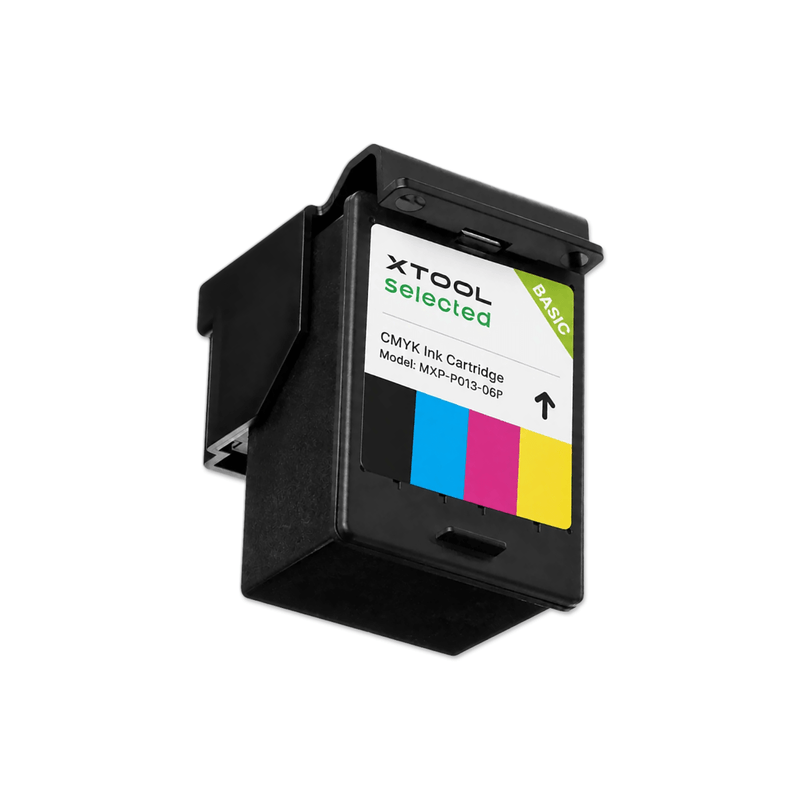
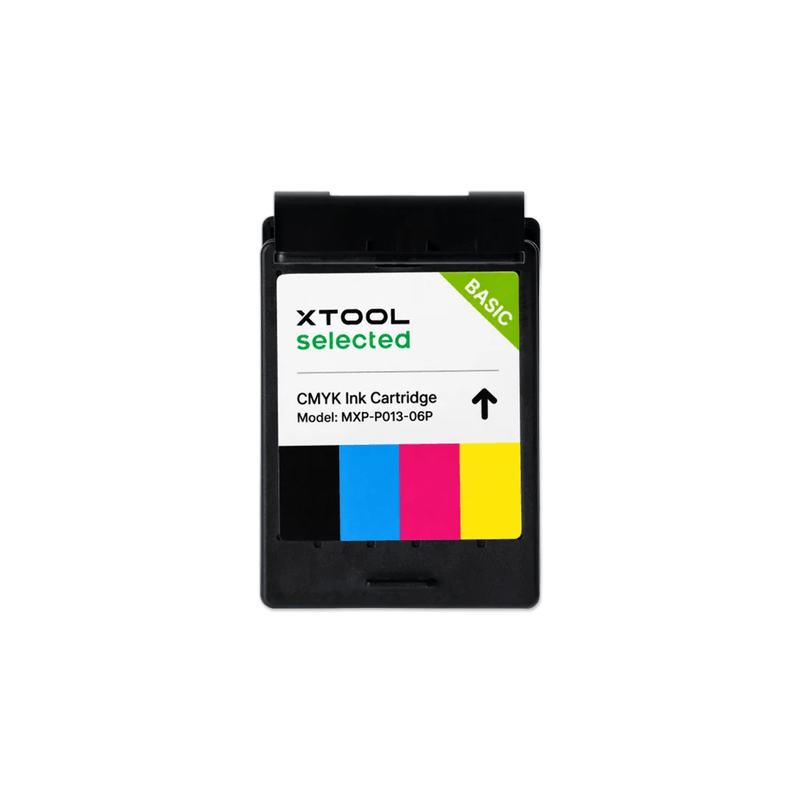
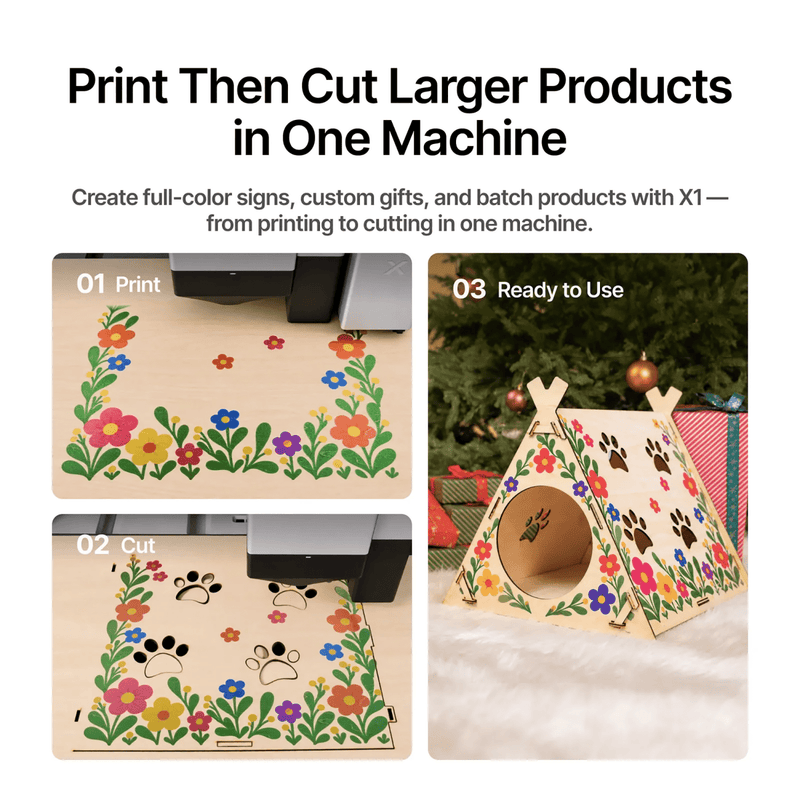
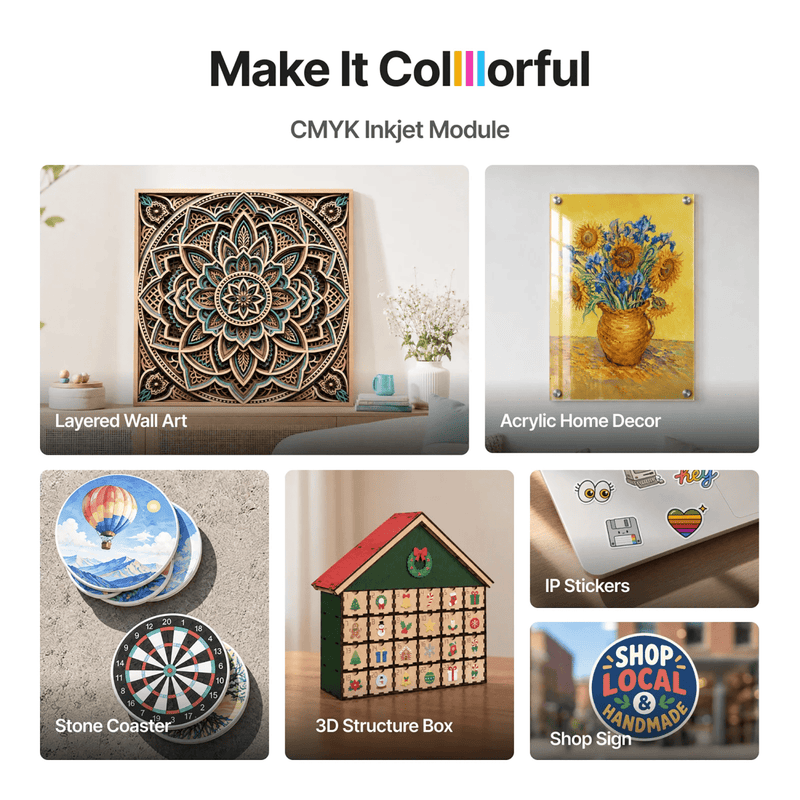
The xTool CMYK Inkjet Replacement Cartridge is the genuine ink cartridge for the official CMYK inkjet modules on the xTool X1, xTool P3, and xTool M2. Each 40 ml cartridge holds Cyan, Magenta, Yellow, and Black water-based dye ink and prints up to 400 pages, so you can keep producing colorful signs, stickers, labels, gifts, and décor without long interruptions. Keep a spare on hand from Swing Design, xTool's largest dealer.
Key Features
- One Cartridge for Three Machines: This single cartridge works with the official CMYK inkjet modules for the xTool X1, P3, and M2. If you run more than one xTool machine, you can stock one cartridge for all of them.
- 40 ml Capacity, Up to 400 Pages: Each cartridge holds 40 ml of CMYK ink and is rated for up to 400 pages based on ISO/IEC 24712 at 5% coverage. That means fewer swaps and less downtime, though actual yield depends on your designs, coverage, and color density.
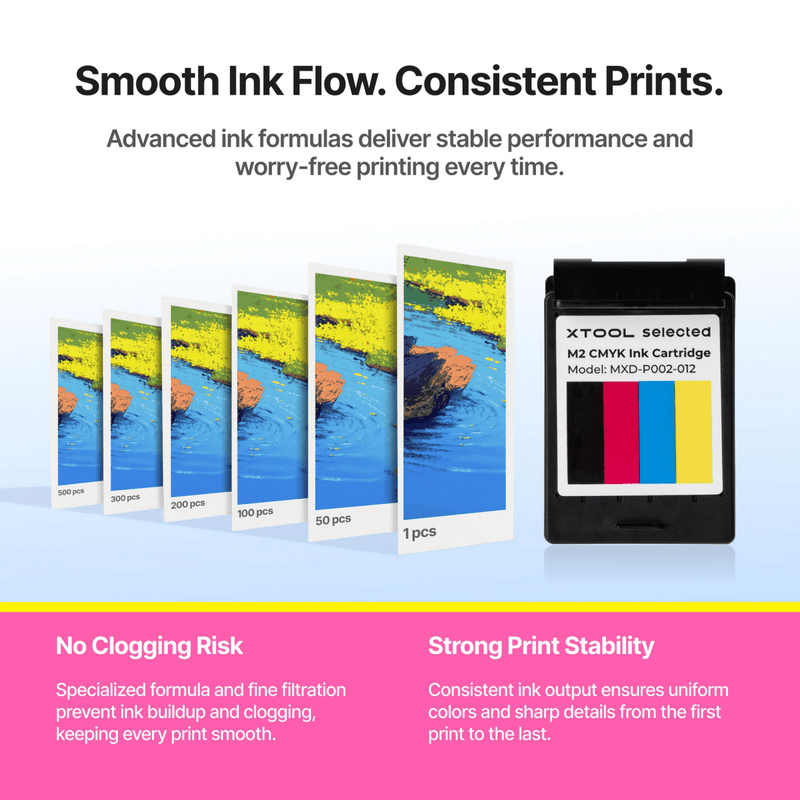
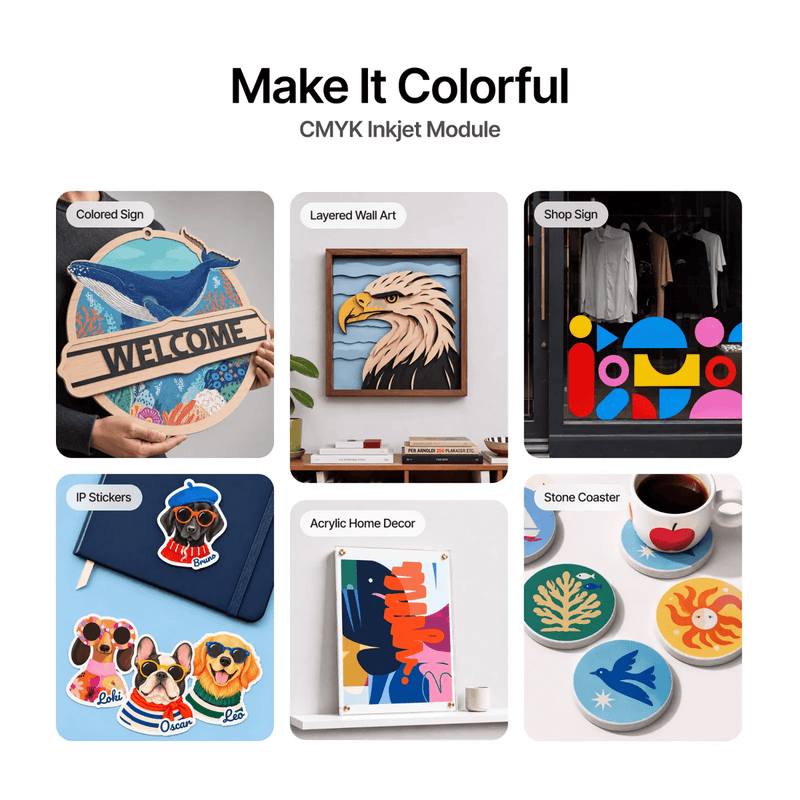
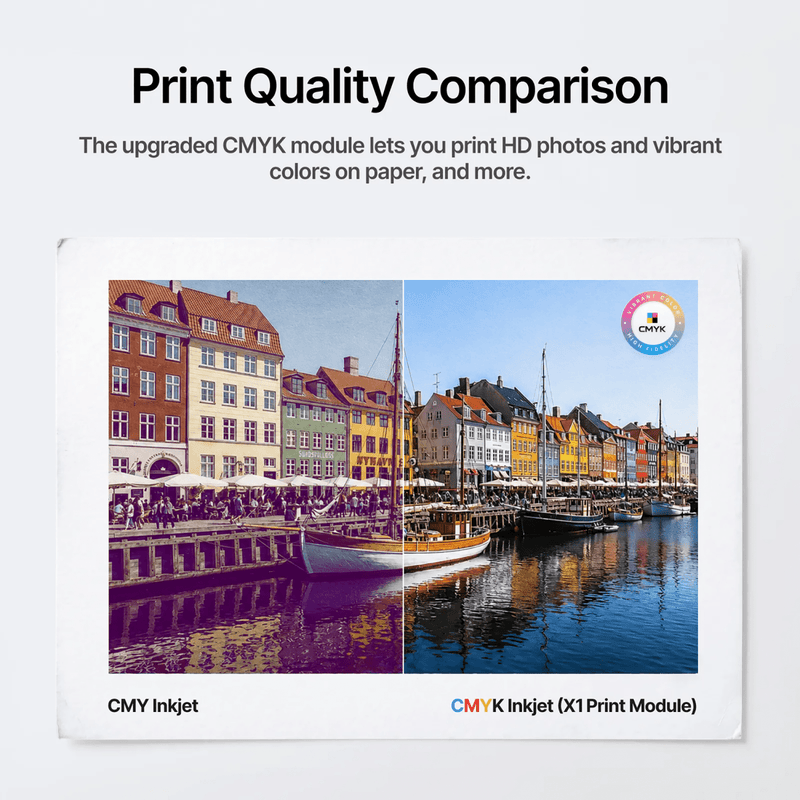
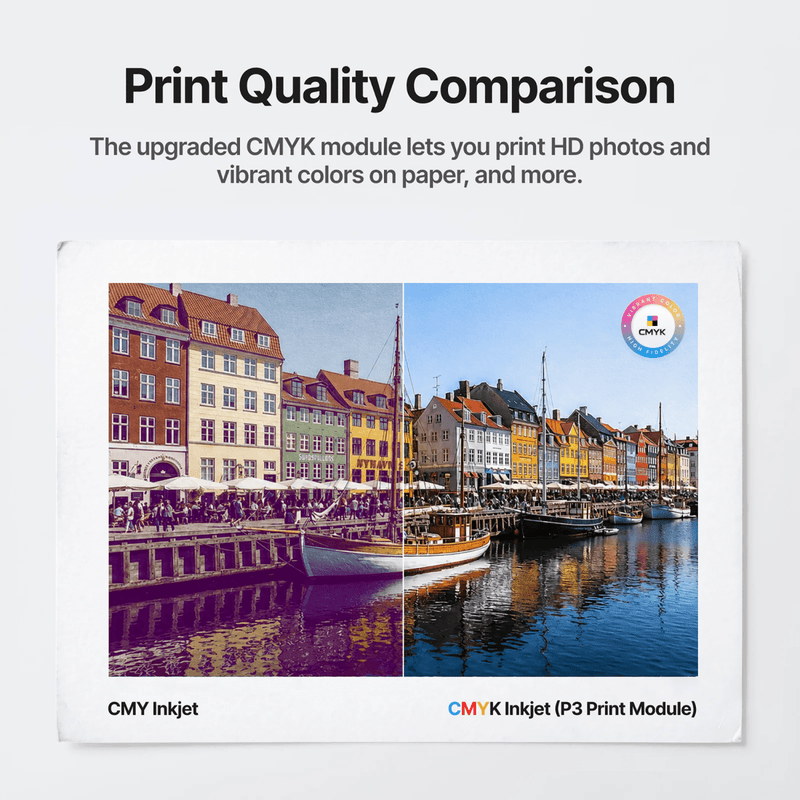
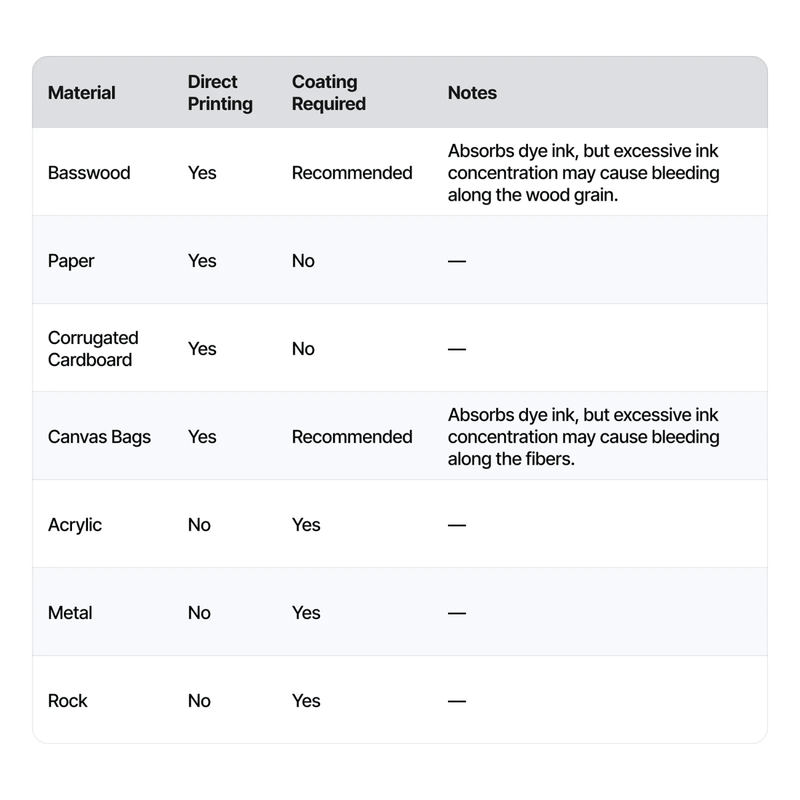
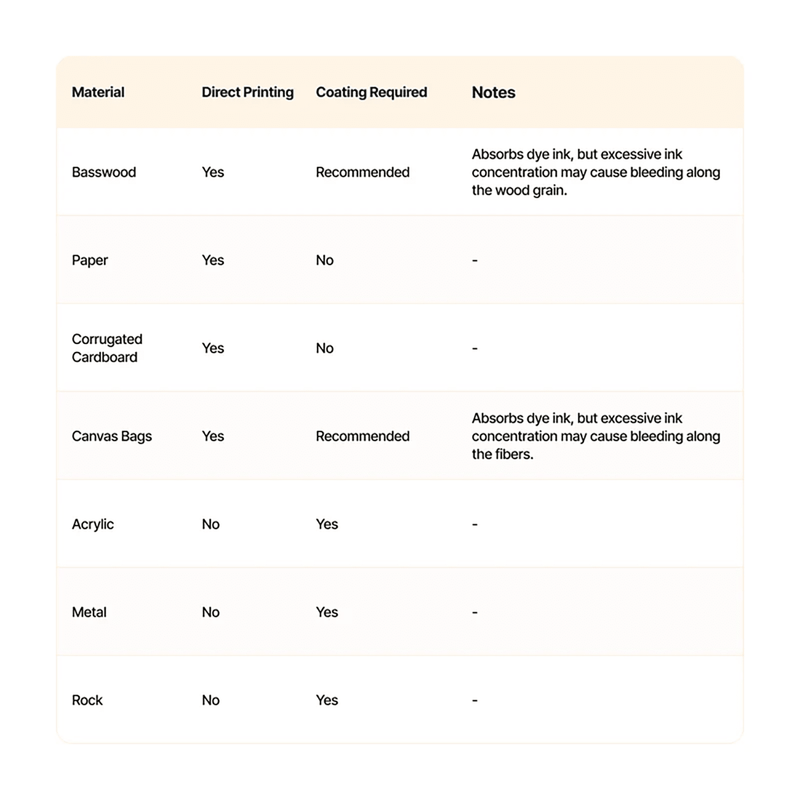
- True Four-Color CMYK Printing: A dedicated black channel gives you deeper shadows, rich gradients, and sharp detail for high-definition prints. Colors come out vibrant on paper, wood, fabric, and primed surfaces like acrylic, metal, and stone.
- Smooth Flow and Fewer Clogs: xTool built in fine filtration for smooth ink flow and fewer clogs. That keeps print quality consistent and cuts down on maintenance between jobs.
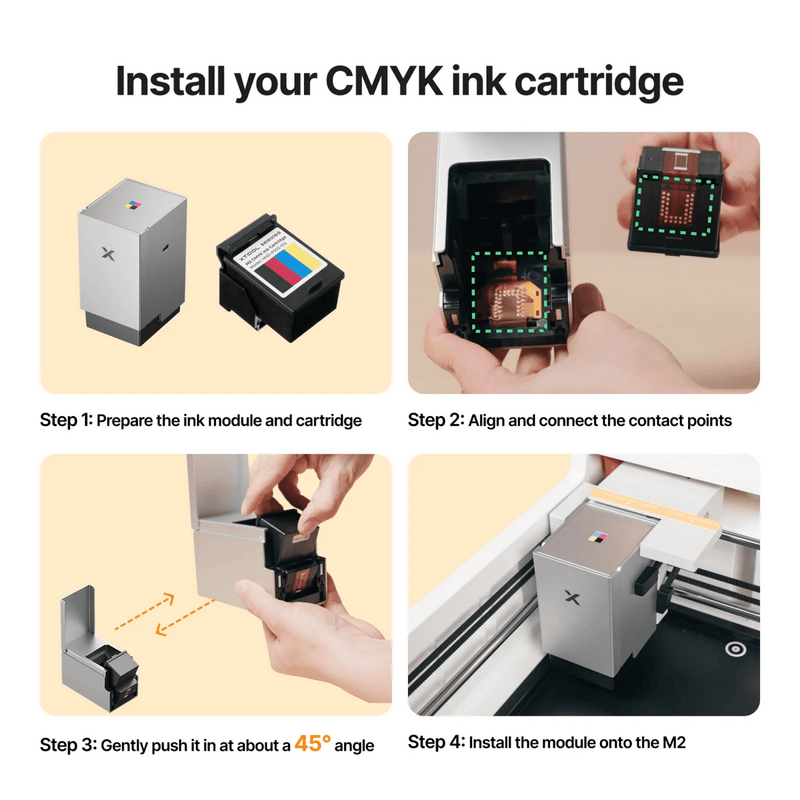
- Quick, Tool-Free Installation: Peel off the protective film, slide the cartridge into the module until it clicks, and you're ready to print. With the machine powered off, the whole swap only takes a moment.
What's Included
- Ink Cartridge
Specifications
| Specification | Details |
|---|---|
| Product Name | CMYK Ink Cartridge for xTool M2/X1/P3 |
| Compatibility | Official CMYK inkjet modules for xTool X1, xTool P3, and xTool M2 |
| Ink Colors | Cyan, Magenta, Yellow, Black (CMYK) |
| Ink Type | Water-based dye ink |
| White Ink | Not supported |
| Volume | 40 ml |
| Page Yield | Up to 400 pages (ISO/IEC 24712, 5% coverage) |
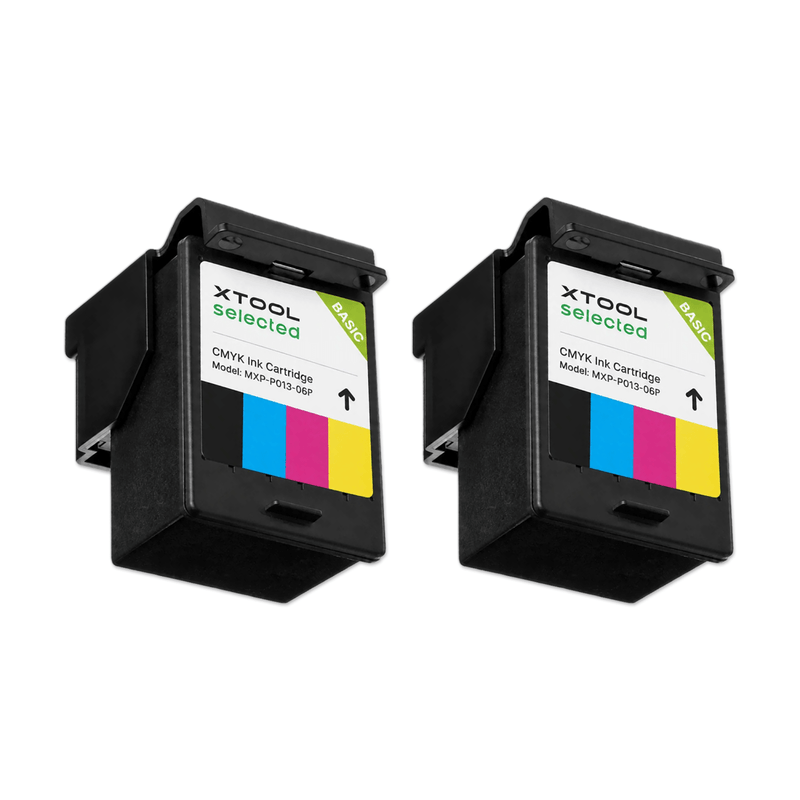
| Quantity | 1 cartridge |
| Refillable | No, replace the whole cartridge |
| Recommended Shelf Life | Use within 1 year |
| Operating Temperature | 15–35°C (59–95°F) |
| Operating Humidity | 40–60% RH |
How to Install the Cartridge
- Power off your xTool machine. Don't install or remove the cartridge while it's on.
- Remove the inkjet module and open its front cover.
- Peel the protective film off the new cartridge without touching the metal contacts or the nozzle.
- Slide the cartridge along the inner track until it clicks into place. On the M2, insert it at about a 45° angle, then press until it clicks.
- Close the cover, reattach the bottom cap, and reinstall the module.
Tips for the Best Results
- Print on white or light-colored materials, since CMYK ink doesn't lay down a white base layer.
- Use a primer on smooth surfaces like acrylic, metal, glass, and ceramic, and a wood primer or fixative on wood and canvas for sharper color.
- Recap the module after printing and keep the cap sponge slightly damp with moisturizing liquid so the nozzle doesn't dry out.
- Store spare cartridges away from direct sunlight, heat, humidity, and children.
Who It's For
- xTool X1, P3, and M2 owners using the official CMYK inkjet module
- Small businesses producing stickers, labels, signs, and packaging
- Etsy and craft sellers making full-color gifts and décor
- Shops running batch orders that need a spare cartridge on hand
Frequently Asked Questions
Which machines is the xTool CMYK ink cartridge compatible with?
It works with the official CMYK inkjet modules for the xTool X1, xTool P3, and xTool M2. Make sure your machine has its matching official CMYK module installed.
Does it work with the older M1 or M1 Ultra ink modules?
No. xTool lists compatibility only for the M2, X1, and P3 CMYK modules. The older M1 Ultra uses a separate CMY ink system.
How many pages does one cartridge print?
Each 40 ml cartridge prints up to 400 pages based on ISO/IEC 24712 at 5% coverage. Your actual yield depends on your design, ink coverage, and color density.
What kind of ink is in the cartridge?
It's water-based dye ink in Cyan, Magenta, Yellow, and Black. It's not UV ink, and there's no white ink.
Can I refill the cartridge?
No. xTool doesn't support refilling or adding other brands' ink, since it can cause color shifts and pressure-balance problems. When the ink runs out, replace the whole cartridge.
How do I know when the cartridge is running low?
xTool's software estimates your ink level based on what you've printed. If one color runs out before the others, it's because you used it more, and you'll still need to replace the whole cartridge.
Are prints made with this ink waterproof?
No. Water-based ink can smudge or bleed if it gets wet, so washing printed items isn't recommended. A clear matte sealer spray, sold separately, helps protect finished pieces.
What's the shelf life of the ink cartridge?
xTool recommends using the cartridge within 1 year. Store it away from direct sunlight, heat, and big swings in humidity.
Why buy the xTool CMYK Ink Cartridge from Swing Design?
Swing Design is xTool's largest dealer, so you get genuine xTool cartridges, fast shipping, and knowledgeable support for your X1, P3, or M2.
Where can I buy the xTool CMYK Inkjet Replacement Cartridge?
You can order it from Swing Design at www.swingdesign.com.
Order the xTool CMYK Inkjet Replacement Cartridge Today
Keep your xTool X1, P3, or M2 printing vibrant, full-color designs with a genuine 40 ml CMYK cartridge. Order the xTool CMYK Inkjet Replacement Cartridge from Swing Design, xTool's largest dealer, today.