








xTool C1 Color Craft Cutter Electrostatic Mat
$99.00$115.00
$99.00
New Product Launch - Shipping in December
xTool C1 Color Craft Cutter Electrostatic Mat: Residue-Free Hold for Paper and Thin Materials
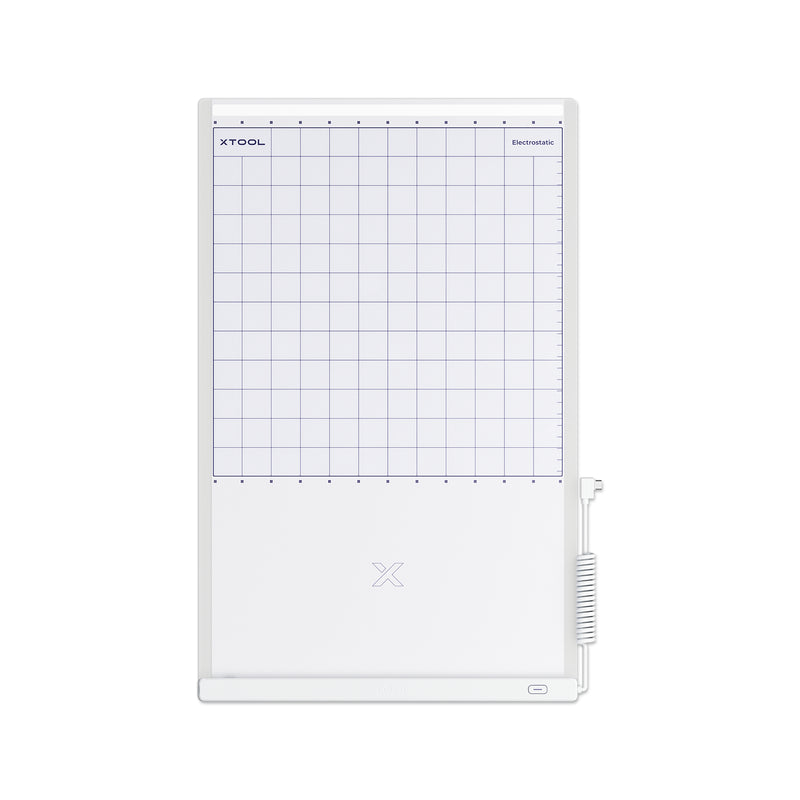
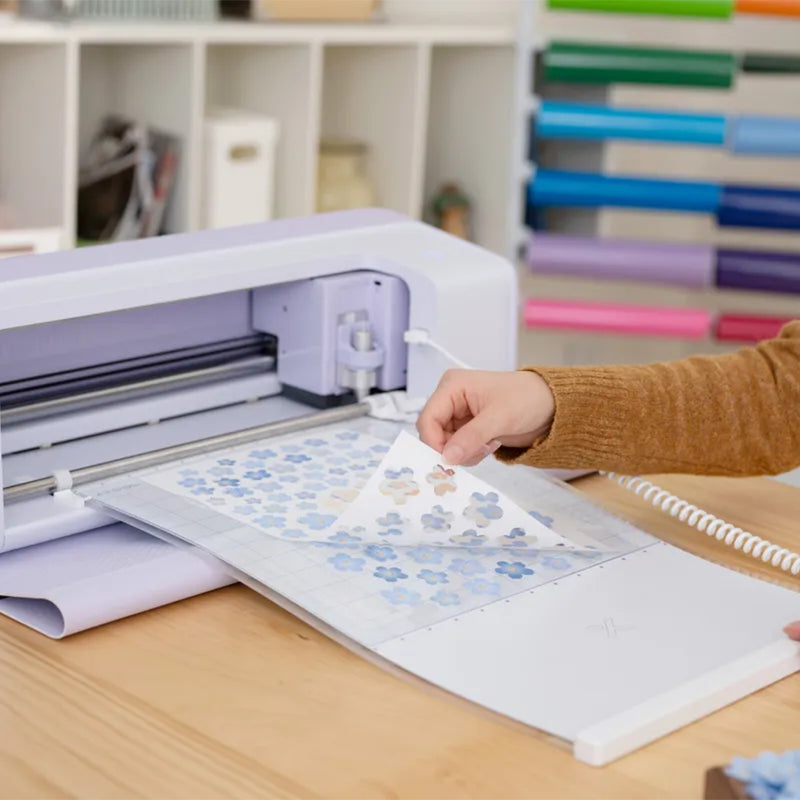
The xTool C1 Color Craft Cutter Electrostatic Mat holds paper and other thin, lightweight materials with static instead of sticky adhesive. The C1 powers the mat, so your material stays firmly in place while you print, draw, foil, score, or cut. When the power turns off, the hold lets go right away and your project lifts off clean with no residue. Swing Design is xTool's largest dealer, and this mat is a smart upgrade for anyone who works with delicate paper on the C1.
Key Features
- Static Hold Powered by the C1: The mat runs on power from the xTool C1 and holds your material with electrostatic attraction while it moves through the machine. Turn the power off and the hold disappears immediately, so you never have to peel a delicate sheet off a tacky surface.
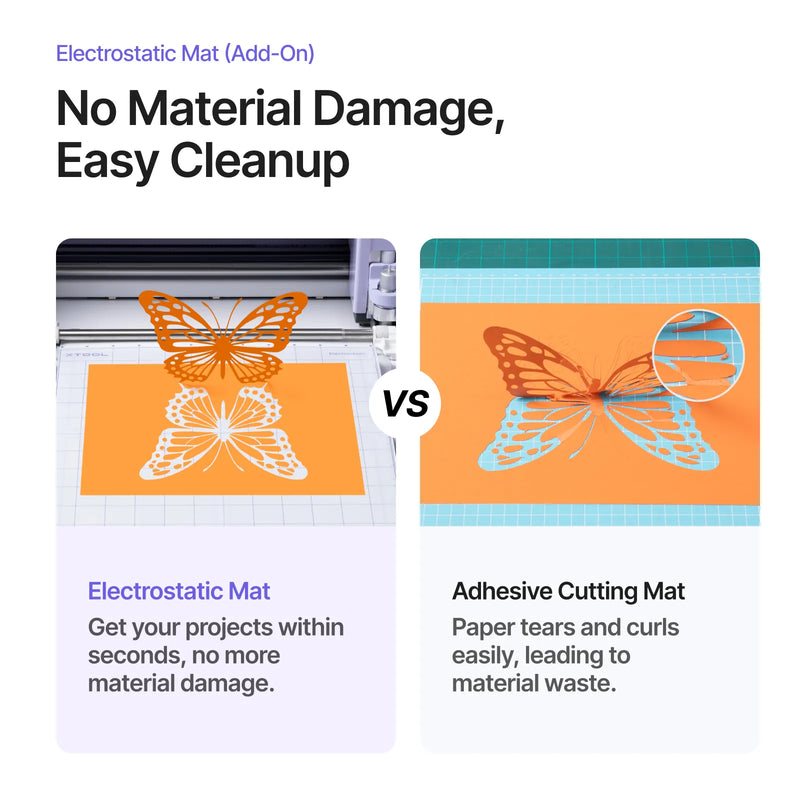
- Clean, Residue-Free Removal: Because there's no glue, your paper comes off without tearing, curling, or picking up sticky residue. That's a big help for cards, invitations, and other projects where a clean finish matters.
- Grip That Doesn't Fade: Adhesive mats lose their tack over time. xTool says the holding force on the Electrostatic Mat doesn't noticeably decrease with use, so you get the same hold project after project without re-sticking or replacing it.
- Works With Nearly Every C1 Process: Use it for scanning, printing, drawing, scoring, cold foiling, and hot foiling. It also supports cutting with every C1 blade except the Cutting Blade, for materials up to 1.7 mm thick.
- 12 x 12-Inch Working Area: The mat gives you a full 12 x 12-inch processing area, the same usable size as the standard C1 cutting mat, so your existing designs fit without changes.
What's Included
- xTool C1 Electrostatic Mat
xTool C1 Color Craft Cutter sold separately. The Electrostatic Mat isn't included with the C1 Basic or Deluxe kit.
Specifications
| Spec | Details |
|---|---|
| Official Product Name | xTool C1 Electrostatic Mat |
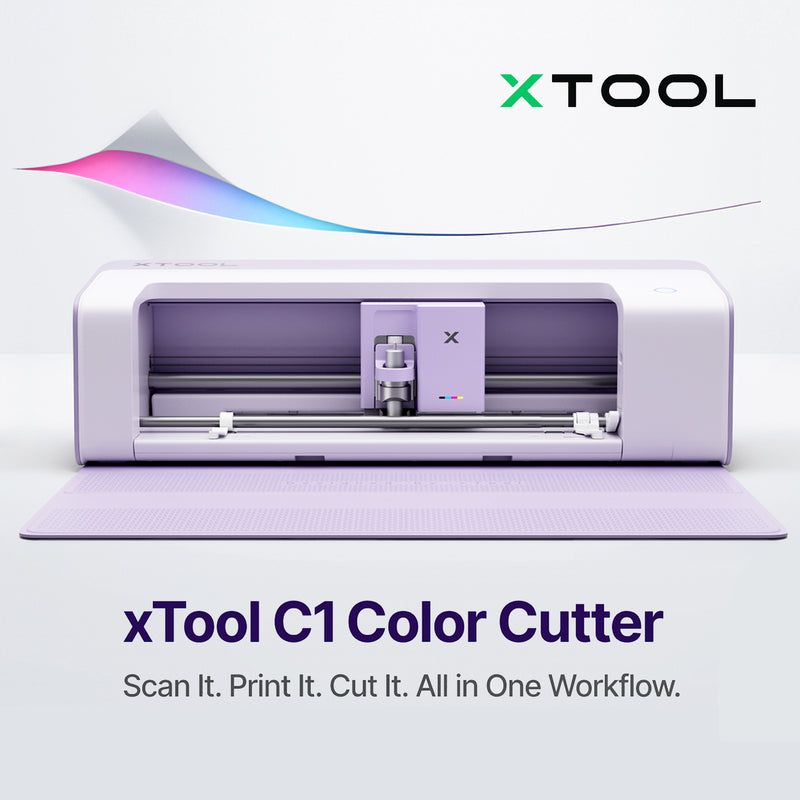
| Compatible Machine | xTool C1 Color Craft Cutter |
| Hold Method | Electrostatic attraction, powered by the C1 |
| Working Area | 12 x 12 in. |
| Maximum Material Thickness | 1.7 mm |
| Best For | Paper and other thin, lightweight materials |
| Supported Processes | Scanning, printing, drawing, scoring, cold foiling, and hot foiling |
| Supported Cutting | All C1 blades except the Cutting Blade |
| Connection | C1 Electrostatic Mat / Roll Holder port |
Electrostatic Mat vs C1 Adhesive Mats
| Mat | How It Holds | Sizes | Best For | Max Thickness |
|---|---|---|---|---|
| Electrostatic Mat | Powered static hold | 12 x 12 in. | Paper and thin, lightweight materials | 1.7 mm |
| LightGrip Cutting Mat | Light adhesive | 12 x 12 in., 12 x 24 in. | Paper, cardstock, sticker paper, vinyl, HTV | 3 mm |
| FabricGrip Cutting Mat | Stronger adhesive | 12 x 12 in., 12 x 24 in. | Fabric, leather, balsa, magnet sheets | 3 mm |
| StrongGrip Ultrasonic Cutting Mat | Strongest adhesive | 12 x 12 in. | Basswood plywood, MDF, thick cardboard, tooling leather | 3 mm |
How to Get Started
- Connect the Electrostatic Mat to the C1's Electrostatic Mat / Roll Holder port so the machine can power it.
- Lay your paper or thin material on the mat, inside the 12 x 12-inch area, and keep it under 1.7 mm thick.
- Set the mat at the C1's feed inlet and let the machine pull it in. Don't force it.
- Set up your project in xTool software to print, draw, score, foil, or cut with a supported blade.
- When the job finishes, unload the mat, power it off to release the hold, and lift your project off.
- For fabric, thick materials, the Cutting Blade, or the Ultrasonic Cutter, switch to the matching xTool adhesive mat.
Who It's For
- Paper Crafters: Hold delicate paper firmly and remove it without tears or residue.
- Card and Invitation Makers: Print, draw, foil, and cut clean, polished cards.
- Print-and-Cut Sticker Makers: Print and cut thin sticker sheets on one smooth surface.
- Foil and Pen Artists: Get a steady hold for hot foiling, cold foiling, scoring, and drawing.
- C1 Owners Tired of Replacing Mats: Get a hold that doesn't wear out like sticky adhesive.
FAQ
What is the xTool C1 Color Craft Cutter Electrostatic Mat?
It's xTool's official electrostatic mat for the C1. The C1 powers it, and it holds paper and other thin materials with static instead of adhesive.
How does the xTool C1 Color Craft Cutter Electrostatic Mat work?
The C1 powers the mat, which creates electrostatic attraction to hold your material in place as it moves through the machine. When the power is off, the hold releases right away.
What size is the xTool C1 Color Craft Cutter Electrostatic Mat?
It has a 12 x 12-inch working area. For 12 x 24-inch projects, use a long adhesive cutting mat.
What materials work on the xTool C1 Color Craft Cutter Electrostatic Mat?
It's designed for paper and other thin, lightweight materials. For fabric, leather, balsa, or rigid sheets, use the matching xTool adhesive mat.
How thick can material be on the xTool C1 Color Craft Cutter Electrostatic Mat?
The maximum material thickness is 1.7 mm.
What can I do with the xTool C1 Color Craft Cutter Electrostatic Mat?
You can scan, print, draw, score, cold foil, hot foil, and cut with any C1 blade except the Cutting Blade.
Can I use the Cutting Blade or Ultrasonic Cutter with the xTool C1 Color Craft Cutter Electrostatic Mat?
No. The Cutting Blade isn't supported on this mat, and the Ultrasonic Cutter needs the StrongGrip Ultrasonic Cutting Mat.
Does the xTool C1 Color Craft Cutter Electrostatic Mat leave residue?
No. It holds with static rather than adhesive, so your project comes off clean once the mat is powered off.
Does the xTool C1 Color Craft Cutter Electrostatic Mat lose its grip over time?
xTool says its holding force doesn't noticeably decrease with use, unlike adhesive cutting mats.
Is the xTool C1 Color Craft Cutter Electrostatic Mat included with the C1?
No. It's sold separately. The C1 Basic and Deluxe kits come with a 12 x 12-inch LightGrip cutting mat.
How do I connect the xTool C1 Color Craft Cutter Electrostatic Mat?
Plug it into the C1's Electrostatic Mat / Roll Holder port, place your material on the mat, and let the C1 feed it in.
Is the xTool C1 Color Craft Cutter Electrostatic Mat better than a LightGrip mat?
For delicate paper, many crafters prefer it because it releases cleanly and its grip doesn't fade. A LightGrip mat is still the choice for 12 x 24-inch work and materials up to 3 mm.
Why buy the xTool C1 Color Craft Cutter Electrostatic Mat from Swing Design?
Swing Design is xTool's largest dealer, so you get genuine xTool C1 accessories and knowledgeable help choosing the right tools for your projects.
Where can I buy the xTool C1 Color Craft Cutter Electrostatic Mat?
You can order it from Swing Design at www.swingdesign.com.
Order the xTool C1 Color Craft Cutter Electrostatic Mat Today
Hold paper firmly, release it cleanly, and skip sticky mats for good on your xTool C1. Order the xTool C1 Color Craft Cutter Electrostatic Mat from Swing Design, xTool's largest dealer, today.