



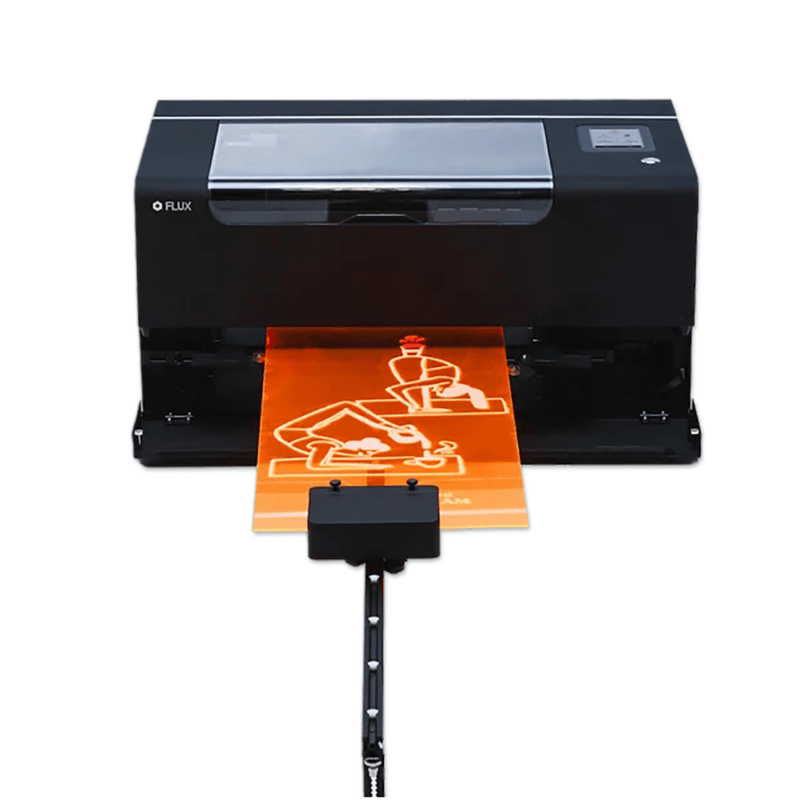




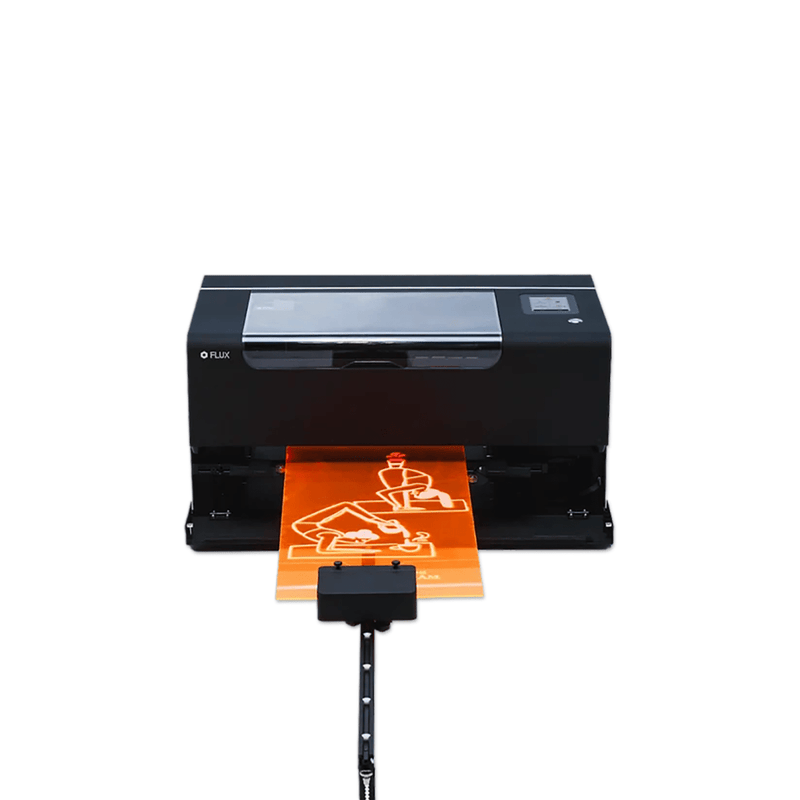

FLUX Beamo II Auto Feeder Extension
Shop the official FLUX Beamo II Auto Feeder and stop cutting long jobs down to fit the bed. This motorized feeder add-on pulls material through Beamo II with aligned, repeatable motion so you can engrave and cut longer boards, signs, moldings, leather strips, and production runs instead of tiling every design by hand.
Official FLUX copy is simple: seamless handling, precise alignment, and continuous production. In practice, it turns a compact 360 × 240 mm desktop cutter into a pass-through workstation for material up to 16.14" wide and 39.37" long.
Required: the Beamo II Extension Base Riser. The Auto Feeder will not work correctly without it. Pair both when you order from Swing Design.
Why add the Auto Feeder
The standard Beamo II bed is built for compact blanks. Long plaques, ruler stock, cabinet strips, bookmarks, and batch gift runs usually mean extra cuts, extra alignment, and extra waste. The Auto Feeder feeds the sheet, holds the edge, and advances the work so Beam Studio can process a longer path in one setup.
Use it for:
- Long wood and acrylic signs
- Molding, slats, and trim pieces
- Leather belts, straps, and nameplates
- Cardboard, paper, and fabric runs
- Repeat production instead of one-off placement
Key features
- Official beamo II Auto Feeder add-on
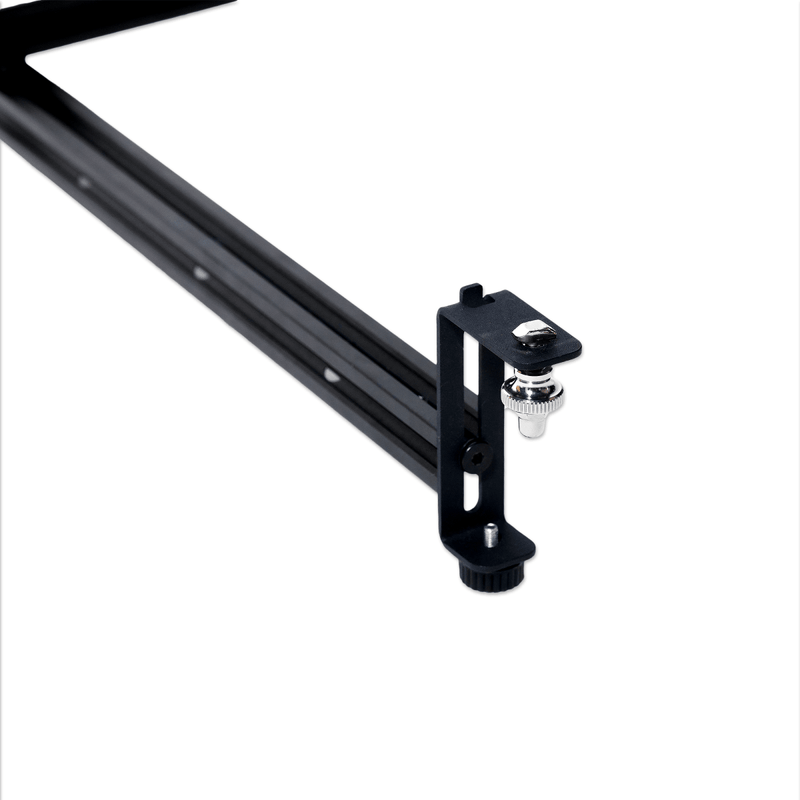
- Motorized feed with rail guidance and edge rollers for straight travel
- 16.14" (410 mm) max material width
- 13.39" (340 mm) max process-area width
- 39.37" (1,000 mm) max process-area length
- 3.54" (90 mm) max material thickness
- 0.79" (20 mm) max clamp thickness
- Height levels from 3 mm to 92 mm so the rails match stock thickness
- Works with Beam Studio’s Auto Feeder mode—enter material length, preview the border, then run
- Sold and supported at SwingDesign.com
Technical specifications
| Spec | Value |
|---|---|
| Official name | beamo II Auto Feeder |
| Compatibility | FLUX Beamo II only |
| Required add-on | beamo II Extension Base |
| Max material width | 16.14" (410 mm) |
| Max process area width | 13.39" (340 mm) |
| Max process area length | 39.37" (1,000 mm) |
| Max material thickness | 3.54" (90 mm) |
| Max clamp thickness | 0.79" (20 mm) |
| Minimum practical thickness | 3 mm |
| Software | Beam Studio Auto Feeder mode |
Rail height chart from FLUX’s Beamo II Auto Feeder guide:
A 3–12 mm · B 12–22 mm · C 22–32 mm · D 32–42 mm · E 42–52 mm · F 52–62 mm · G 62–72 mm · H 72–82 mm · I 82–92 mm · J 92 mm max
What’s in the box
FLUX’s Beamo II Auto Feeder kit includes the feeder unit, ball-wheel rails, rail connectors and fixing beam, belt and belt clamps, edge-guide rollers and platforms, rail lifting bases, magnets and L-brackets, adapter and cable, mounting hardware, wrenches, and spare white ball bearings.
Compatibility notes
This feeder is Beamo II only. It does not fit original beamo, Beambox, Beambox Pro, Beambox II, HEXA, or Ador.
You also need:
- FLUX Beamo II laser
- Beamo II Extension Base (pass-through / riser base)
- Beam Studio with Auto Feeder enabled
The Extension Base is sold separately. Install that first, then the feeder. Some regions list an extra-long rail package beyond 1,000 mm; the official US spec for this add-on is 39.37" / 1,000 mm.
Safety note
Beamo II is a Class 1 enclosed laser in normal use. Auto Feeder operation is Class 4 because the front and rear covers are open for pass-through. Use the machine’s safety-key workflow, keep the work area controlled, and follow FLUX’s Auto Feeder setup guide before the first run.
Thin stock from about 3–7 mm may sit too low for the autofocus probe to touch. Pad the material so the probe can read height, then clamp and test feed before you start the job.
Best for
Shops and makers who already own Beamo II and need longer throughput: personalized signage, batch engraving, architectural pieces, classroom production, and any job that is wider or longer than the standard enclosed bed.
Good to know
Measure thickness, set the matching rail height, square the edge guides, and use Beam Studio’s border preview before firing. Keep material flat on the rollers. If a sheet is too long for the first rail setup, FLUX’s guide covers adding an extra rail section with connectors.
Ready for longer Beamo II jobs? Add the Riser Extension Base at the same time if you do not already have it.