



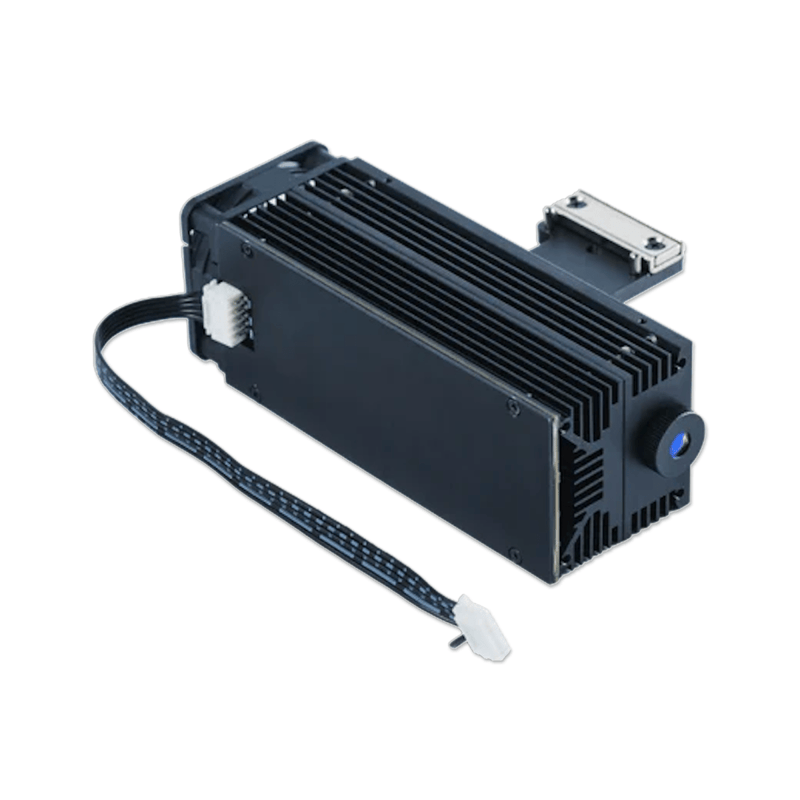



FLUX Beamo II 2W Infrared (IR) Laser
Shop the official FLUX Beamo II 2W Infrared Laser Add-on and add real metal marking to a machine that already cuts wood and acrylic. The stock 30W CO2 laser cannot mark bare metal well. Swap in this 2W, 1,064 nm IR module and Beamo II can engrave stainless steel, aluminum, gold, silver, copper, iron, and titanium on the same desktop.
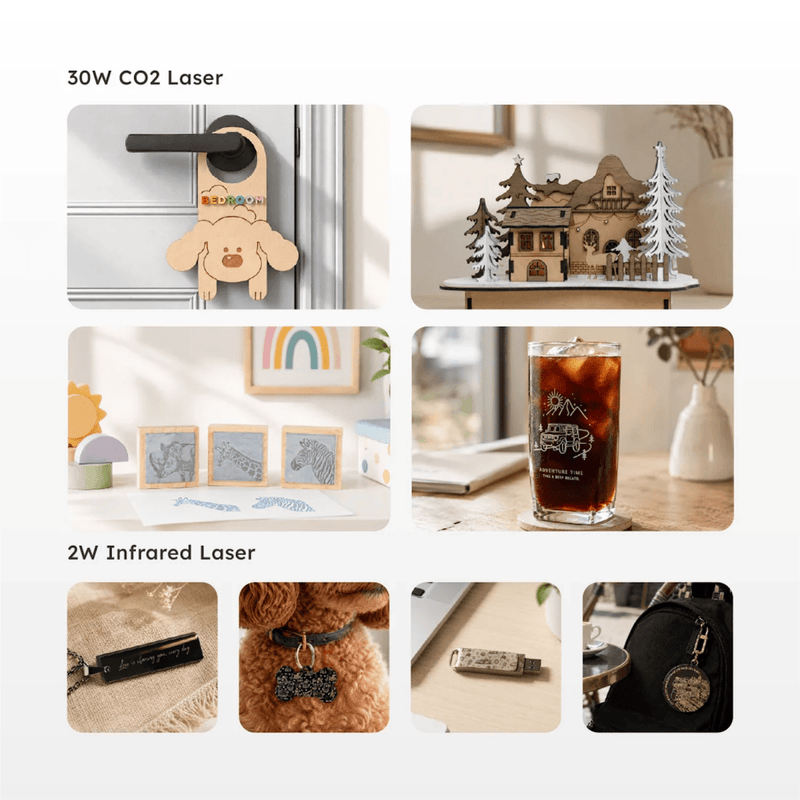
Official FLUX line: the 2W Infrared Laser Module engraves metal and metal-like materials with ease. Use it for jewelry, tags, tools, tumbler lids, nameplates, and small-batch product marking without buying a second fiber machine.
Why add the IR module
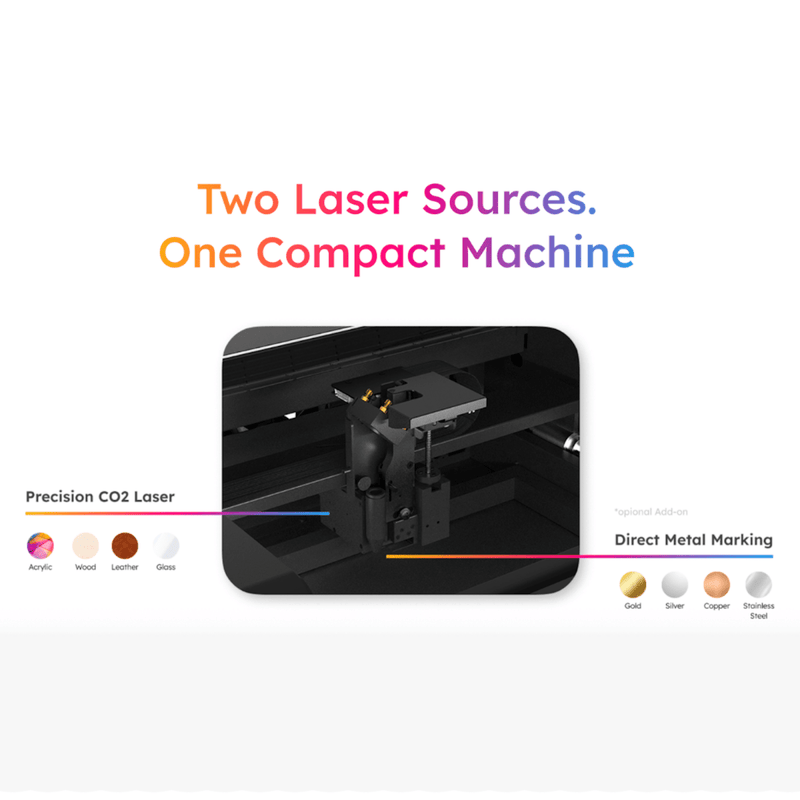
CO2 light is absorbed by wood, acrylic, leather, and glass. Bare metals reflect it. The 1,064 nm infrared module is built for direct metal marking—fine, durable marks on common shop metals and some engineering plastics. Keep the CO2 head for cut-and-engrave work, then swap to IR when the job is metal.
That dual-laser setup is the point of Beamo II: one compact Class 1 enclosure, two purpose-built sources.
What you can mark
IR-supported metals and finishes
- Stainless steel
- Aluminum and anodized metal
- Gold, silver, copper
- Iron and titanium
- Plated metal
Also useful on
- Opaque acrylic (IR engraving; not clear acrylic)
- Select plastics such as black acrylic and ABS
Typical projects
- Custom jewelry and charms
- Pet tags and key tags
- Tool and part IDs
- Stainless drinkware accents
- Promotional metal gifts
This module engraves and marks. It does not cut metal.
Key features
- Official beamo II 2W Infrared Laser Add-on
- 2W IR / fiber-style marking module
- 1,064 nm wavelength for direct metal engraving
- Up to 1,000 DPI
- Max IR speed 150 mm/s
- IR work area 10.63" × 7.48" (270 × 190 mm)
- Magnetic module swap on the Beamo II head
- Beam Studio support: enable the 2W IR laser in document settings, then pick 2W parameters
- Sold and supported at SwingDesign.com
Technical specifications
| Spec | Value |
|---|---|
| Official name | beamo II 2W Infrared Laser Add-on |
| Compatibility | FLUX Beamo II only |
| Laser power | 2W |
| Wavelength | 1,064 nm |
| Resolution | Up to 1,000 DPI |
| Max IR speed | 150 mm/s |
| IR work area | 10.63" × 7.48" (270 × 190 mm) |
| CO2 work area (machine) | 14.17" × 9.45" (360 × 240 mm) |
| Function | Engrave / mark metal and select plastics |
| Metal cutting | Not supported |
What’s in the box
FLUX’s install kit includes the 2W IR laser module, module mount, test materials, T8 star screwdriver, T8 screws, and connection cable. The module seats magnetically on the mount.
Compatibility notes
This add-on is Beamo II only. It does not fit original beamo, Beambox, Beambox II, HEXA, or Ador.
Important limits:
- The print head and the 2W IR head cannot run at the same time. Swap modules for print jobs vs. metal-marking jobs.
- IR work area is smaller than the CO2 bed: 270 × 190 mm.
- Results vary by alloy, polish, and coating. Test on scrap first.
- Some stainless jobs still benefit from a marking spray; many bare metals mark directly with IR.
Best for
Makers and small shops that already own Beamo II and want metal jewelry, tags, and branded hardware without a separate fiber engraver. Pair it with the Chuck Rotary and Extension Base if you need wrap marking on metal drinkware or rings.
Good to know
Install the mount, seat the IR module, connect the cable, autofocus on the test material, then enable 2W IR in Beam Studio. Use camera preview, set power and speed for the 2W module, and run a small test mark before the production file.
Why buy from Swing Design
Authorized FLUX dealer with US stock, real support after checkout, and the matching Beamo II add-ons in one place. Questions on fitment or bundles? Contact Swing Design before you order.