



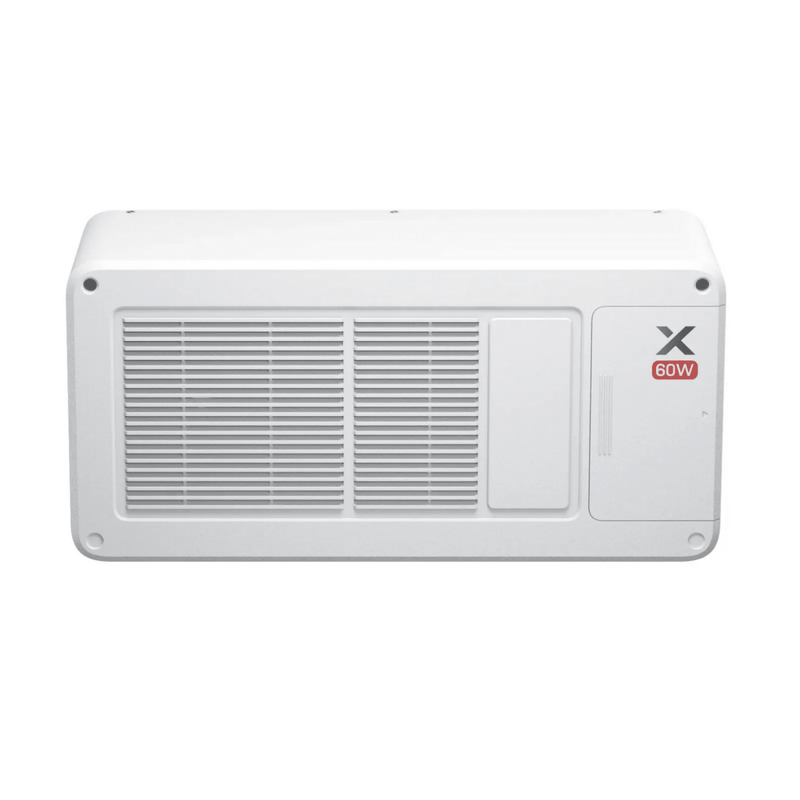

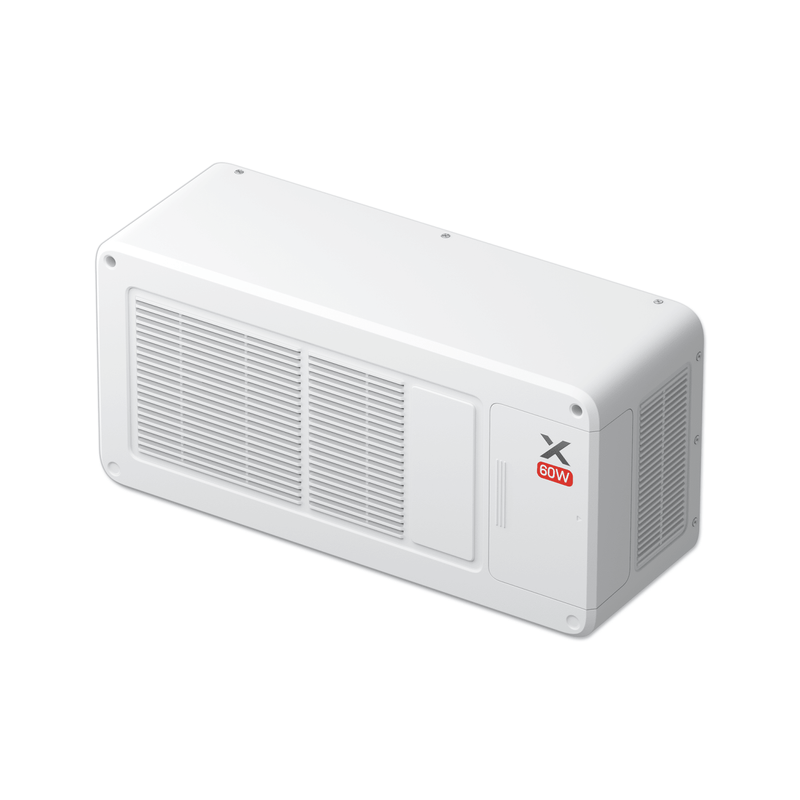







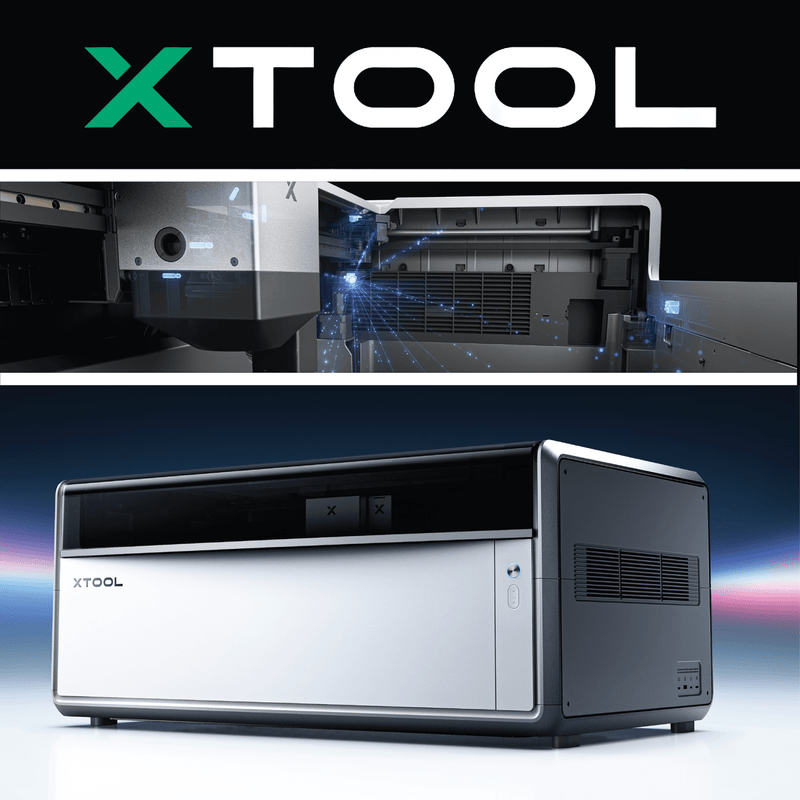

xTool X1 60W MOPA Galvo Source Laser Expansion Kit
$2,879.00$3,199.00
$2,879.00
xTool X1 60W MOPA Galvo Source Laser Expansion Kit – Color Metal Engraving, Deep Engraving & 3D Embossing
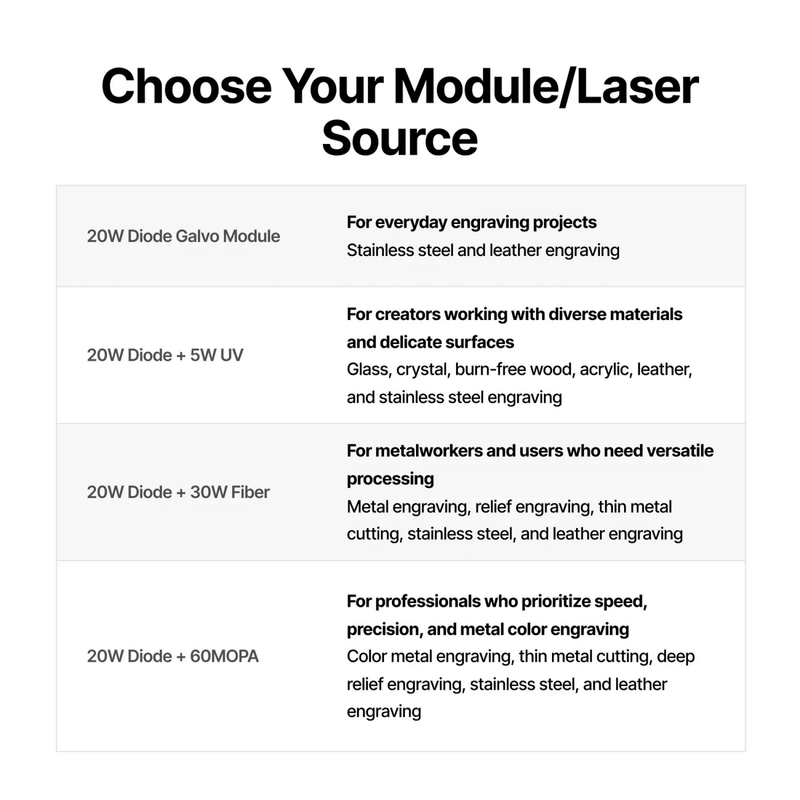
Make your xTool X1 a true metal workstation with the xTool X1 60W MOPA Galvo Source Laser Expansion Kit. This 60W MOPA fiber laser mounts on the back of the X1 through Laser Swap™ and delivers the 1064 nm wavelength metals love, with one big advantage over a standard fiber laser: adjustable pulse width. Controlling each laser pulse gives you fine control over heat and depth. That unlocks color engraving on stainless steel, clean black anodized aluminum marking, deep metal engraving and 3D embossing, all at galvo speeds of up to 6,000 mm/s across a large 610 × 305 mm work area.
Important: The 60W MOPA Galvo Source provides only the laser source. It requires the xTool X1 20W Diode Galvo Module, which steers and focuses the MOPA beam through the X1's flying-galvo optical path. Make sure your X1 has the 20W Diode Galvo Module installed, or add it to your order.
Swing Design is xTool's largest dealer, and we carry the 60W MOPA Galvo Source, the 20W Diode Galvo Module and the full X1 lineup, so you can build the most capable multi-laser X1 for metal.
Key Features
- 60W MOPA fiber laser: The most powerful galvo source for the X1, built for advanced metal work.
- Adjustable pulse width (2–500 ns): Fine-tune how the laser interacts with metal, giving you better control over color, depth and edge quality.
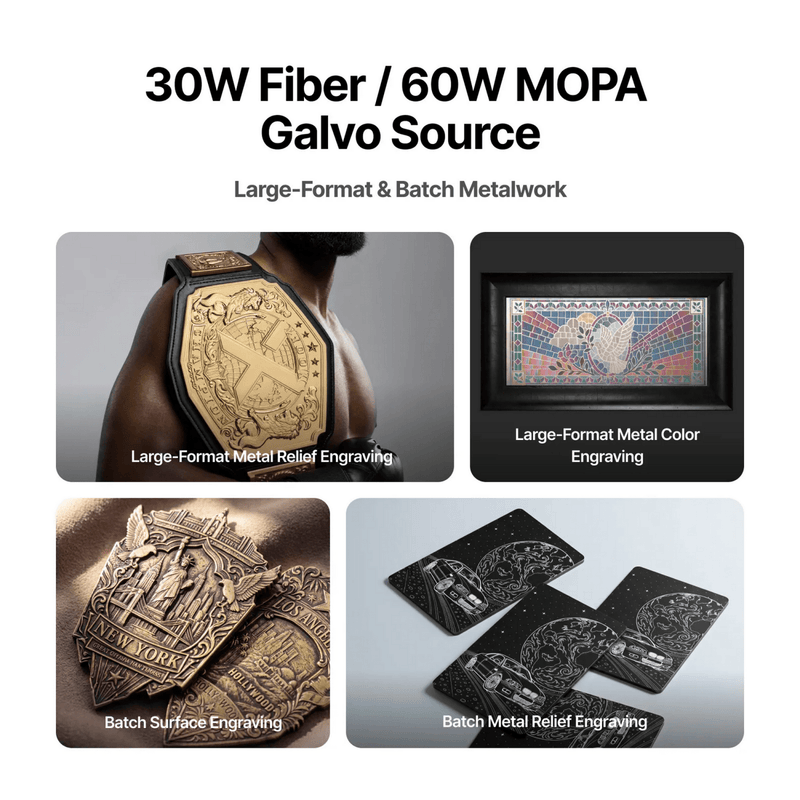
- Color engraving on stainless steel: Control the heat input to form oxide layers that produce colors like blue, gold, purple and green.
- Black anodized aluminum marking: Remove the black anodized layer to reveal crisp silver underneath. It's ideal for phone cases, tablet housings and similar products.
- Deep and detailed metal engraving: Enough power for deep engraving, plus pulse control for relief and detail work.
- Cleaner edges: Shorter pulses reduce heat spread for less heat-related change around the edges.
- 3D metal embossing: The included exhaust assembly lets you emboss across a 395 × 205 mm area.
- Large-format metal processing: Engrave and color-mark across 610 × 305 mm, plenty of room for big pieces or batches.
- Up to 6,000 mm/s galvo speed: Hybrid Motion™ syncs the X1's gantry with high-speed galvo mirrors for fast, precise metal work.
- Laser Swap™ platform: The source mounts on the rear of the X1 and connects with a single cable, so swapping sources is easy.
- Multi-source workflow: Engrave metal with MOPA and cut with the X1's 55W CO2 laser in a single setup.
Specifications
What's Included:
- 60W MOPA Galvo Source
- Power Adapter (24 V, 14.5 A)
- Power Cable
- Narrow-Aperture Lens Guard
- Exhaust Assembly for Embossing
- Thumb Screw
- Optical Window
- Steering Mirror
- Connection Cable
- Screw
- Screwdriver
- Installation Tool for Optical Window
- Calibration Card
- Laser Calibration Tool
- User Manual
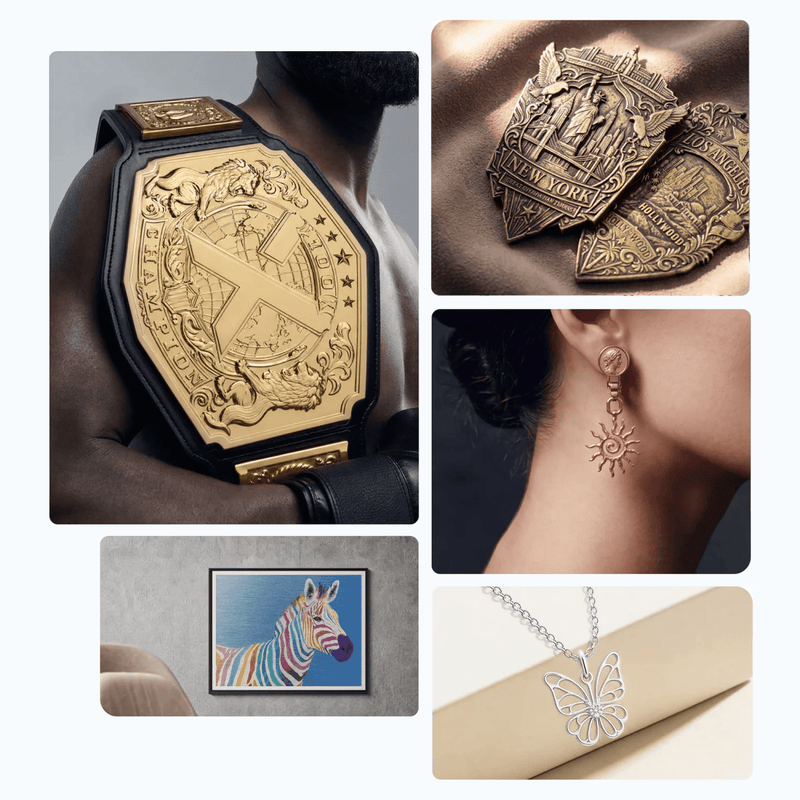
What You Can Make with the 60W MOPA Laser
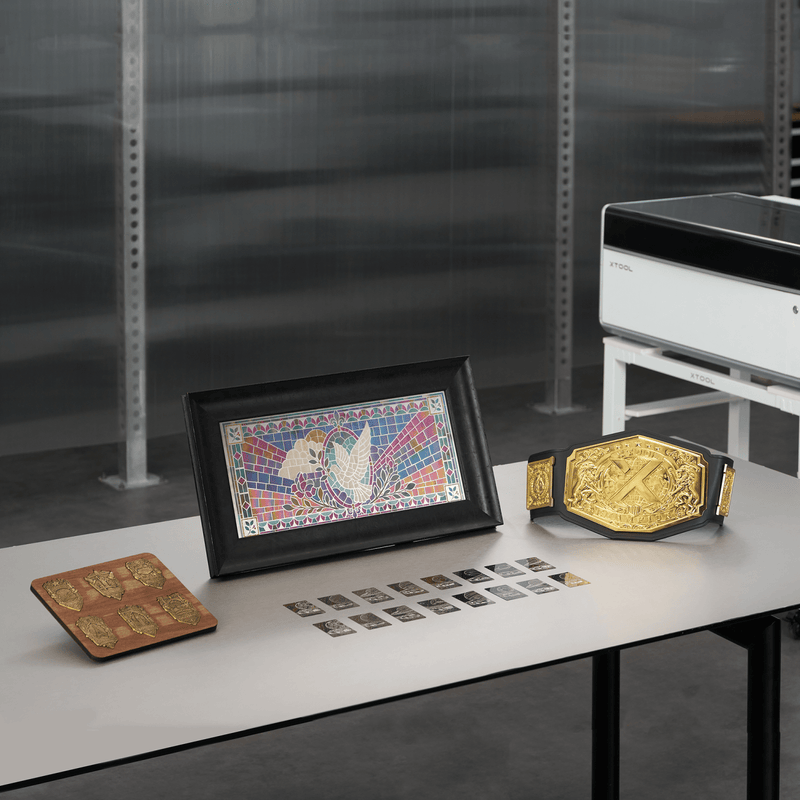
- Color-engraved stainless steel tumblers, flasks and drinkware
- Custom phone cases, tablet housings and electronics
- Colorful metal business cards and nameplates
- Jewelry, pendants, rings and charms
- Deep-engraved knives, tools and firearms accessories
- Embossed and relief metal art
- Anodized aluminum signs, tags and keychains
- Industrial part marking, serial numbers and QR codes
How to Install the 60W MOPA Galvo Source
- Make sure the 20W Diode Galvo Module is installed on your X1.
- Turn off the X1 and remove the rear cover.
- Remove the dustproof sticker from the source's laser output window.
- Line up the locating pins and mount the MOPA source on the rear of the X1.
- Connect the connection and power cables.
- For embossing, install the included exhaust assembly.
- Open xTool Studio, connect the X1 and follow the on-screen optical-path calibration.
- Start creating.
Perfect For
- Custom metal gift and engraving businesses
- Jewelry makers and metal artists
- Tumbler and drinkware shops
- Knife, tool and EDC customizers
- Industrial marking and traceability
- X1 owners who want the most versatile metal laser
Frequently Asked Questions
Do I need the 20W Diode Galvo Module to use the 60W MOPA Galvo Source? Y
es. The MOPA source provides only the laser. It runs through the X1's flying-galvo optical path and the 20W Diode Galvo Module, which is required.
What is a MOPA laser?
MOPA stands for Master Oscillator Power Amplifier. Unlike a standard fiber laser, a MOPA lets you adjust the pulse width, which gives you more control for color engraving, deep engraving and fine detail on metal.
Can the 60W MOPA engrave colors on stainless steel?
Yes. By controlling heat input, it forms oxide layers that produce colors like blue, gold, purple and green.
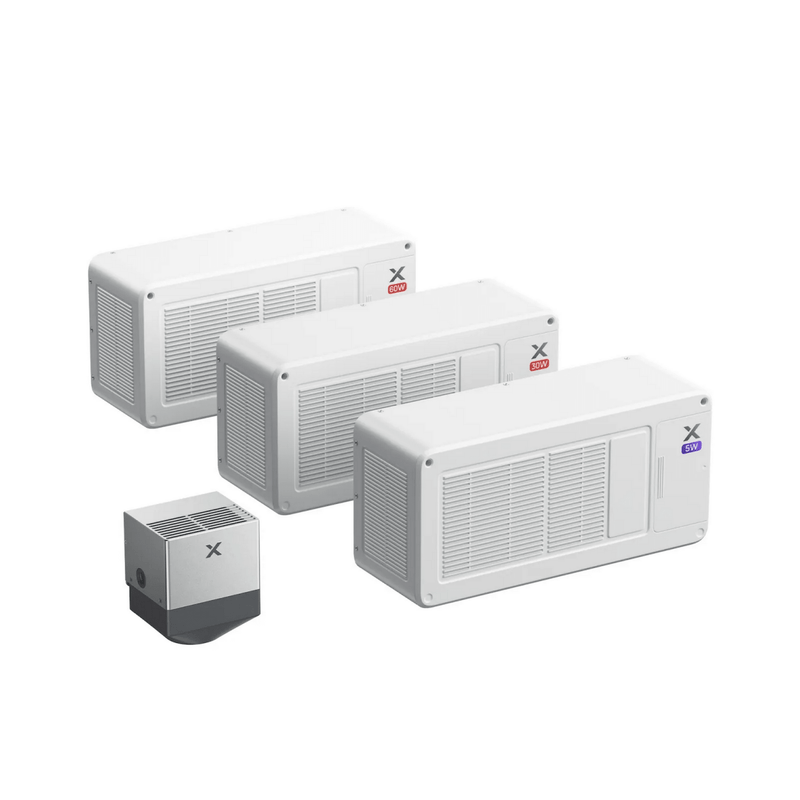
What's the difference between the 60W MOPA and the 30W Fiber?
Both use a 1064 nm wavelength. The 30W Fiber is a metal marking specialist. The 60W MOPA adds adjustable pulse width and more power for color engraving, black anodized aluminum marking, deep engraving and embossing.
Can the MOPA laser do 3D embossing?
Yes. With the included exhaust assembly, you can emboss metal across a 395 × 205 mm area.
Can it engrave wood, acrylic or other non-metals?
No. The MOPA laser isn't meant for non-metal materials. Use the X1's 55W CO2 laser or the 20W diode for wood, acrylic and leather.
Can I have more than one galvo source installed at once?
The X1 connects one external galvo source at a time, either MOPA, fiber or UV, through Laser Swap™.
Does the 60W MOPA Galvo Source work with other xTool machines?
No. It's designed only for the xTool X1.
Why buy the 60W MOPA Galvo Source from Swing Design?
Swing Design is xTool's largest dealer. We offer genuine xTool products, every X1 module and galvo source, and expert support to help you set up and grow your X1.
Unlock the Full Power of Metal on Your X1
The xTool X1 60W MOPA Galvo Source gives your X1 the most advanced metal capabilities in the lineup: color engraving, deep engraving, black anodized marking and 3D embossing, all in one machine. Order the xTool X1 60W MOPA Galvo Source Laser Expansion Kit from Swing Design, xTool's largest dealer, today.